







Question: Click on the Process Costing tab and enter your name in Cell C 1 . If Cell C 1 is left blank, you will not
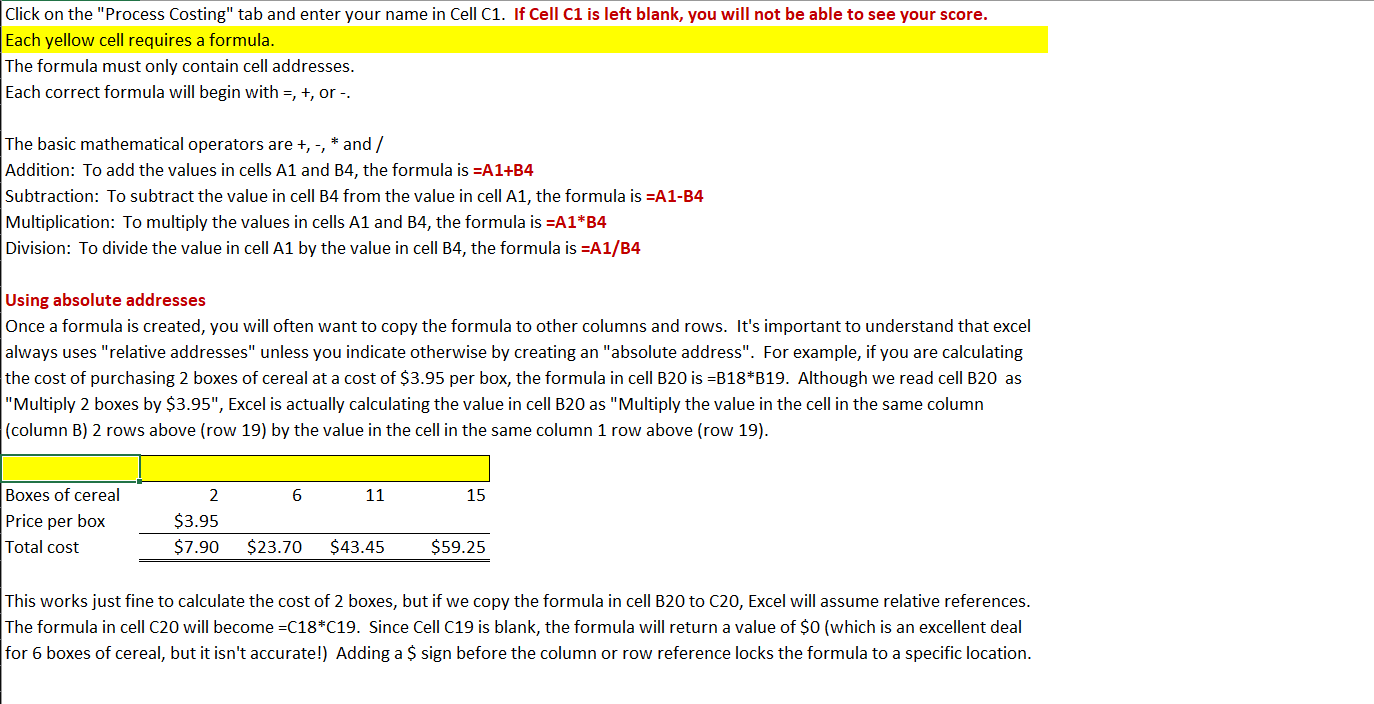
Click on the "Process Costing" tab and enter your name in Cell C If Cell C is left blank, you will not be able to see your score. Each yellow cell requires a formula. The formula must only contain cell addresses. Each correct formula will begin with or The basic mathematical operators are, and Addition: To add the values in cells A and B the formula is AB Subtraction: To subtract the value in cell B from the value in cell A the formula is AB Multiplication: To multiply the values in cells A and B the formula is AB Division: To divide the value in cell A by the value in cell B the formula is AB Using absolute addresses Once a formula is created, you will often want to copy the formula to other columns and rows. It's important to understand that excel always uses "relative addresses" unless you indicate otherwise by creating an "absolute address". For example, if you are calculating the cost of purchasing boxes of cereal at a cost of $ per box, the formula in cell B is BB Although we read cell B as "Multiply boxes by $ prime prime Excel is actually calculating the value in cell B as "Multiply the value in the cell in the same column column B rows above row by the value in the cell in the same column row above row This works just fine to calculate the cost of boxes, but if we copy the formula in cell B to C Excel will assume relative references. The formula in cell C will become C C Since Cell C is blank, the formula will return a value of $ which is an excellent deal for boxes of cereal, but it isn't accurate! Adding a $ sign before the column or row reference locks the formula to a specific location. Sophie Sanders Company uses the weighted average method of process costing. It had units in beginning inventory, which were complete as to materials and complete as to conversion. During the month, it started units. At the end of the month, units were in inventory, which were complete as to materials and complete as to conversion. Cost information is as follows:
Equivalent Units of Production Cost per equivalent unit of production
Assign and reconcile costs
Cost of units completed and transferred out
Direct materials
Conversion
Total cost of units completed this period
Cost of units in ending inventory
Direct materials
Conversion
Total costs accounted for
Step by Step Solution
There are 3 Steps involved in it
1 Expert Approved Answer
Step: 1 Unlock

Question Has Been Solved by an Expert!
Get step-by-step solutions from verified subject matter experts
Step: 2 Unlock
Step: 3 Unlock
 Study Help