







Question: Code has to be in Python In this lab, students will build a four-function one-run calculator on the command line. The program will first prompt
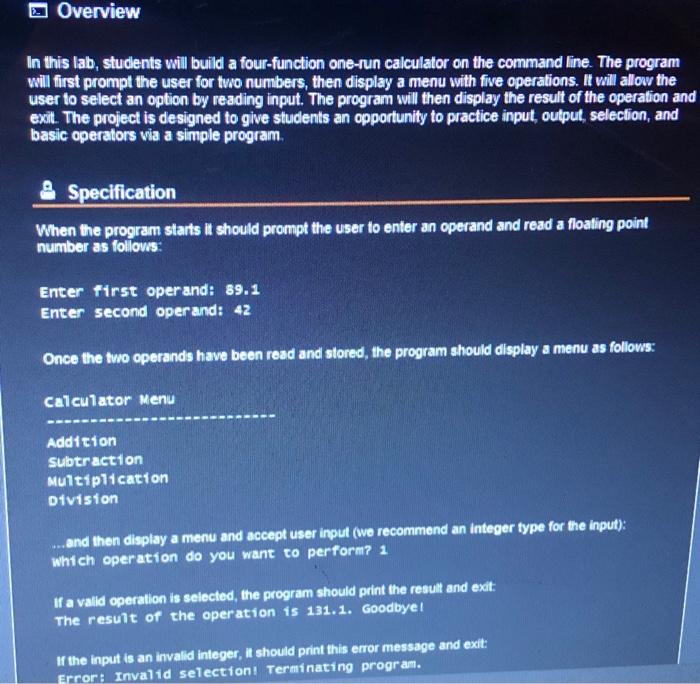
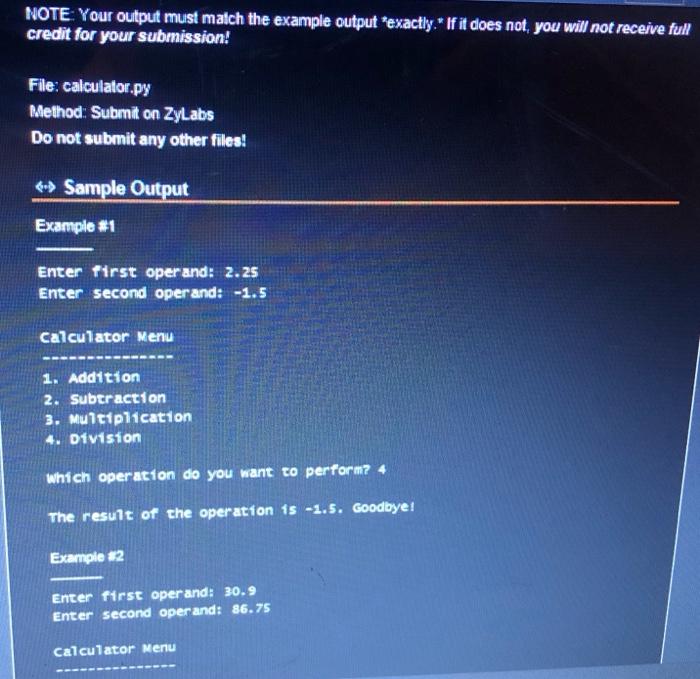
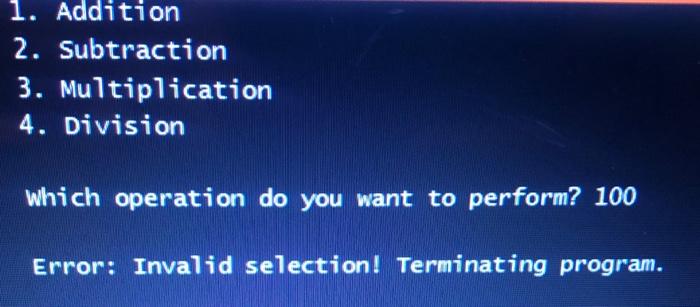
In this lab, students will build a four-function one-run calculator on the command line. The program will first prompt the user for two numbers, then display a menu with five operations. It will allow the user to select an option by reading input. The program will then display the result of the operation and exil. The project is designed to give students an opportunity to practice input, output, selection, and basic operators via a simple program. Specification When the program starts it should prompt the user to enter an operand and read a floating point number as follows: Enter first operand: 89.1 Enter second operand: 42 Once the two operands have been read and stored, the program should display a menu as follows: Calcu1ator Menu Addicion subtraction Mu1t1p11cation Diviston ... and then display a menu and accept user input (we recommend an integer type for the input): which operation do you want to perform? 1 If a valld operation is selected, the program should print the result and exit: The result of the operation is 131.1. Goodbyel If the input is an invalid integer, It should print this enror message and exit: NOTE: Your output must malch the example output "exactly. " If it does not, you will not receive full credit for your submission! File: calculator.py Rethod: Submil on ZyLabs Do not submit any other filest \& Sample Output Example Enter first operand: 2.25 Enter second operand: 1.5 Calculator Menu 1. Addition 2. Suberaction 3. Mulc1p11cation 4. Division Which operation do you want to perform? 4 The result of the operation is 1.5. coodbye1 Example 22 Enter first operand: 30.9 Enter second oper and: 86.75 Calculator Menu 1. Addition 2. Subtraction 3. Mu7tiplication 4. Division Which operation do you want to perform? 100 Error: Invalid selection! Terminating program
Step by Step Solution
There are 3 Steps involved in it

Get step-by-step solutions from verified subject matter experts
 Study Help