







Question: Code in c++: Purpose Due to the time saved by using your Windows interface for inventory, the store has had record profits! As a result,
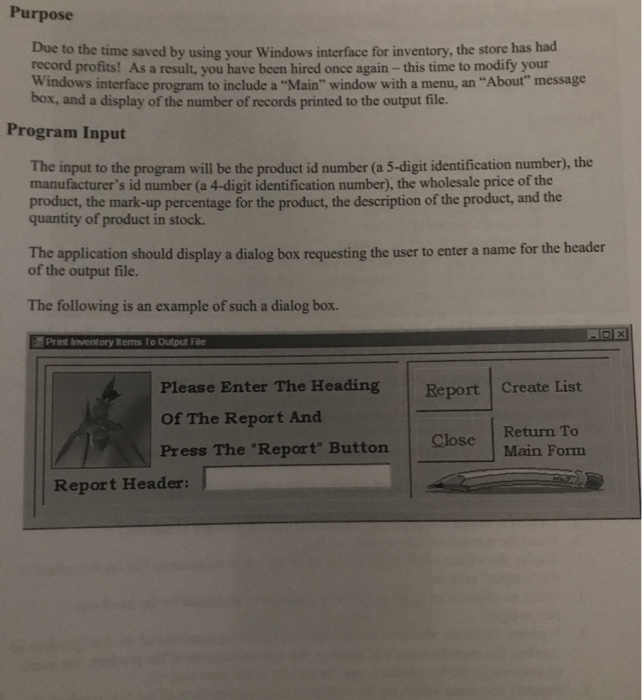
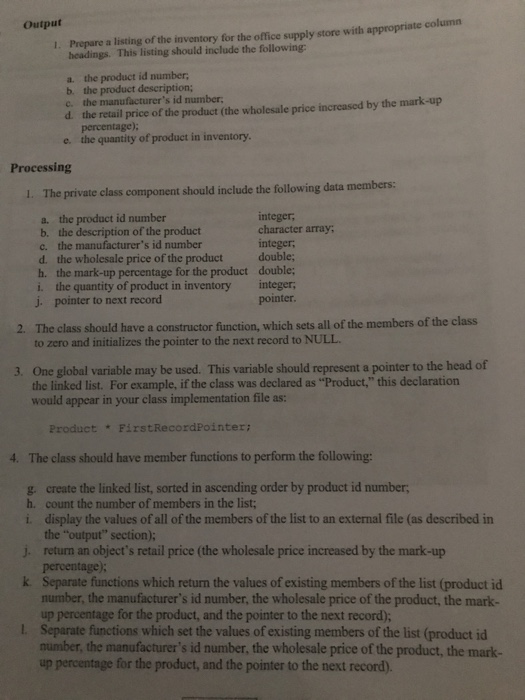
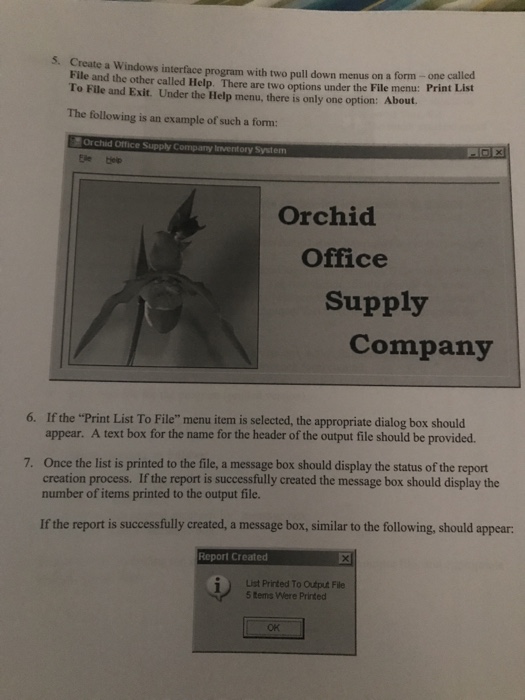
Purpose Due to the time saved by using your Windows interface for inventory, the store has had record profits! As a result, you have been hired once again-this time to modify your Windows interface program to include a "Main" window with a menu, an "About" message box, and a display of the number of records printed to the output file. Program Input The input to the program will be the product id number (a 5-digit identification number), the manufacturer's id number (a 4-digit identification number), the wholesale price of the product, the mark-up percentage for the product, the description of the product, and the quantity of product in stock. The application should display a dialog box requesting the user to enter a name for the header of the output file. The following is an example of such a dialog box. Print Inventory Rems To Output File Please Enter The Heading Report Create List Of The Report And Press The "Report Buttorn Return To Close Main Form Report Header: Purpose Due to the time saved by using your Windows interface for inventory, the store has had record profits! As a result, you have been hired once again-this time to modify your Windows interface program to include a "Main" window with a menu, an "About" message box, and a display of the number of records printed to the output file. Program Input The input to the program will be the product id number (a 5-digit identification number), the manufacturer's id number (a 4-digit identification number), the wholesale price of the product, the mark-up percentage for the product, the description of the product, and the quantity of product in stock. The application should display a dialog box requesting the user to enter a name for the header of the output file. The following is an example of such a dialog box. Print Inventory Rems To Output File Please Enter The Heading Report Create List Of The Report And Press The "Report Buttorn Return To Close Main Form Report Header
Step by Step Solution
There are 3 Steps involved in it

Get step-by-step solutions from verified subject matter experts
 Study Help