







Question: Code the program in C++. This program is an information storing application which retains the input data which can then be altered, adjusted, deleted and
Code the program in C++. This program is an information storing application which retains the input data which can then be altered, adjusted, deleted and saved. The data will be displayed on a menu which will present four distinctive information holding containers; First name, Last name, phone number, address. Between these containers of information, users will be able to pull up specific data. An additional option includes an exit button, which the member can safely make the necessary changes to the information without loss of any recent updates. The information pulled can be displayed alphabetically A-Z and Z-A as goes for numerical values 1-9 and 9-1.
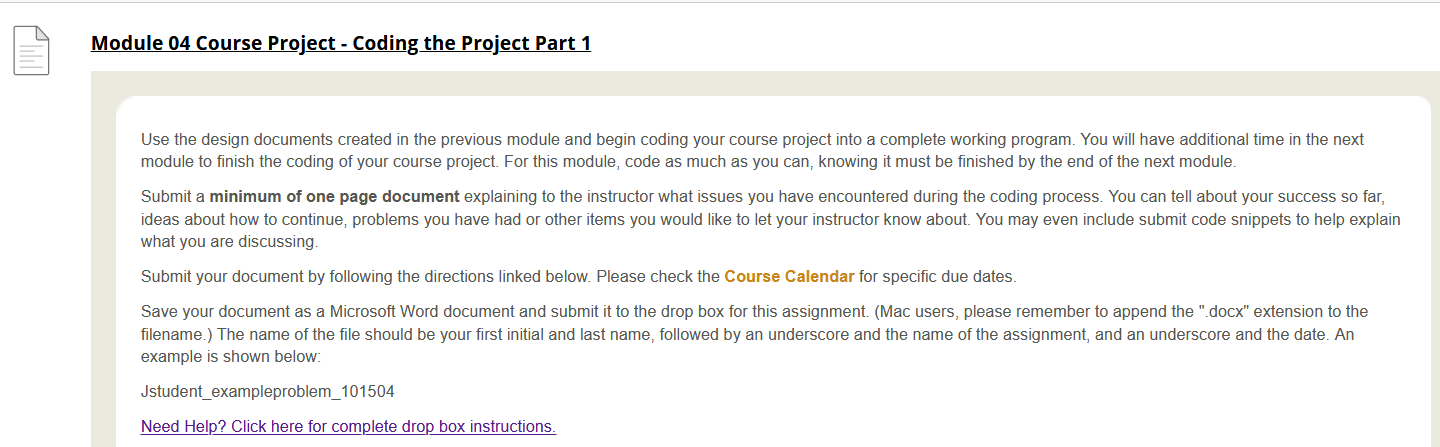
Module 04 Course Project - Coding the Project Part 1 Use the design documents created in the previous module and begin coding your course project into a complete working program. You will have additional time in the next module to finish the coding of your course project. For this module, code as much as you can, knowing it must be finished by the end of the next module. Submit a minimum of one page document explaining to the instructor what issues you have encountered during the coding process. You can tell about your success so far, ideas about how to continue, problems you have had or other items you would like to let your instructor know about. You may even include submit code snippets to help explain what you are discussing. Submit your document by following the directions linked below. Please check the Course Calendar for specific due dates. Save your document as a Microsoft Word document and submit it to the drop box for this assignment. (Mac users, please remember to append the ".docx" extension to the filename.) The name of the file should be your first initial and last name, followed by an underscore and the name of the assignment, and an underscore and the date. An example is shown below: Jstudent_exampleproblem_101504 Need Help? Click here for complete drop box instructions. Module 04 Course Project - Coding the Project Part 1 Use the design documents created in the previous module and begin coding your course project into a complete working program. You will have additional time in the next module to finish the coding of your course project. For this module, code as much as you can, knowing it must be finished by the end of the next module. Submit a minimum of one page document explaining to the instructor what issues you have encountered during the coding process. You can tell about your success so far, ideas about how to continue, problems you have had or other items you would like to let your instructor know about. You may even include submit code snippets to help explain what you are discussing. Submit your document by following the directions linked below. Please check the Course Calendar for specific due dates. Save your document as a Microsoft Word document and submit it to the drop box for this assignment. (Mac users, please remember to append the ".docx" extension to the filename.) The name of the file should be your first initial and last name, followed by an underscore and the name of the assignment, and an underscore and the date. An example is shown below: Jstudent_exampleproblem_101504 Need Help? Click here for complete drop box instructions
Step by Step Solution
There are 3 Steps involved in it

Get step-by-step solutions from verified subject matter experts
 Study Help