







Question: code4-2.html Code4-2 Dawn by Ella Wheeler Wilcox Day's sweetest moments are at dawn; Refreshed by his long sleep, the Light Kisses the languid lips of
code4-2.html
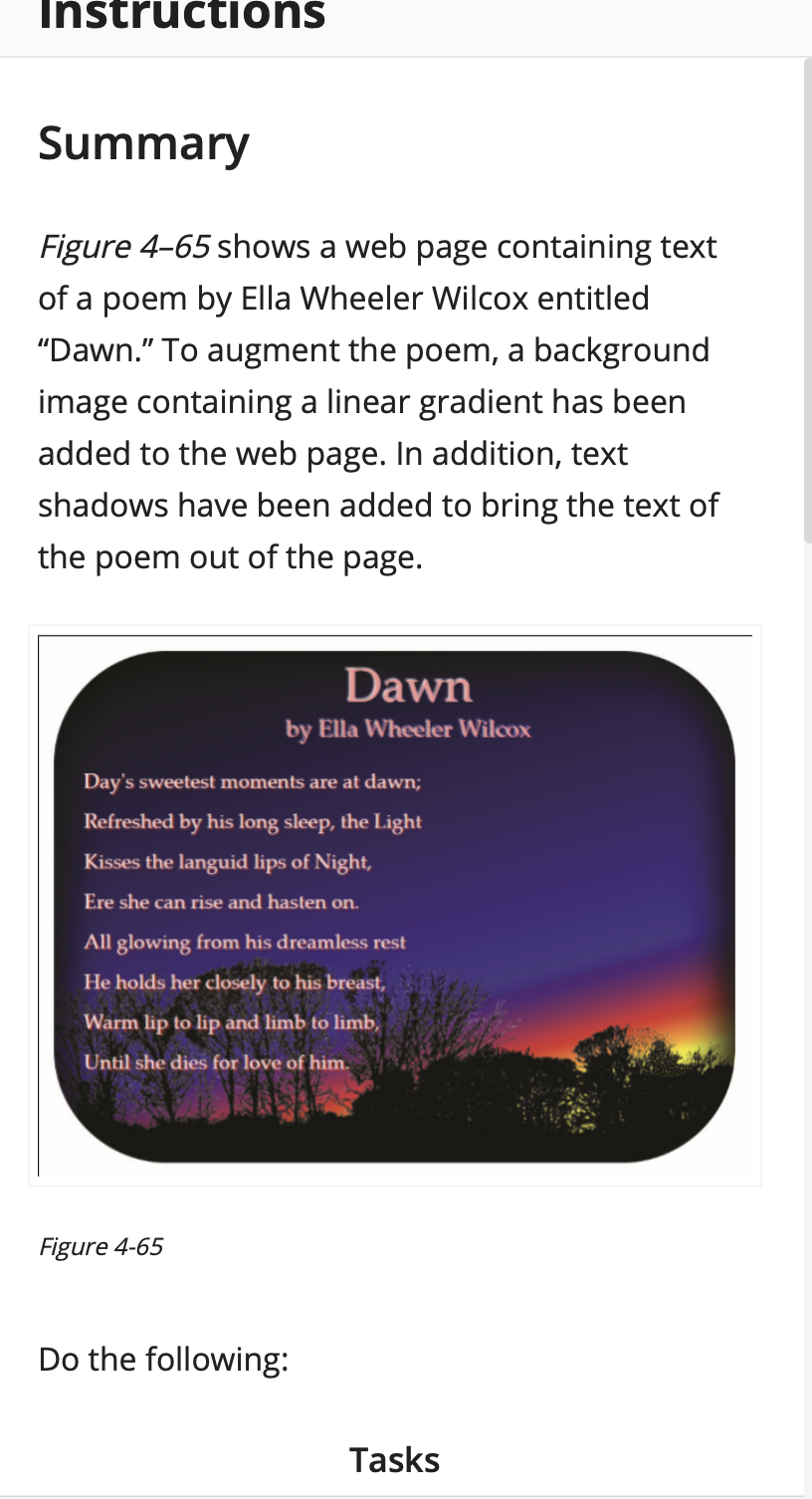
Dawn
by Ella Wheeler Wilcox
Day's sweetest moments are at dawn;
Refreshed by his long sleep, the Light
Kisses the languid lips of Night,
Ere she can rise and hasten on.
All glowing from his dreamless rest
He holds her closely to his breast,
Warm lip to lip and limb to limb,
Until she dies for love of him.
code4-2.css
@charset "utf-8";
/*
New Perspectives on HTML5 and CSS3, 8th Edition
Tutorial 4
Coding Challenge 2
Author:
Date:
Filename: code4-2.css
*/
body {
width: 900px;
margin: 20px auto;
font-family: Baskerville, "Palatino Linotype", Palatino, "Century Schoolbook L", "Times New Roman", "serif";
font-size: 1.4em;
padding-bottom: 30px;
}
article {
padding-left: 40px;
padding-bottom: 80px;
box-shadow: 0px 0px 50px 20px #000 inset;
border-radius: 150px;
background-image:: url("landscape.png");
background-position: bottom right;
background-image: linear-gradient(165deg, black 0%, rgb(211, 0, 55) 75%, orange 80%, yellow 82%);
}
h1, h2 {
font-weight: normal;
}
h1 {
color: rgb(255, 155, 155);
font-size: 2.8em;
text-align: center;
line-height: 1.4em;
margin-bottom: 0px;
}
h2 {
color: rgb(255, 155, 155);
font-size: 1.4em;
text-align: center;
line-height: 1em;
margin-top: 0px;
}
p {
font-size: 1.2em;
line-height: 2em;
color: rgb(255, 225, 225);
}
code4-2_grad.css
@charset "utf-8";
/*
New Perspectives on HTML5 and CSS3, 8th Edition
Tutorial 4
Coding Challenge 2
Author:
Date:
Filename: code4-2_grad.css
*/
article {
box-shadow: 0px 0px 50px 20px #000 inset;
}
h1, h2 {
text-shadow: -2px -2px 3px #FFF ;
}
p{
text-shadow: 2px 2px 3px #FF0000;
}
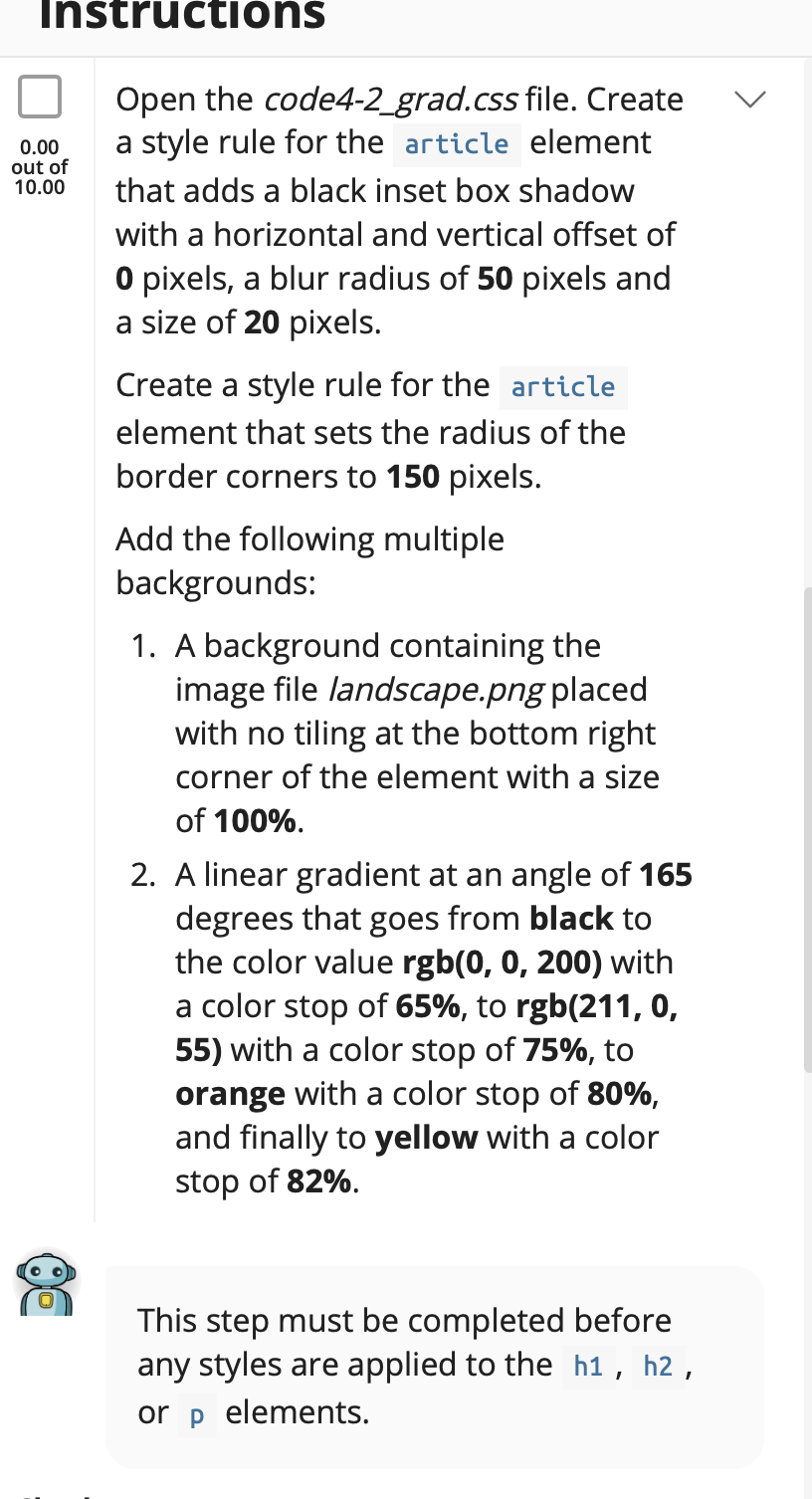
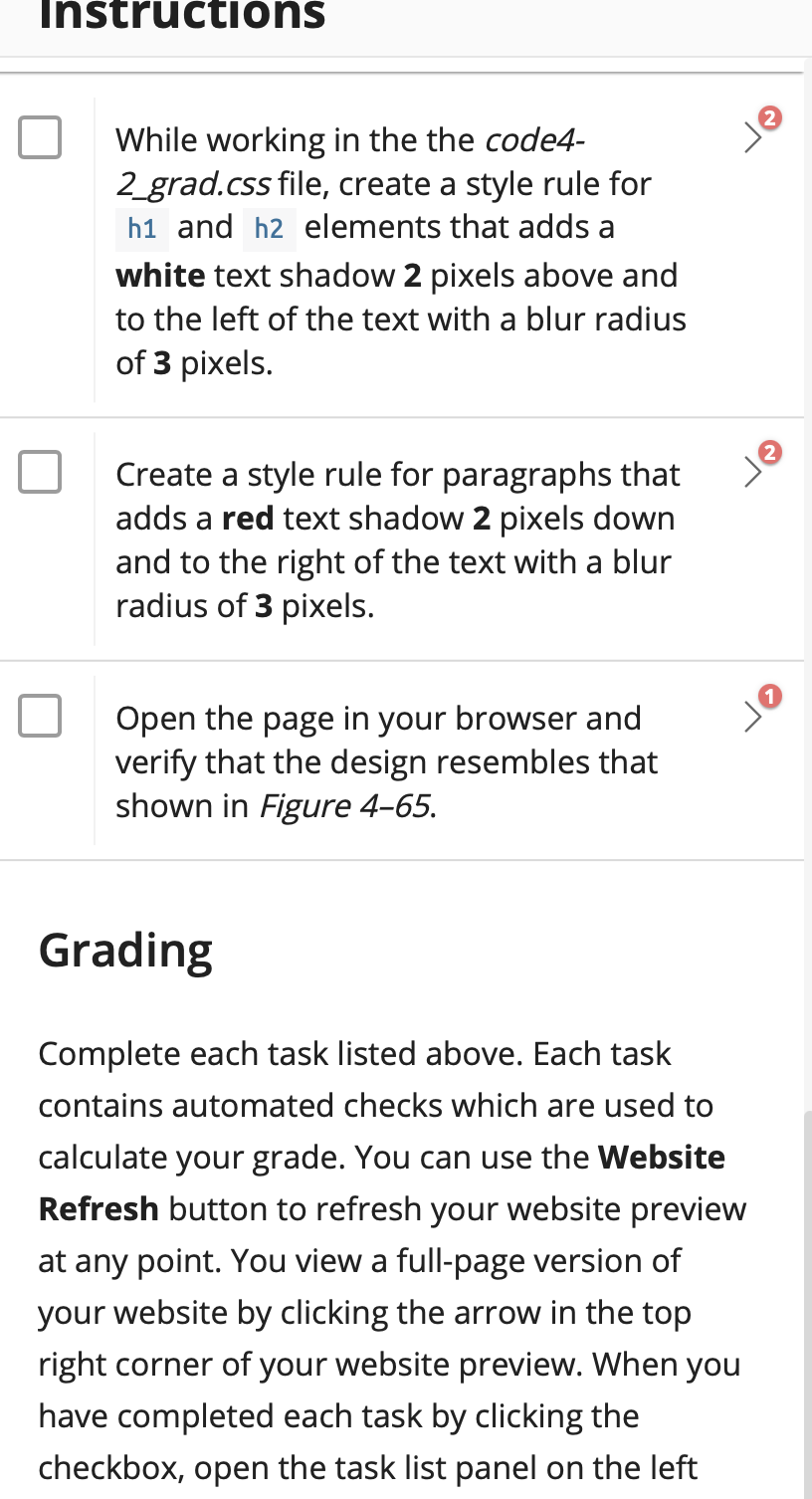
Instructions Summary Figure 465 shows a web page containing text of a poem by Ella Wheeler Wilcox entitled Dawn." To augment the poem, a background image containing a linear gradient has been added to the web page. In addition, text shadows have been added to bring the text of the poem out of the page. Dawn by Ella Wheeler Wilcox Day's sweetest moments are at dawn; Refreshed by his long sleep, the Light Kisses the languid lips of Night, Ere she can rise and hasten on. All glowing from his dreamless rest He holds her closely to his breast, Warm lip to lip and limb to limb, Until she dies for love of him. Figure 4-65 Do the following: Tasks Instructions 0.00 out of 10.00 Open the code4-2_grad.css file. Create a style rule for the article element that adds a black inset box shadow with a horizontal and vertical offset of O pixels, a blur radius of 50 pixels and a size of 20 pixels. Create a style rule for the article element that sets the radius of the border corners to 150 pixels. Add the following multiple backgrounds: 1. A background containing the image file landscape.png placed with no tiling at the bottom right corner of the element with a size of 100%. 2. A linear gradient at an angle of 165 degrees that goes from black to the color value rgb(0, 0, 200) with a color stop of 65%, to rgb(211, 0, 55) with a color stop of 75%, to orange with a color stop of 80%, and finally to yellow with a color stop of 82%. This step must be completed before any styles are applied to the h1, h2, or p elements. Instructions je While working in the the code4- 2_grad.css file, create a style rule for h1 and h2 elements that adds a white text shadow 2 pixels above and to the left of the text with a blur radius of 3 pixels. Create a style rule for paragraphs that adds a red text shadow 2 pixels down and to the right of the text with a blur radius of 3 pixels. Open the page in your browser and verify that the design resembles that shown in Figure 465. Grading Complete each task listed above. Each task contains automated checks which are used to calculate your grade. You can use the Website Refresh button to refresh your website preview at any point. You view a full-page version of your website by clicking the arrow in the top right corner of your website preview. When you have completed each task by clicking the checkbox, open the task list panel on the left
Step by Step Solution
There are 3 Steps involved in it

Get step-by-step solutions from verified subject matter experts
 Study Help