







Question: CODING JAVA/HTML API HELP: First I will include the code and screenshot of the running code I have right now: index.html: Random Dog API Click
CODING JAVA/HTML API HELP:
First I will include the code and screenshot of the running code I have right now:
index.html:
#container{ width:50%; height:680px; background-color:#d5f4e6; } #image{ width:100%; height:550px; border:5px solid #fff; box-sizing: border-box; }
#button{ width:200px; height:50px; float:center; margin-left:140px; border:none; outline:none; border-radius: 6px; cursor:pointer; background-color:#fff; color:#000;
}
index.js:
function get_random_dog_image(){
url = "https://dog.ceo/api/breeds/image/random";
fetch(url) .then(function(response){ return response.json(); }) .then(function(data){ display_image(data.message); }) .catch(function(error){ console.log("Error: " + error); });
}
function display_image(image_url){ document.getElementById("image").src = image_url; } Screenshot:
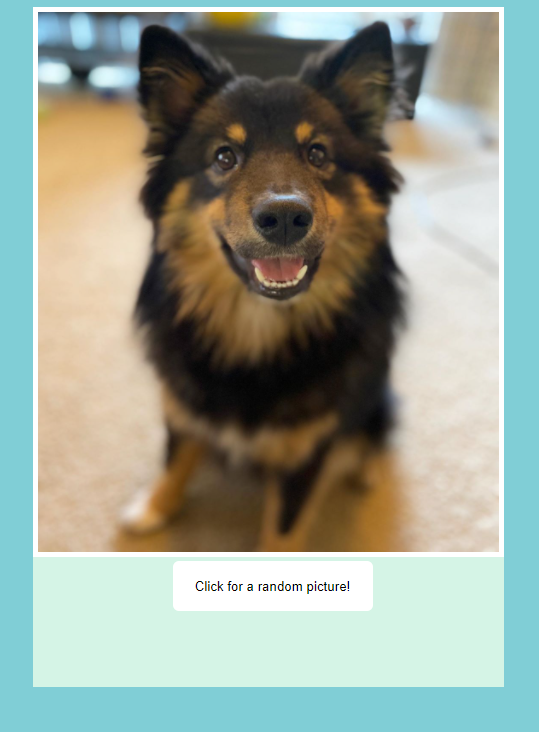
The API I am using is the Dog API and what I wanted to ask is if you could tweak the code so under the button you could include the dog breed. The dog breed would need to match the random picture that is shown and will need to be updated every time the button is clicked. If you could please tweak the code I would really appreciate it thank you!
Click for a random picture
Step by Step Solution
There are 3 Steps involved in it

Get step-by-step solutions from verified subject matter experts
 Study Help