







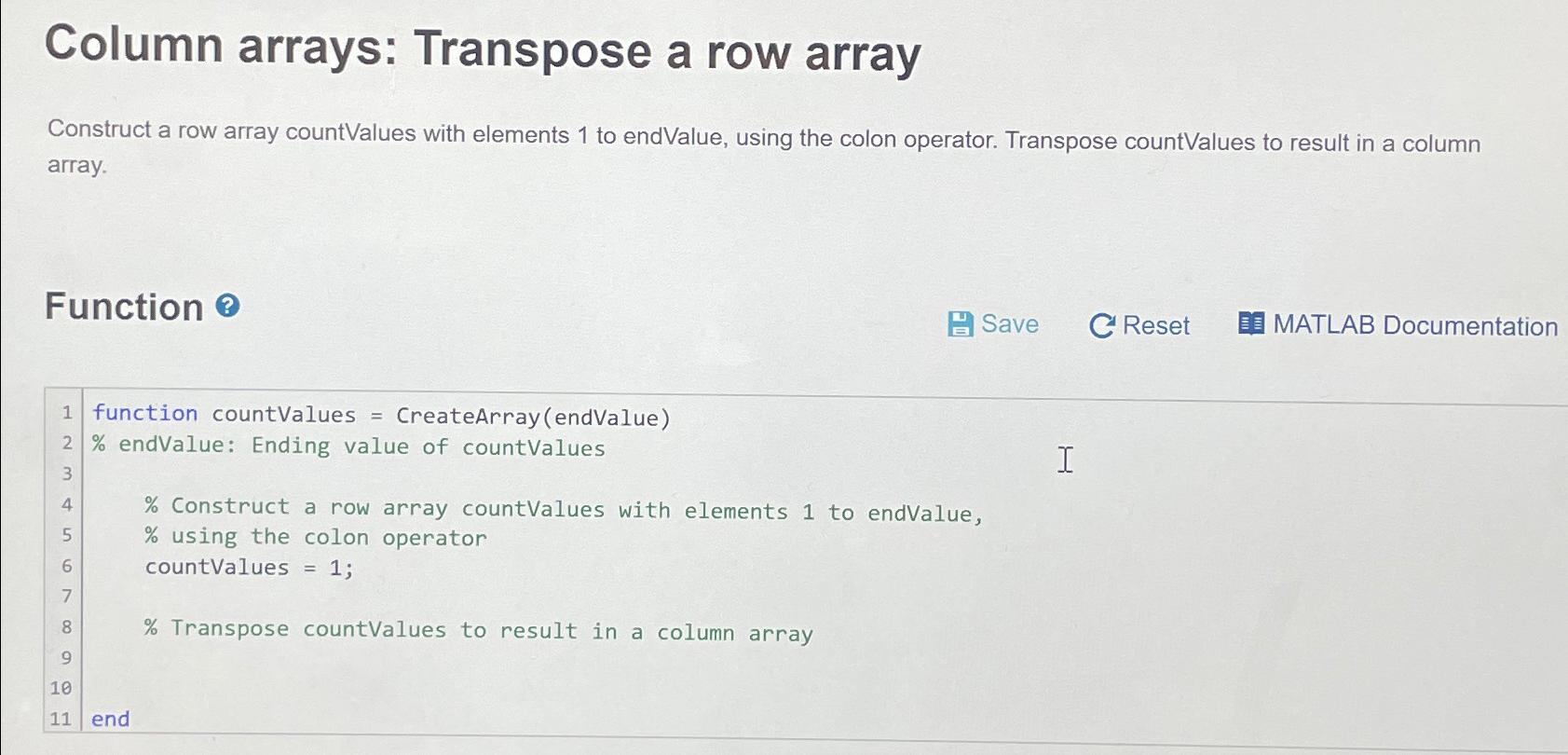
Question: Column arrays: Transpose a row array Construct a row array countValues with elements 1 to endValue, using the colon operator. Transpose countValues to result in
Column arrays: Transpose a row array
Construct a row array countValues with elements to endValue, using the colon operator. Transpose countValues to result in a column array.
Function
Save
C Reset
MATLAB Documentation
function countValues CreateArrayendValue
endValue: Ending value of countValues
Construct a row array countValues with elements to endValue,
using the colon operator
countValues ;
Transpose countValues to result in a column array
end
Step by Step Solution
There are 3 Steps involved in it
1 Expert Approved Answer
Step: 1 Unlock

Question Has Been Solved by an Expert!
Get step-by-step solutions from verified subject matter experts
Step: 2 Unlock
Step: 3 Unlock
 Study Help