







Question: Combination Lock: Design a 4-bit combination lock (see Figure 3) that functions as follows Set the 4 input bits (X = r3r2riro) to the desired
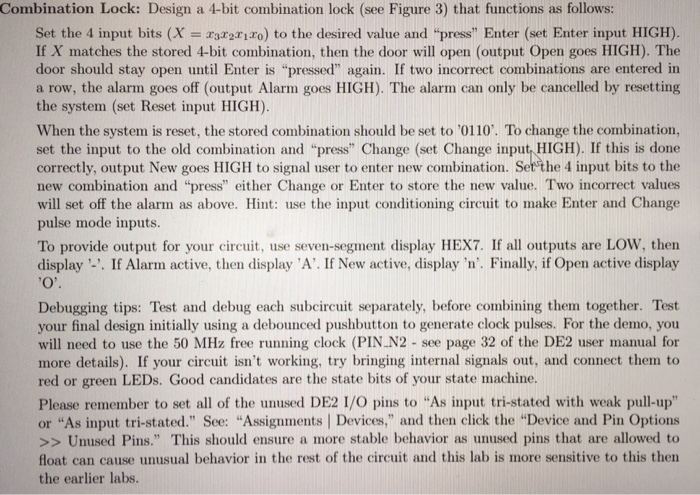
Combination Lock: Design a 4-bit combination lock (see Figure 3) that functions as follows Set the 4 input bits (X = r3r2riro) to the desired value and "press" Enter (set Enter input HIGH) If X matches the stored 4-bit combination, then the door will open (output Open goes HIGH). The door should stay open until Enter is "pressed" again. If two incorrect combinations are entered in a row, the alarm goes off (output Alarm goes HIGH). The alarm can only be cancelled by resetting the system (set Reset input HIGH) When the system is reset, the stored combination should be set to '0110. To change the combination, set the input to the old combination and "press" Change (set Change input, HIGH). If this is don correctly, output New goes HIGH to signal user to enter new combination. Set the 4 input bits to the new combination and "press" either Change or Enter to store the new value. Two incorrect values will set off the alarm as above. Hint: use the input conditioning circuit to make Enter and Change pulse mode inputs. To provide output for your circuit, use seven-segment display HEX7. If all outputs are LOW, then display -. If Alarm active, then display 'A'. If New active, display 'n. Finally, if Open active display Debugging tips: Test and debug each subcircuit separately, before combining them together. Test your final design initially using a debounced pushbutton to generate clock pulses. For the demo, you will need to use the 50 MHz free running clock (PIN N2 - see page 32 of the DE2 user manual for more details). If your circuit isn't working, try bringing internal signals out, and connect them to red or green LEDs. Good candidates are the state bits of your state machine. Please remember to set all of the unused DE2 I/O pins to "As input tri-stated with weak pull-up" or "As input tri-stated." See. "Assignments Devices, and then click the Device and Pin Options Unused Pins." This should ensure a more stable behavior as unused pins that are allowed to float can cause unusual behavior in the rest of the circuit and this lab is more sensitive to this then the earlier labs Combination Lock: Design a 4-bit combination lock (see Figure 3) that functions as follows Set the 4 input bits (X = r3r2riro) to the desired value and "press" Enter (set Enter input HIGH) If X matches the stored 4-bit combination, then the door will open (output Open goes HIGH). The door should stay open until Enter is "pressed" again. If two incorrect combinations are entered in a row, the alarm goes off (output Alarm goes HIGH). The alarm can only be cancelled by resetting the system (set Reset input HIGH) When the system is reset, the stored combination should be set to '0110. To change the combination, set the input to the old combination and "press" Change (set Change input, HIGH). If this is don correctly, output New goes HIGH to signal user to enter new combination. Set the 4 input bits to the new combination and "press" either Change or Enter to store the new value. Two incorrect values will set off the alarm as above. Hint: use the input conditioning circuit to make Enter and Change pulse mode inputs. To provide output for your circuit, use seven-segment display HEX7. If all outputs are LOW, then display -. If Alarm active, then display 'A'. If New active, display 'n. Finally, if Open active display Debugging tips: Test and debug each subcircuit separately, before combining them together. Test your final design initially using a debounced pushbutton to generate clock pulses. For the demo, you will need to use the 50 MHz free running clock (PIN N2 - see page 32 of the DE2 user manual for more details). If your circuit isn't working, try bringing internal signals out, and connect them to red or green LEDs. Good candidates are the state bits of your state machine. Please remember to set all of the unused DE2 I/O pins to "As input tri-stated with weak pull-up" or "As input tri-stated." See. "Assignments Devices, and then click the Device and Pin Options Unused Pins." This should ensure a more stable behavior as unused pins that are allowed to float can cause unusual behavior in the rest of the circuit and this lab is more sensitive to this then the earlier labs
Step by Step Solution
There are 3 Steps involved in it

Get step-by-step solutions from verified subject matter experts
 Study Help