







Question: (comma separated value) file and call it sbuxPrices. csv. This is important because base R does not have functions for importing data from an Excel
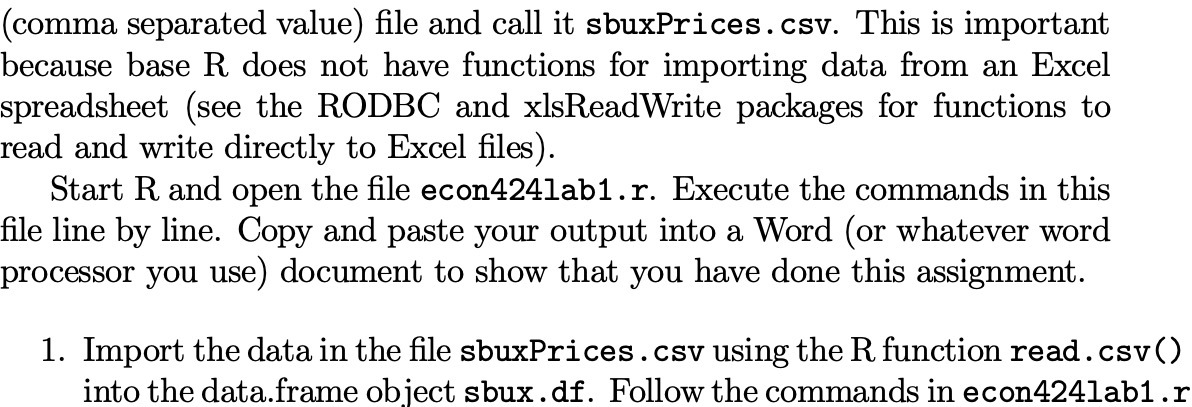
(comma separated value) file and call it sbuxPrices. csv. This is important because base R does not have functions for importing data from an Excel spreadsheet (see the RODBC and xlsReadWrite packages for functions to read and write directly to Excel files). Start R and open the file econ424lab1.r. Execute the commands in this file line by line. Copy and paste your output into a Word (or whatever word processor you use) document to show that you have done this assignment. 1. Import the data in the file sbuxPrices . csv using the R function read . csv() into the data.frame object sbux . df. Follow the commands in econ424lab1 .r
Step by Step Solution
There are 3 Steps involved in it
1 Expert Approved Answer
Step: 1 Unlock

Question Has Been Solved by an Expert!
Get step-by-step solutions from verified subject matter experts
Step: 2 Unlock
Step: 3 Unlock
 Study Help