







Question: Command line tools: Command line tools give you a text based format to view processes running as both system and user processes. Command line tools
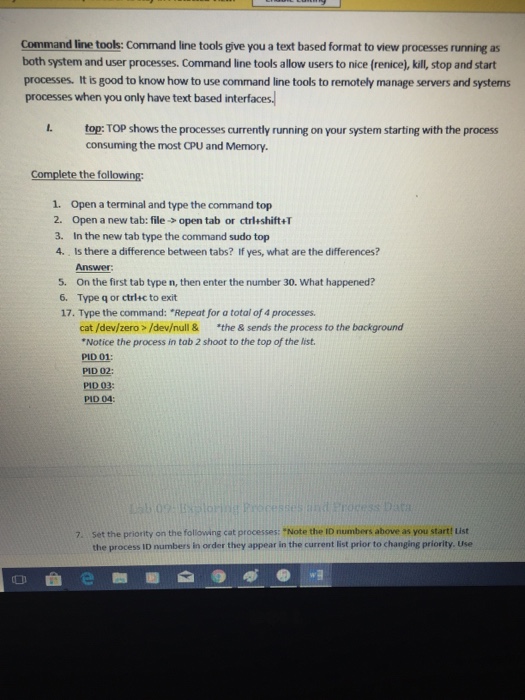
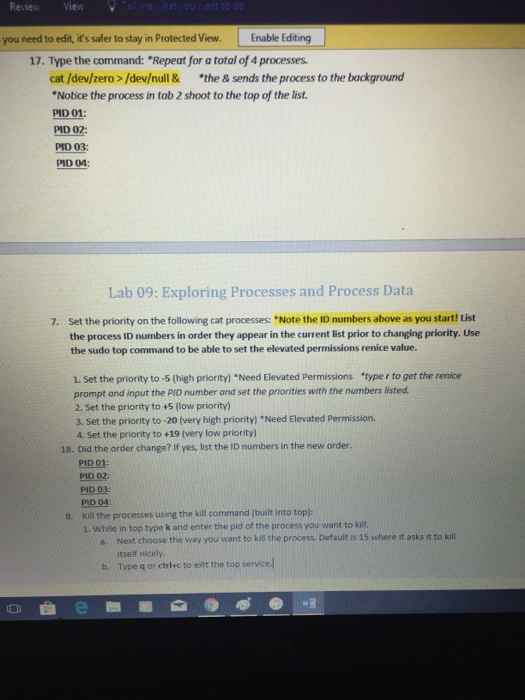
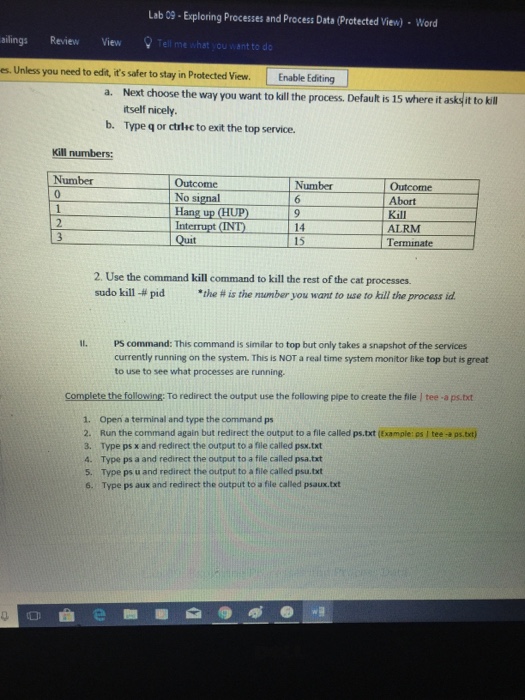
Command line tools: Command line tools give you a text based format to view processes running as both system and user processes. Command line tools allow users to nice (renice), kill, stop and start processes. It is good to know how to use command line tools to remotely manage servers and systems processes when you only have text based interfaces . top: TOP shows the processes currently running on your system starting with the process consuming the most CPU and Memory. Complete the following 1. Open a terminal and type the command top 2. Open a new tab: file->open tab or ctrleshift+T 3. In the new tab type the command sudo top 4. Is there a difference between tabs? If yes, what are the differences? Answer 5. On the first tab type n, then enter the number 30. What happened? 6. Type q or ctrlac to exit 17. Type the command: "Repeat for a total of 4 processes. cat /dev/zero>/devull & the & sends the process to the background Notice the process in tab 2 shoot to the top of the list PID 01 PID 02: PID 03: PID 04: 01 Set the priority on the following cat processes: "Note the ID numbers above as you start! List the process ID numbers in order they appear in the current list prior to changing priority. Use 7
Step by Step Solution
There are 3 Steps involved in it

Get step-by-step solutions from verified subject matter experts
 Study Help