







Question: COMP 233 Files and Exceptions LAB In this lab you will modify your previous lab (PersonProgram) so that it reads its data from a sequential
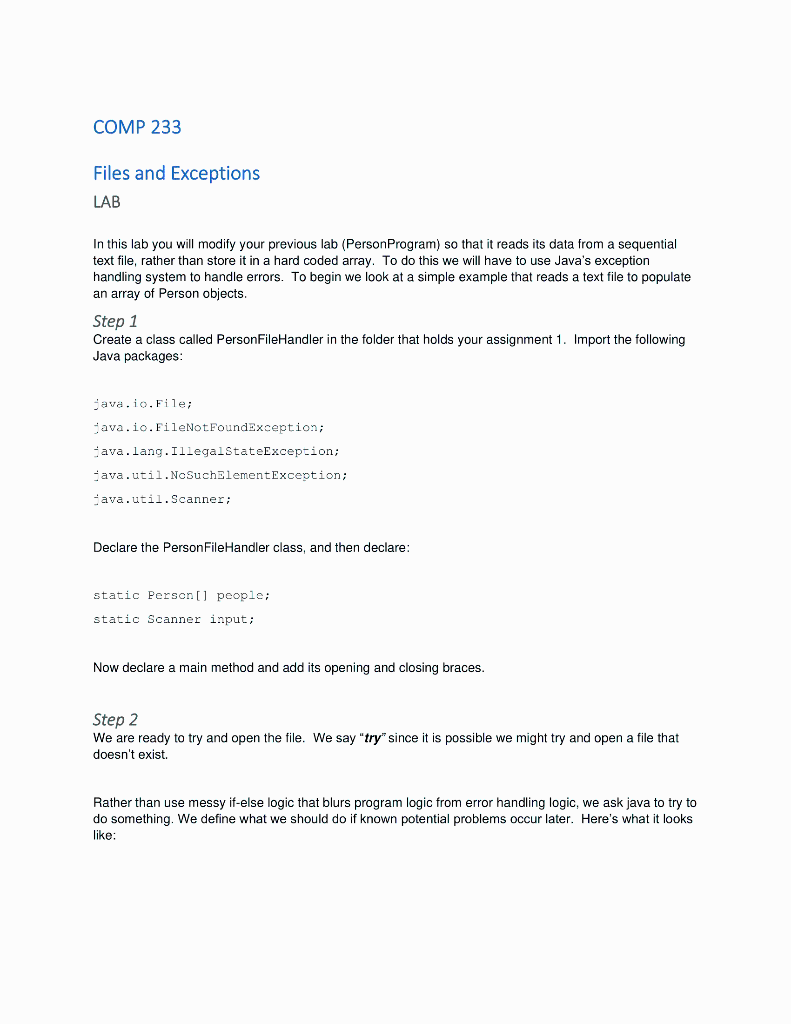
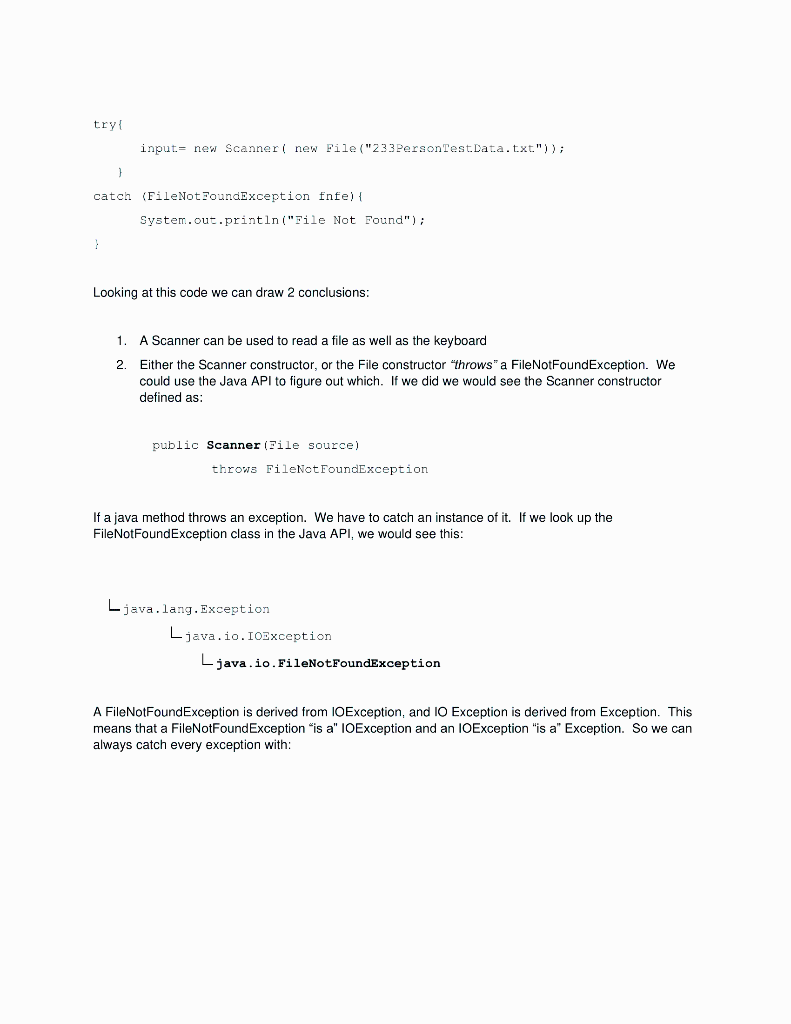
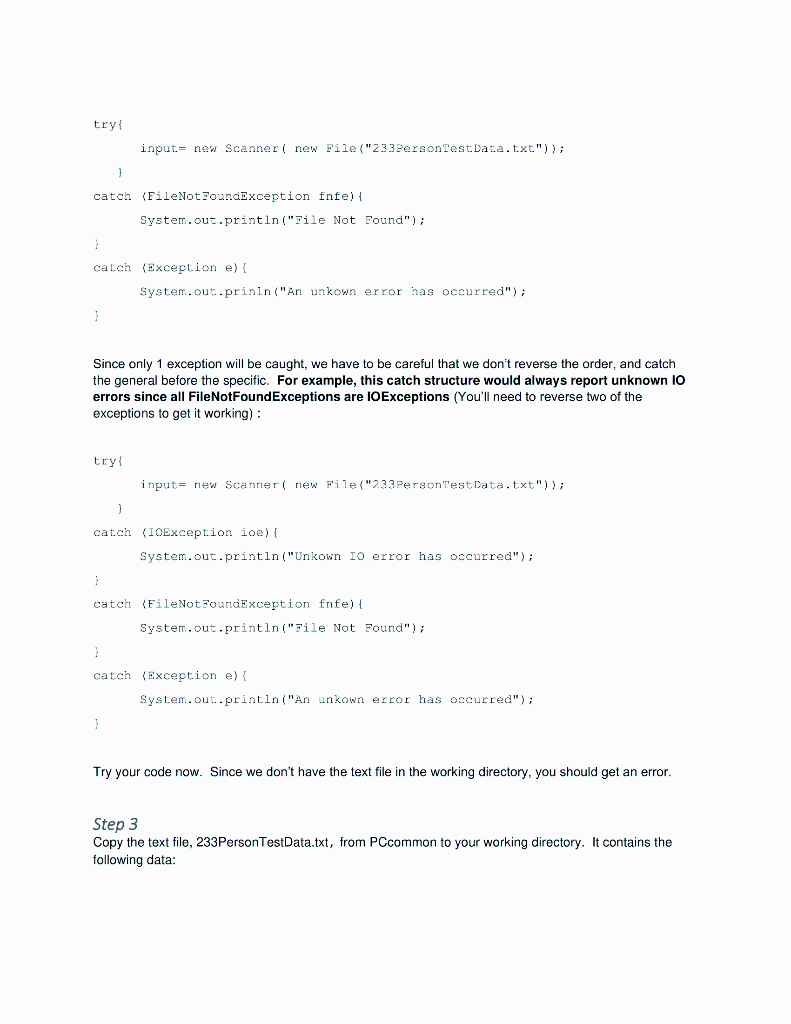
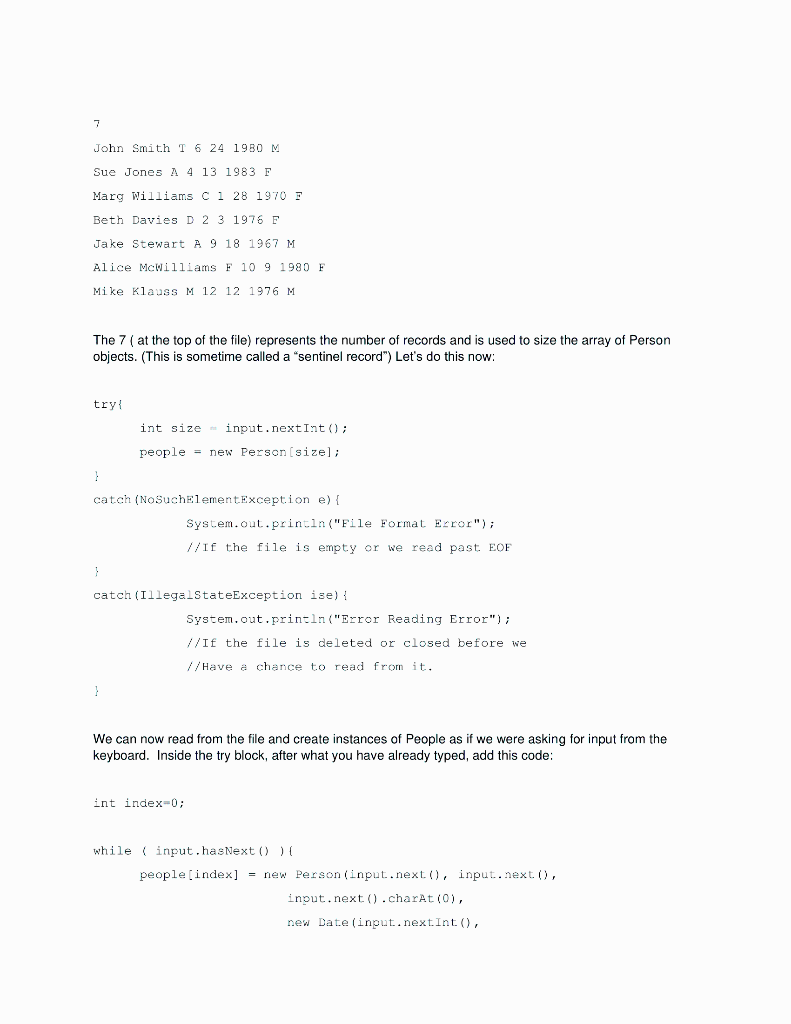
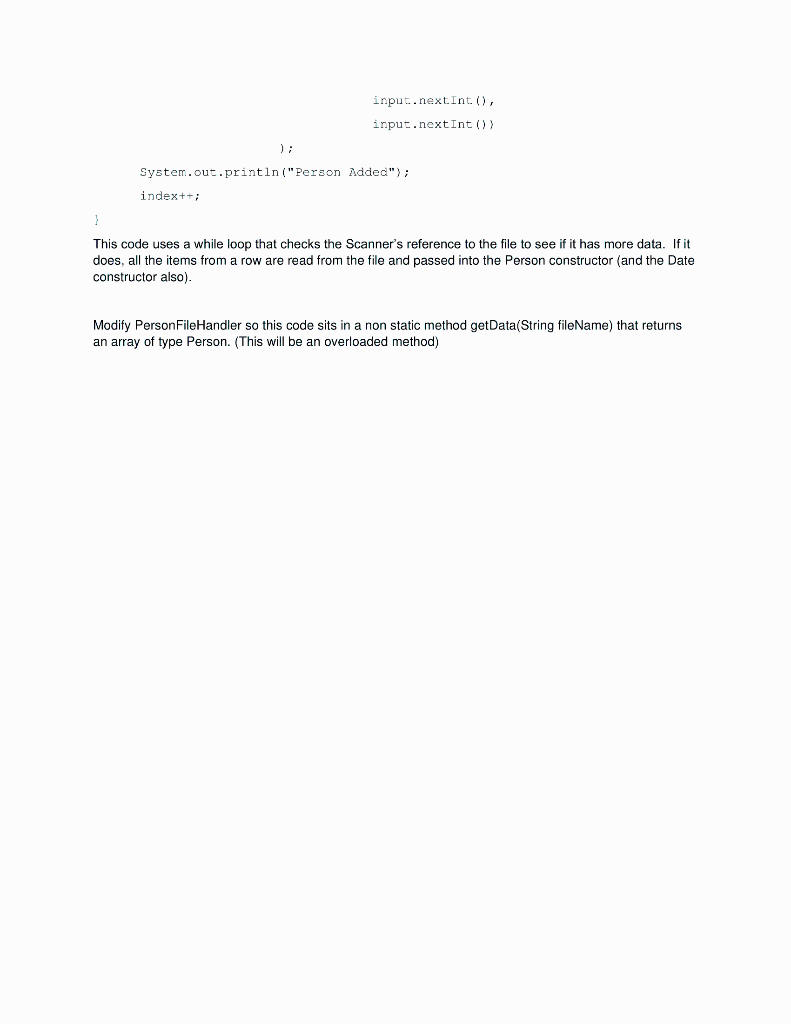
COMP 233 Files and Exceptions LAB In this lab you will modify your previous lab (PersonProgram) so that it reads its data from a sequential text file, rather than store it in a hard coded array. To do this we will have to use Java's exception handling system to handle errors. To begin we look at a simple example that reads a text file to populate an array of Person objects. Step 1 Create a class called PersonFileHandler in the folder that holds your assignment 1. Import the following Java packages: ava. io, File; java.io. FileNotFoundException; -ava. lang. IllegalstateException; ava.util. NoSuchalementexception; ava.util.Scanner; Declare the PersonFileHandler class, and then declare: static Person[] people; static Scanner input; Now declare a main method and add its opening and closing braces. Step 2 We are ready to try and open the file. We say "try" since it is possible we might try and open a file that doesn't exist. Rather than use messy if-else logic that blurs program logic from error handling logic, we ask java to try to do something. We define what we should do if known potential problems occur later. Here's what it looks like: try input= new Scanner( new File("233PersonTest.Data.txt")); \} catch (FileNotzoundexception fnfe) System. out.println("File Not Found"); Looking at this code we can draw 2 conclusions: 1. A Scanner can be used to read a file as well as the keyboard 2. Either the Scanner constructor, or the File constructor "throws" a FileNotFoundException. We could use the Java API to figure out which. If we did we would see the Scanner constructor defined as: public Scanner (zile source) throws FileNotFoundException If a java method throws an exception. We have to catch an instance of it. If we look up the FileNotFoundException class in the Java API, we would see this: L java. lang. Exception Ljava.io.IozxceptionLjava.io.FileNotFoundException A FileNotFoundException is derived from IOException, and IO Exception is derived from Exception. This means that a FileNotFoundException "is a" IOException and an IOException "is a" Exception. So we can always catch every exception with: try\{ input= new Scanner( new File("Z33PersonTestidata.txt")); catch (FileNotzoundException fnfe)\{ System.out.println("File Not Found"); catch (Exception e) \{ System.out.prinln("An unkown error has occurred"); Since only 1 exception will be caught, we have to be careful that we don't reverse the order, and catch the general before the specific. For example, this catch structure would always report unknown IO errors since all FileNotFoundExceptions are IOExceptions (You'll need to reverse two of the exceptions to get it working): Try your code now. Since we don't have the text file in the working directory, you should get an error. Step 3 Copy the text file, 233PersonTestData.txt, from PCcommon to your working directory. It contains the following data: 7 John Smith T 6241980M Sue Jones A A 131983 F Marg Williams C 1281970 Beth Davies D 231976F Jake stewart A 9181967M Alice McWilliams F 1091980 F Mike Klauss M 12121976M The 7 (at the top of the file) represents the number of records and is used to size the array of Person objects. (This is sometime called a "sentinel record") Let's do this now: try{ int size = input.nextint(); people = new Person [size]; catch (NoSuchelementaxception e) System.out.printla("Eile Format Error"); //If the file is empty or we read past EOF catch (IllegalstateException ise) System. out. println("Error Reading Error"); //If the file is deleted or closed before we // have a chance to read from it. We can now read from the file and create instances of People as if we were asking for input from the keyboard. Inside the try block, after what you have already typed, add this code: Int index =0; input.nextInt())input.nextint(), This code uses a while loop that checks the Scanner's reference to the file to see if it has more data. If it does, all the items from a row are read from the file and passed into the Person constructor (and the Date constructor also). Modify PersonFileHandler so this code sits in a non static method getData(String fileName) that returns an array of type Person. (This will be an overloaded method)
Step by Step Solution
There are 3 Steps involved in it

Get step-by-step solutions from verified subject matter experts
 Study Help