







Question: Compiling and Executing a Java Program Summary Programming.java + 1 public class Programming 2 { 3 public static void main(String args[]) 4 { 5 System.out.println(I
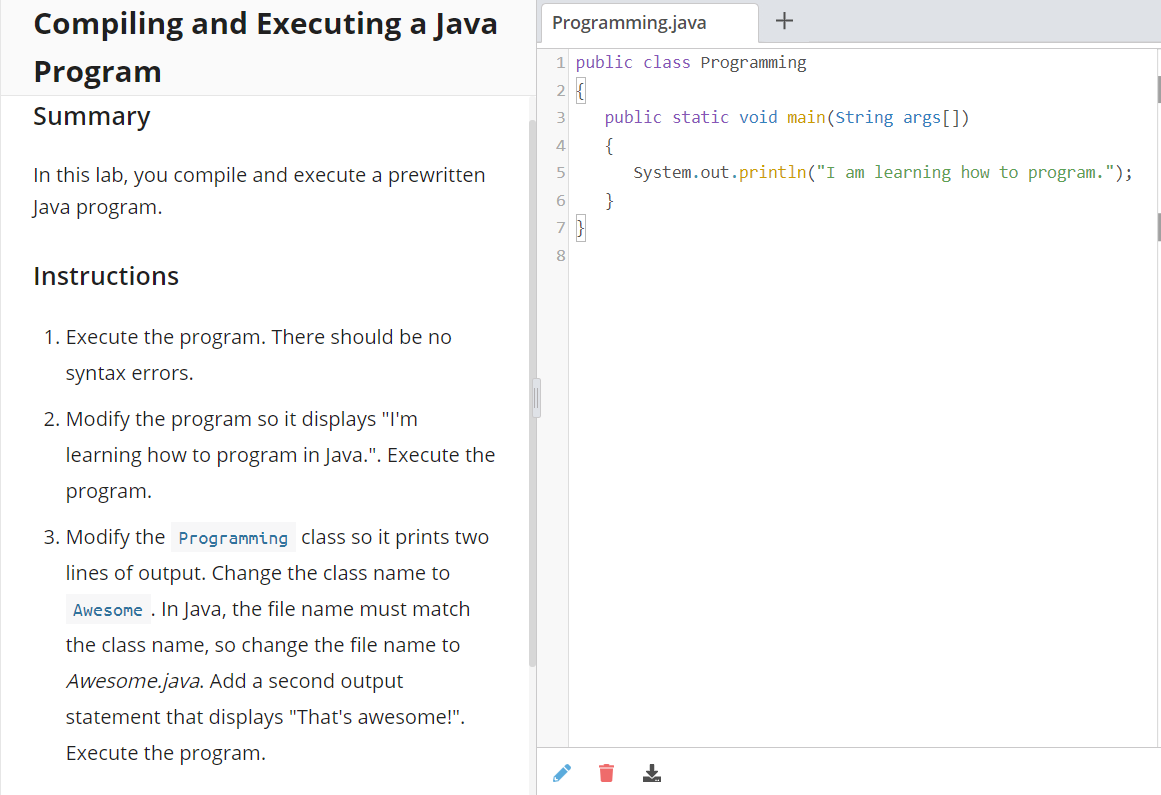
Compiling and Executing a Java Program Summary Programming.java + 1 public class Programming 2 { 3 public static void main(String args[]) 4 { 5 System.out.println("I am learning how to program."); 6 } } In this lab, you compile and execute a prewritten Java program. 7 8 Instructions 1. Execute the program. There should be no syntax errors. 2. Modify the program so it displays "I'm learning how to program in Java.". Execute the program. 3. Modify the Programming class so it prints two lines of output. Change the class name to Awesome . In Java, the file name must match the class name, so change the file name to Awesome.java. Add a second output statement that displays "That's awesome!". Execute the program
Step by Step Solution
There are 3 Steps involved in it

Get step-by-step solutions from verified subject matter experts
 Study Help