







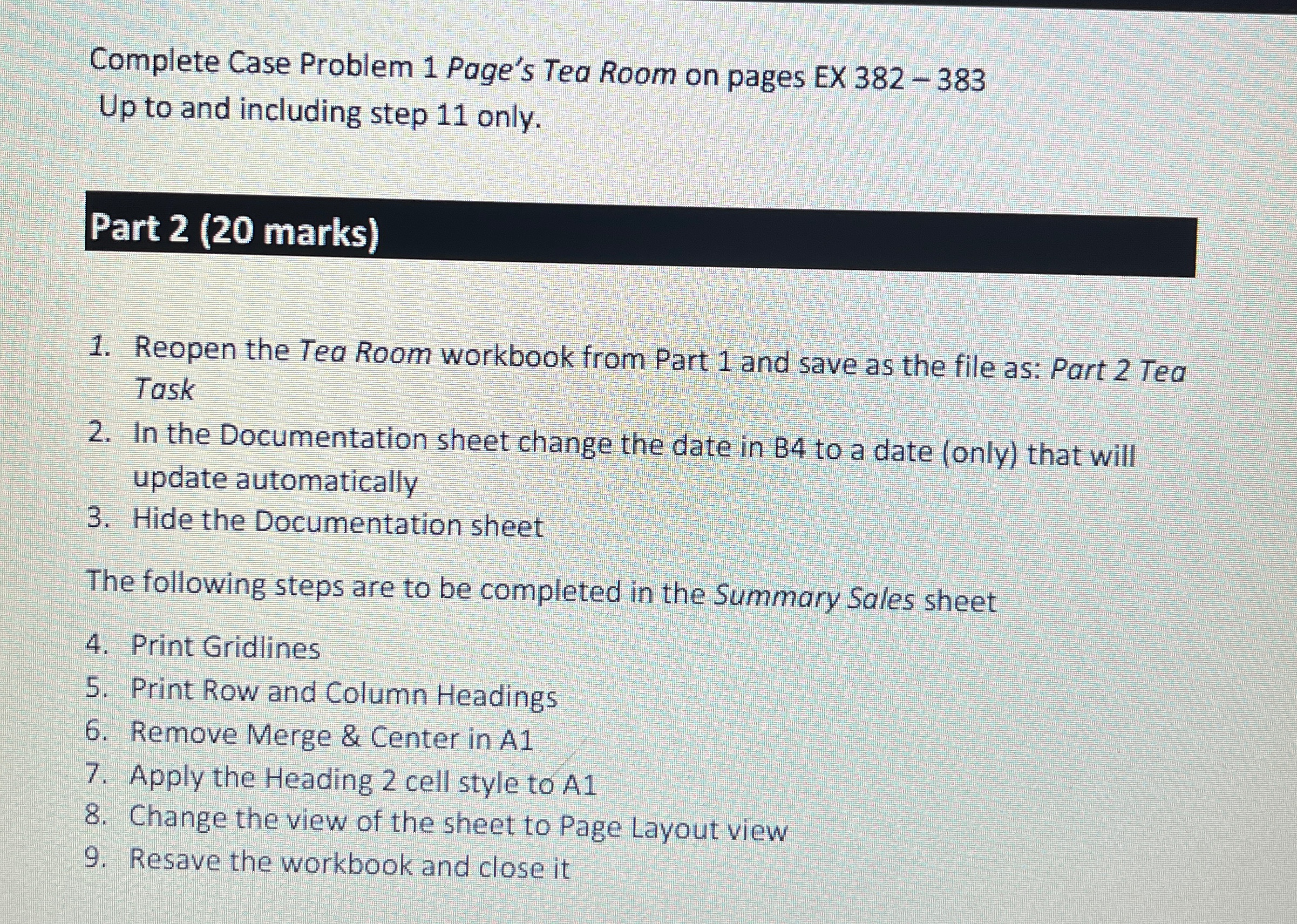
Question: Complete Case Problem 1 Page's Tea Room on pages EX 3 8 2 - 3 8 3 Up to and including step 1 1 only.
Complete Case Problem Page's Tea Room on pages EX
Up to and including step only.
Part marks
Reopen the Tea Room workbook from Part and save as the file as: Part Tea Task
In the Documentation sheet change the date in to a date only that will update automatically
Hide the Documentation sheet
The following steps are to be completed in the Summary Sales sheet
Print Gridlines
Print Row and Column Headings
Remove Merge & Center in A
Apply the Heading cell style to A
Change the view of the sheet to Page Layout view
Resave the workbook and close it
Step by Step Solution
There are 3 Steps involved in it
1 Expert Approved Answer
Step: 1 Unlock

Question Has Been Solved by an Expert!
Get step-by-step solutions from verified subject matter experts
Step: 2 Unlock
Step: 3 Unlock
 Study Help