







Question: Complete exercise 18-3 from the text book. Turn in an html file to show your work. Tell us what customizations you made here and how
Complete exercise 18-3 from the text book. Turn in an html file to show your work. Tell us what customizations you made here and how it went. (5 pts.)
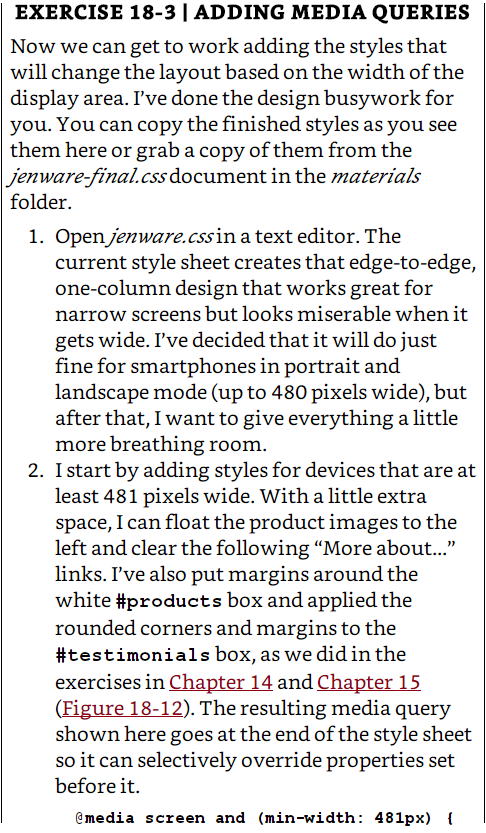
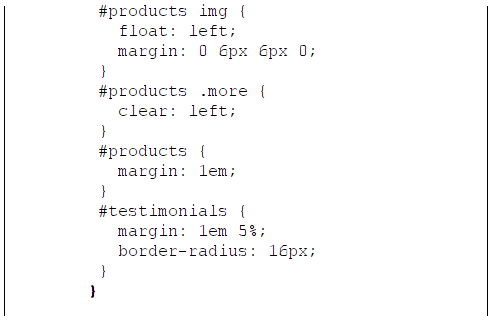
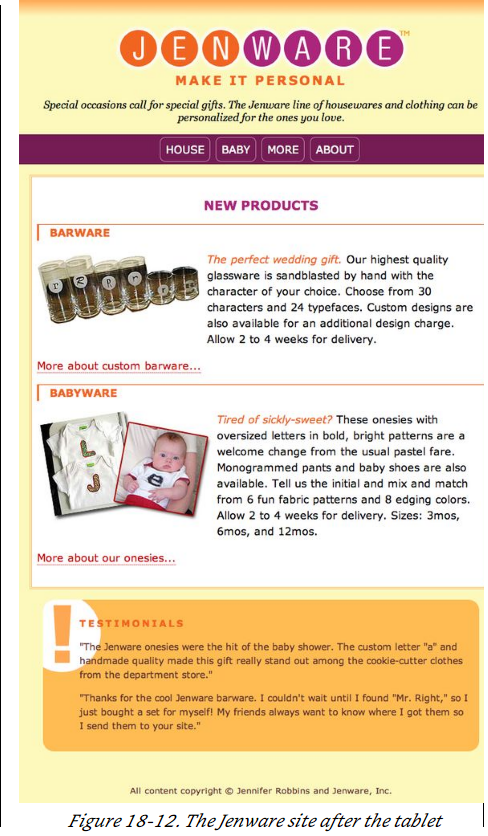
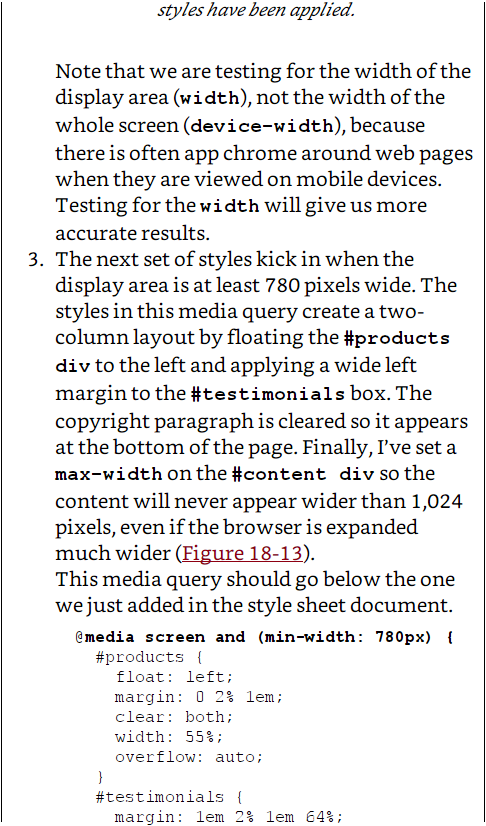
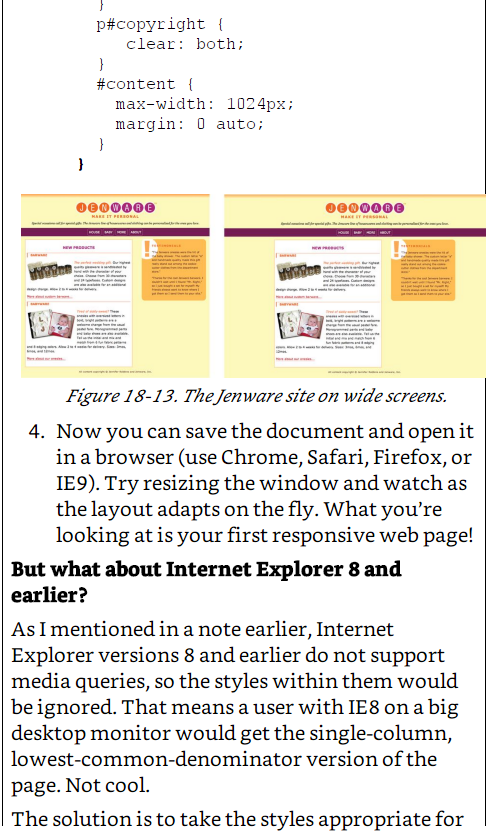
EXERCISE 18-3 l ADDING MEDIA QUERIES Now we can get to work adding the styles that will change the layout based on the width of the display area. I've done the design busy work for you. You can copy the finished styles as you see them here or grab a copy of them from the Jenware-final, css document in the materials folder 1. Open jenware.cssin a text editor. The current style sheet creates that edge-to-edge one-column design that works great for narrow screens but looks miserable when it gets wide. I've decided that it will do just fine for smartphones in portrait and landscape mode (up to 480 pixels wide), but after that, I want to give everything a little more breathing room. 2. I start by adding styles for devices that are at least 481 pixels wide. With a little extra pace, I can float the product images to the left and clear the following "More about..." links. I've also put margins around the white #products box and applied the rounded corners and margins to the #testimonials box, as we did in the exercises in Chapter 14 and Chapter 15 (Figure 18-12). The resulting media query shown here goes at the end of the style sheet so it can selectively override properties set before it. media screen and (min-width 481px)
Step by Step Solution
There are 3 Steps involved in it

Get step-by-step solutions from verified subject matter experts
 Study Help