







Question: Complete just the pseudocode of such in java Description. Your goal is to create an interactive user interlace emulating a simple checkout experience, much like
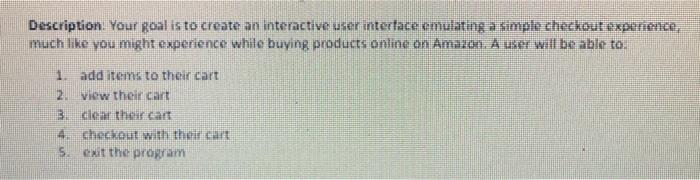
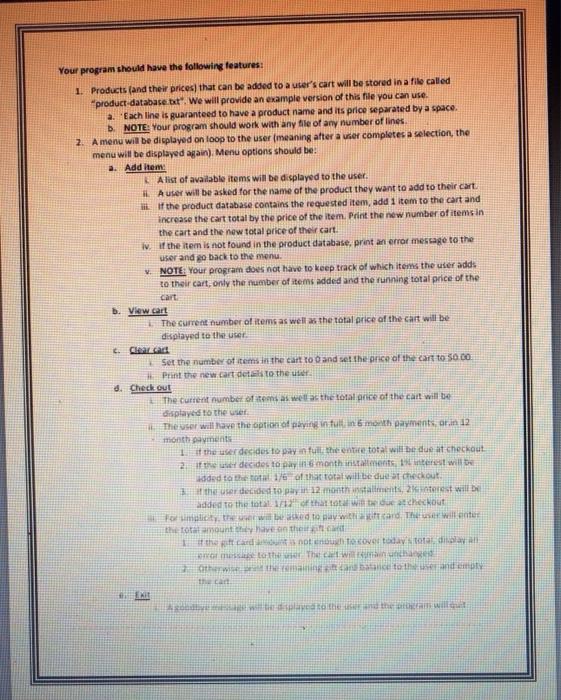
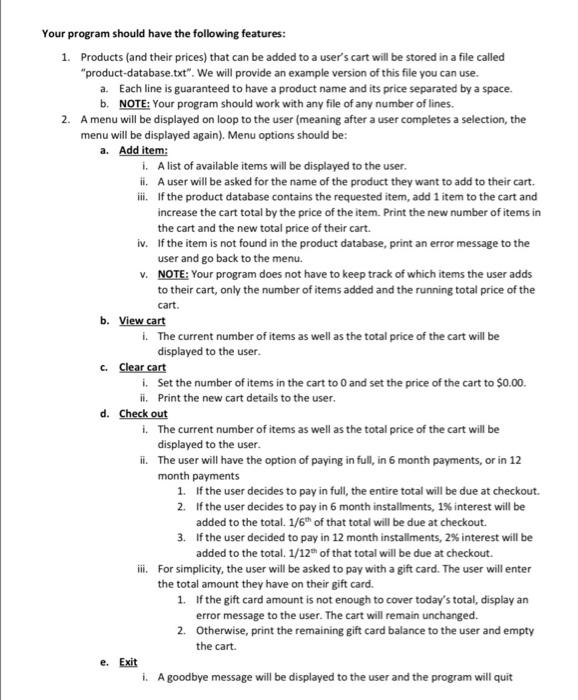
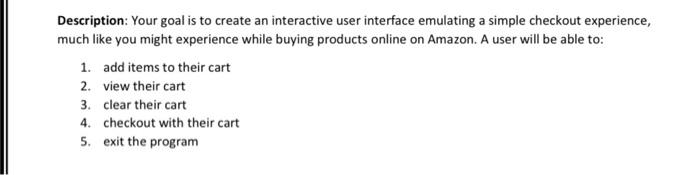
Description. Your goal is to create an interactive user interlace emulating a simple checkout experience, much like you might experience while buying products online on Amazon. A user will be able to. 1. add items to their cart 2 View their cart 3. clear the cart A checkout with their cart Sexit the program Your program should have the following features: 1. Products and their prices that can be added to a user's cart will be stored in a file called product-database it. We will provide an example version of this file you can use. a. 'Each line is guaranteed to have a product name and its price separated by a space. b. NOTE: Your program should work with any file of any number of lines 2. A menu will be displayed on loop the user meaning after a ser completes a selection, the menu will be displayed again). Menu options should be: a. Add Item A list of available items will be displayed to the user. A user will be asked for the name of the product they want to add to their cart. If the product database contains the requested item, add 1 item to the cart and increase the cart total by the price of the item Print the new number of items in the cart and the new total price of their cart. iv. If the item is not found in the product database, print an error message to the user and go back to the menu. NOTE: Your program does not have to keep track of which items the user adds to their cart, only the number of items added and the running total price of the Cart b. View cart The current number of items as well as the total price of the cart will be displayed to the user 6. Cara Set the number of items in the cart to and set the price of the car to 50.00 Print the new car det to the ular d. Check out The current number of items as the total nice of the cart will be displayed to the use These will have the option of paying in tuin 6 month payments, ar.in 12 month payments 1 it the user decides to pay in full the entire total will be due at checkout 2 of the decides to pay month installments, it will be added to the total 16 of that total will be due at checkout the user decided to pay 12 months, 2 trest will be added to the total of that to win the checkout Formy, will to say with and the winter the total amount it the gift card not covet totale di mar The Wage therance to the and emot the can plavata then there will cart. Your program should have the following features: 1. Products (and their prices) that can be added to a user's cart will be stored in a file called "product-database.txt". We will provide an example version of this file you can use. a. Each line is guaranteed to have a product name and its price separated by a space. b. NOTE: Your program should work with any file of any number of lines. 2. A menu will be displayed on loop to the user (meaning after a user completes a selection, the menu will be displayed again). Menu options should be: a. Add item: 1. A list of available items will be displayed to the user. i. A user will be asked for the name of the product they want to add to their cart. iii. If the product database contains the requested item, add 1 item to the cart and increase the cart total by the price of the item. Print the new number of items in the cart and the new total price of their cart. iv. If the item is not found in the product database, print an error message to the user and go back to the menu. V. NOTE: Your program does not have to keep track of which items the user adds to their cart, only the number of items added and the running total price of the b. View cart 1. The current number of items as well as the total price of the cart will be displayed to the user. C. Clear cart 1. Set the number of items in the cart to and set the price of the cart to $0.00. ii. Print the new cart details to the user. d. Check out 1. The current number of items as well as the total price of the cart will be displayed to the user. The user will have the option of paying in full, in 5 month payments, or in 12 month payments 1. If the user decides to pay in full the entire total will be due at checkout. 2. If the user decides to pay in 6 month installments, 1% interest will be added to the total. 1/6" of that total will be due at checkout. 3. If the user decided to pay in 12 month installments, 2% interest will be added to the total. 1/12 of that total will be due at checkout. ii. For simplicity, the user will be asked to pay with a gift card. The user will enter the total amount they have on their gift card. 1. If the gift card amount is not enough to cover today's total, display an error message to the user. The cart will remain unchanged. 2. Otherwise, print the remaining gift card balance to the user and empty the cart. e. Exit 1. A goodbye message will be displayed to the user and the program will quit Description: Your goal is to create an interactive user interface emulating a simple checkout experience, much like you might experience while buying products online on Amazon. A user will be able to: 1. add items to their cart 2. view their cart 3. clear their cart 4. checkout with their cart 5. exit the program Description. Your goal is to create an interactive user interlace emulating a simple checkout experience, much like you might experience while buying products online on Amazon. A user will be able to. 1. add items to their cart 2 View their cart 3. clear the cart A checkout with their cart Sexit the program Your program should have the following features: 1. Products and their prices that can be added to a user's cart will be stored in a file called product-database it. We will provide an example version of this file you can use. a. 'Each line is guaranteed to have a product name and its price separated by a space. b. NOTE: Your program should work with any file of any number of lines 2. A menu will be displayed on loop the user meaning after a ser completes a selection, the menu will be displayed again). Menu options should be: a. Add Item A list of available items will be displayed to the user. A user will be asked for the name of the product they want to add to their cart. If the product database contains the requested item, add 1 item to the cart and increase the cart total by the price of the item Print the new number of items in the cart and the new total price of their cart. iv. If the item is not found in the product database, print an error message to the user and go back to the menu. NOTE: Your program does not have to keep track of which items the user adds to their cart, only the number of items added and the running total price of the Cart b. View cart The current number of items as well as the total price of the cart will be displayed to the user 6. Cara Set the number of items in the cart to and set the price of the car to 50.00 Print the new car det to the ular d. Check out The current number of items as the total nice of the cart will be displayed to the use These will have the option of paying in tuin 6 month payments, ar.in 12 month payments 1 it the user decides to pay in full the entire total will be due at checkout 2 of the decides to pay month installments, it will be added to the total 16 of that total will be due at checkout the user decided to pay 12 months, 2 trest will be added to the total of that to win the checkout Formy, will to say with and the winter the total amount it the gift card not covet totale di mar The Wage therance to the and emot the can plavata then there will cart. Your program should have the following features: 1. Products (and their prices) that can be added to a user's cart will be stored in a file called "product-database.txt". We will provide an example version of this file you can use. a. Each line is guaranteed to have a product name and its price separated by a space. b. NOTE: Your program should work with any file of any number of lines. 2. A menu will be displayed on loop to the user (meaning after a user completes a selection, the menu will be displayed again). Menu options should be: a. Add item: 1. A list of available items will be displayed to the user. i. A user will be asked for the name of the product they want to add to their cart. iii. If the product database contains the requested item, add 1 item to the cart and increase the cart total by the price of the item. Print the new number of items in the cart and the new total price of their cart. iv. If the item is not found in the product database, print an error message to the user and go back to the menu. V. NOTE: Your program does not have to keep track of which items the user adds to their cart, only the number of items added and the running total price of the b. View cart 1. The current number of items as well as the total price of the cart will be displayed to the user. C. Clear cart 1. Set the number of items in the cart to and set the price of the cart to $0.00. ii. Print the new cart details to the user. d. Check out 1. The current number of items as well as the total price of the cart will be displayed to the user. The user will have the option of paying in full, in 5 month payments, or in 12 month payments 1. If the user decides to pay in full the entire total will be due at checkout. 2. If the user decides to pay in 6 month installments, 1% interest will be added to the total. 1/6" of that total will be due at checkout. 3. If the user decided to pay in 12 month installments, 2% interest will be added to the total. 1/12 of that total will be due at checkout. ii. For simplicity, the user will be asked to pay with a gift card. The user will enter the total amount they have on their gift card. 1. If the gift card amount is not enough to cover today's total, display an error message to the user. The cart will remain unchanged. 2. Otherwise, print the remaining gift card balance to the user and empty the cart. e. Exit 1. A goodbye message will be displayed to the user and the program will quit Description: Your goal is to create an interactive user interface emulating a simple checkout experience, much like you might experience while buying products online on Amazon. A user will be able to: 1. add items to their cart 2. view their cart 3. clear their cart 4. checkout with their cart 5. exit the program
Step by Step Solution
There are 3 Steps involved in it

Get step-by-step solutions from verified subject matter experts
 Study Help