







Question: Complete steps 5-12 using Ubuntu's terminal with screenshots for a thumbs up Previous steps Step 5. Use relative pathname to move one folder above, then
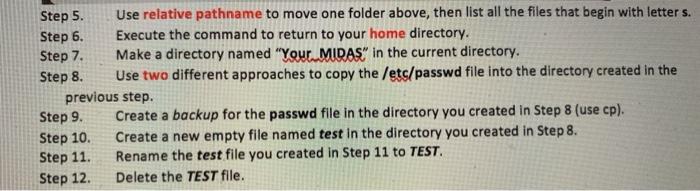

Step 5. Use relative pathname to move one folder above, then list all the files that begin with letters. Step 6. Execute the command to return to your home directory. Step 7. Make a directory named "Your MIDAS" in the current directory. Step 8. Use two different approaches to copy the /etc/passwd file into the directory created in the previous step. Step 9. Create a backup for the passwd file in the directory you created in Step 8 (use cp). Step 10 Create a new empty file named test in the directory you created in Step 8. Step 11 Rename the test file you created in Step 11 to TEST Step 12. Delete the TEST file. Task A Using Shell Features (4 * 12 = 48 points) Step 1. Step 2. Step 3. Step 4. Display your current directory. Using an absolute pathname, switch to the /etc directory. Using a relative pathname, move to the /etc/skel directory. Perform a "long display" listing of the files in the current directory
Step by Step Solution
There are 3 Steps involved in it

Get step-by-step solutions from verified subject matter experts
 Study Help