







Question: Complete the following task In your Linux Computer. Record yourself with Audio using Microsoft Teams as you execute each task. You need to set up
Complete the following task In your Linux Computer. Record yourself with Audio using Microsoft Teams as you execute each task.
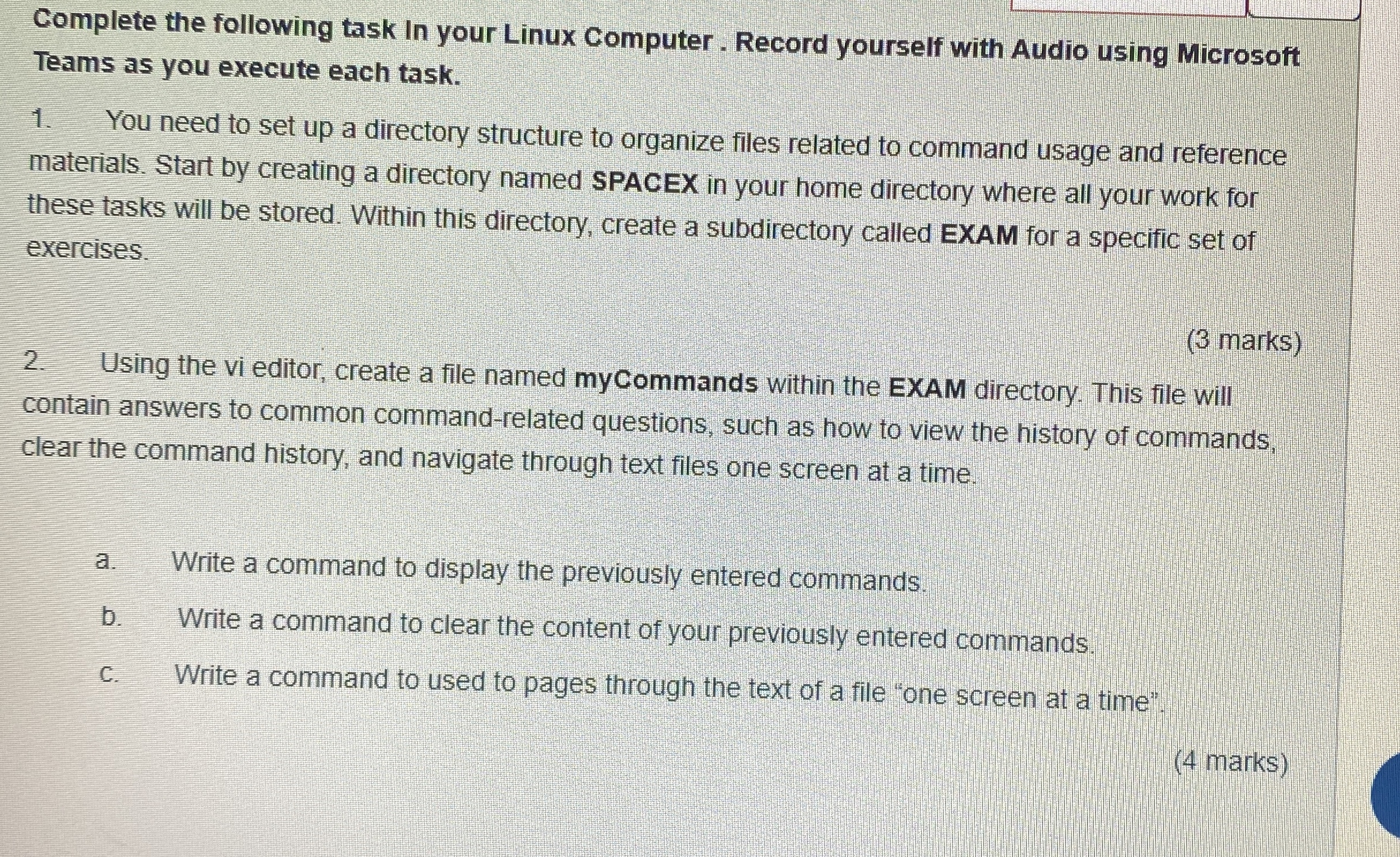
You need to set up a directory structure to organize files related to command usage and reference materials. Start by creating a directory named SPACEX in your home directory where all your work for these tasks will be stored. Within this directory, create a subdirectory called EXAM for a specific set of exercises.
marks
Using the vi editor, create a file named mycommands within the EXAM directory. This file will contain answers to common commandrelated questions, such as how to view the history of commands, clear the command history, and navigate through text files one screen at a time.
a Write a command to display the previously entered commands.
b Write a command to clear the content of your previously entered commands.
c Write a command to used to pages through the text of a file "one screen at a time".
marks
Step by Step Solution
There are 3 Steps involved in it
1 Expert Approved Answer
Step: 1 Unlock

Question Has Been Solved by an Expert!
Get step-by-step solutions from verified subject matter experts
Step: 2 Unlock
Step: 3 Unlock
 Study Help