







Question: Complete the following tasks on Wrk 1 : Lock ( disable ) the wadams user account. Delete the placy user account. Change the root user
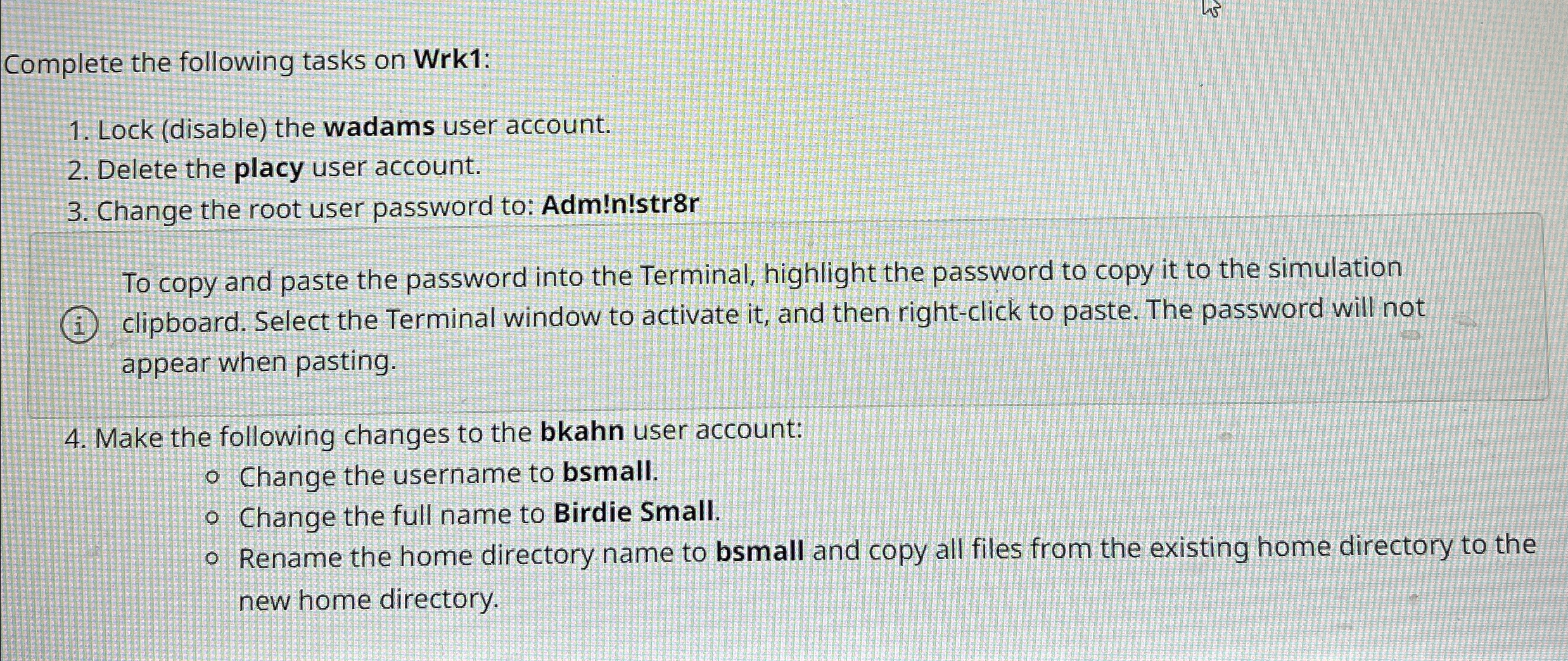
Complete the following tasks on Wrk:
Lock disable the wadams user account.
Delete the placy user account.
Change the root user password to: Adm!nstrr
To copy and paste the password into the Terminal, highlight the password to copy it to the simulation clipboard. Select the Terminal window to activate it and then rightclick to paste. The password will not appear when pasting.
Make the following changes to the bkahn user account:
Change the username to bsmall.
Change the full name to Birdie Small.
Rename the home directory name to bsmall and copy all files from the existing home directory to the new home directory.
Step by Step Solution
There are 3 Steps involved in it
1 Expert Approved Answer
Step: 1 Unlock

Question Has Been Solved by an Expert!
Get step-by-step solutions from verified subject matter experts
Step: 2 Unlock
Step: 3 Unlock
 Study Help