







Question: Complete the given JavaScript code in the window.onload event handler below, adding the following functionality to all unordered list elements: when the mouse moves
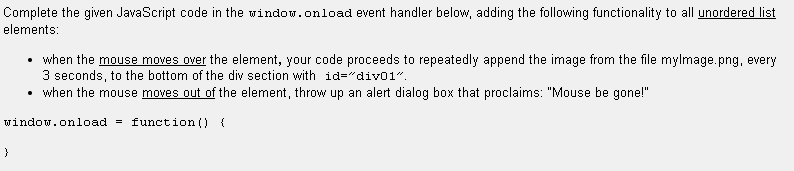
Complete the given JavaScript code in the window.onload event handler below, adding the following functionality to all unordered list elements: when the mouse moves over the element, your code proceeds to repeatedly append the image from the file mylmage.png, every 3 seconds, to the bottom of the div section with id="div01". when the mouse moves out of the element, throw up an alert dialog box that proclaims: "Mouse be gone!" window.onload=function() { }
Step by Step Solution
There are 3 Steps involved in it
windowonload function const element documentgetElementBy... View full answer

Get step-by-step solutions from verified subject matter experts
 Study Help