







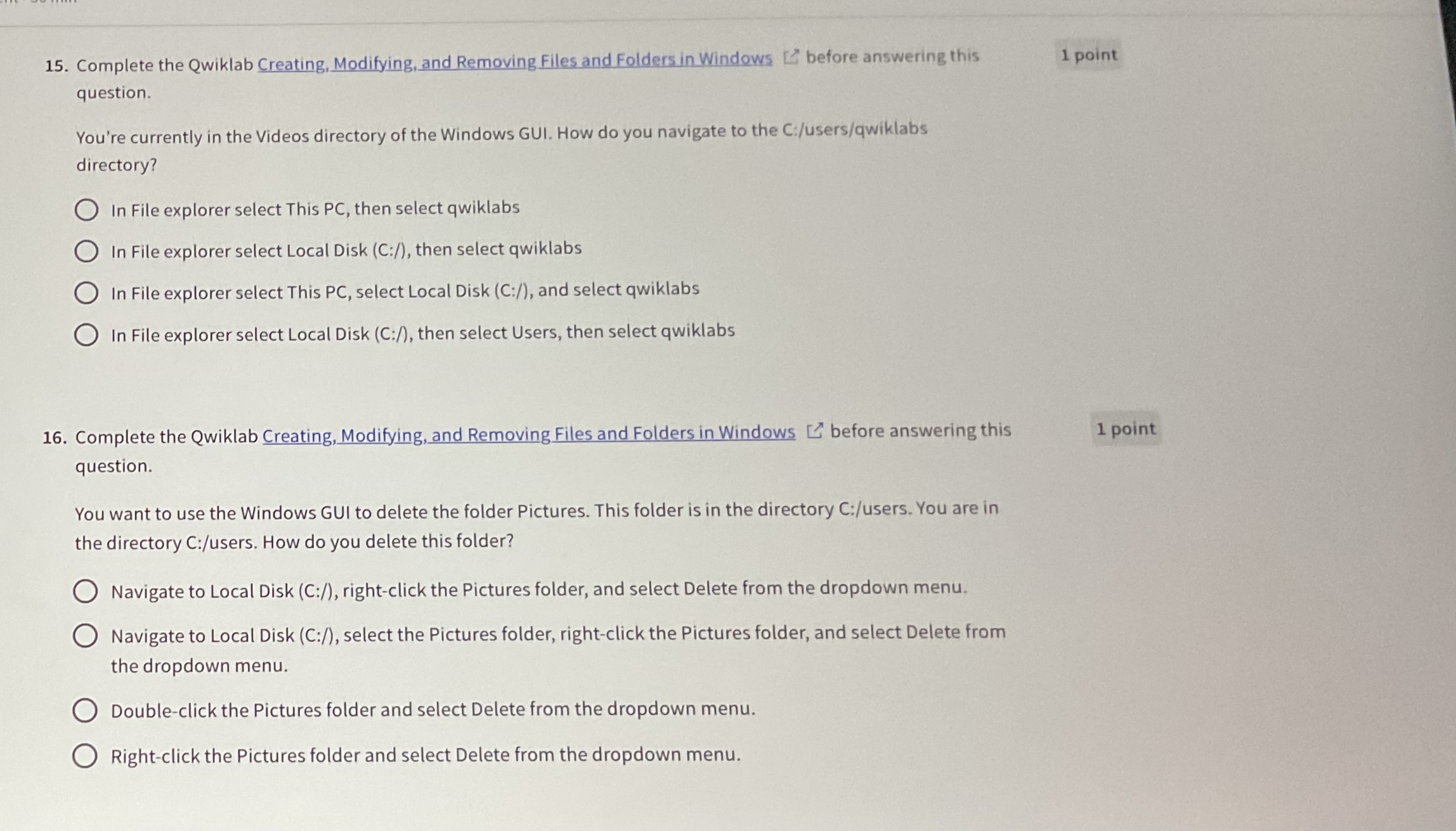
Question: Complete the Qwiklab Creating, Modifying, and Removing Files and Folders in Windows before answering this question. You're currently in the Videos directory of the Windows
Complete the Qwiklab Creating, Modifying, and Removing Files and Folders in Windows before answering this
question.
You're currently in the Videos directory of the Windows GUI. How do you navigate to the C:usersqwiklabs
directory?
In File explorer select This PC then select qwiklabs
In File explorer select Local Disk C: then select qwiklabs
In File explorer select This PC select Local Disk C: and select qwiklabs
In File explorer select Local Disk C: then select Users, then select qwiklabs
Complete the Qwiklab Creating, Modifying, and Removing Files and Folders in Windows before answering this
question.
You want to use the Windows GUI to delete the folder Pictures. This folder is in the directory C:users You are in
the directory C:users How do you delete this folder?
Navigate to Local Disk C: rightclick the Pictures folder, and select Delete from the dropdown menu.
Navigate to Local Disk C: select the Pictures folder, rightclick the Pictures folder, and select Delete from
the dropdown menu.
Doubleclick the Pictures folder and select Delete from the dropdown menu.
Rightclick the Pictures folder and select Delete from the dropdown menu.
Step by Step Solution
There are 3 Steps involved in it
1 Expert Approved Answer
Step: 1 Unlock

Question Has Been Solved by an Expert!
Get step-by-step solutions from verified subject matter experts
Step: 2 Unlock
Step: 3 Unlock
 Study Help