







Question: Completed Project 6-1 Do the following: 1. Use your code editor to open the project06- 01_txt.html and project06-01_txt.js files from the js06 project01 folder.
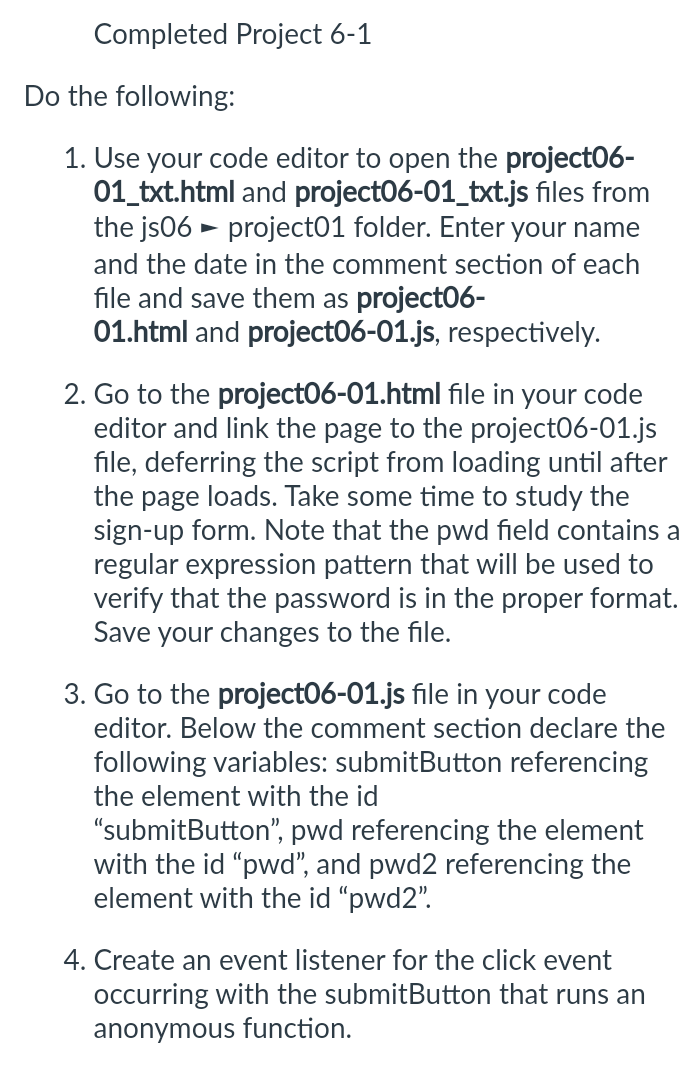
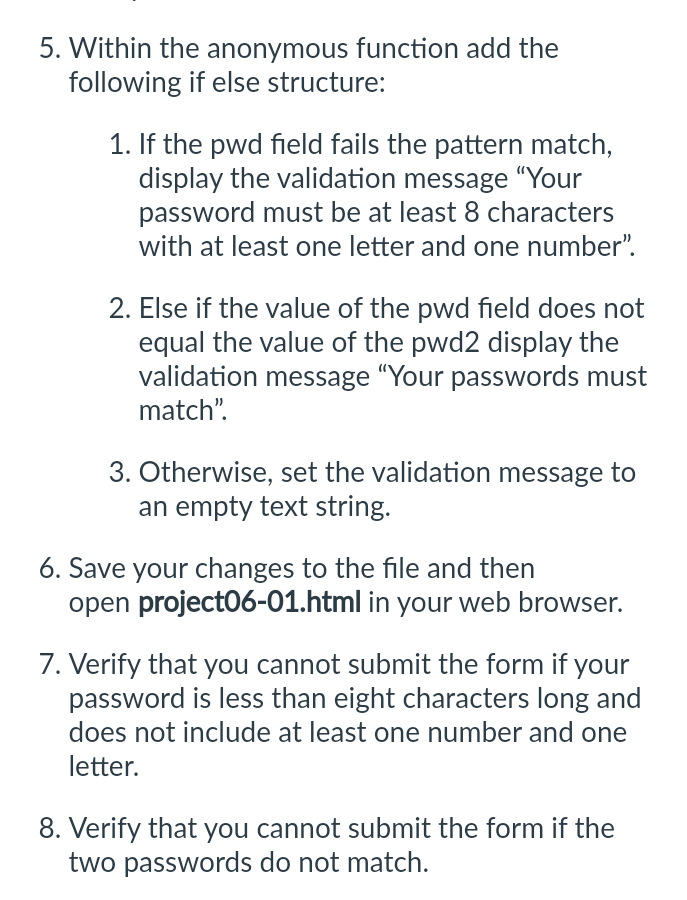
Completed Project 6-1 Do the following: 1. Use your code editor to open the project06- 01_txt.html and project06-01_txt.js files from the js06 project01 folder. Enter your name and the date in the comment section of each file and save them as project06- 01.html and project06-01.js, respectively. 2. Go to the project06-01.html file in your code editor and link the page to the project06-01.js file, deferring the script from loading until after the page loads. Take some time to study the sign-up form. Note that the pwd field contains a regular expression pattern that will be used to verify that the password is in the proper format. Save your changes to the file. 3. Go to the project06-01.js file in your code editor. Below the comment section declare the following variables: submitButton referencing the element with the id "submitButton", pwd referencing the element with the id "pwd", and pwd2 referencing the element with the id "pwd2". 4. Create an event listener for the click event occurring with the submitButton that runs an anonymous function. 5. Within the anonymous function add the following if else structure: 1. If the pwd field fails the pattern match, display the validation message "Your password must be at least 8 characters with at least one letter and one number". 2. Else if the value of the pwd field does not equal the value of the pwd2 display the validation message "Your passwords must match". 3. Otherwise, set the validation message to an empty text string. 6. Save your changes to the file and then open project06-01.html in your web browser. 7. Verify that you cannot submit the form if your password is less than eight characters long and does not include at least one number and one letter. 8. Verify that you cannot submit the form if the two passwords do not match.
Step by Step Solution
3.32 Rating (149 Votes )
There are 3 Steps involved in it
Heres a stepbystep guide to completing the tasks youve outlined Open the project0601txthtml and proj... View full answer

Get step-by-step solutions from verified subject matter experts
 Study Help