







Question: Completing an application that uses the If...Then.. .BlseIf statement In this tutorial, you will begin with the program from Tutorial 4-2 and add controls and
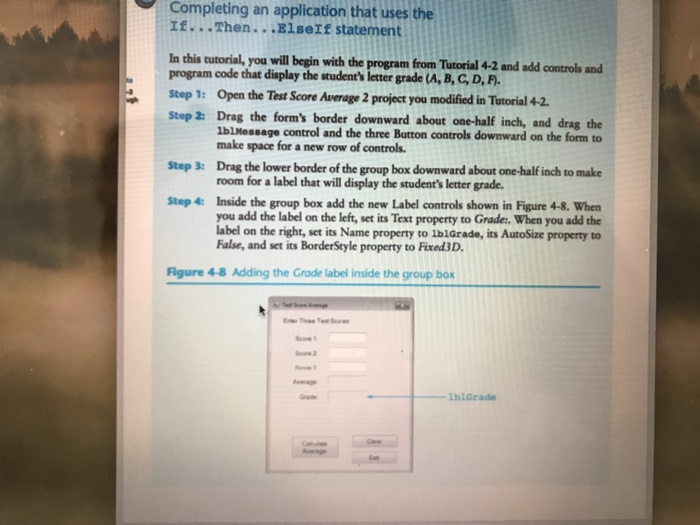
Completing an application that uses the If...Then.. .BlseIf statement In this tutorial, you will begin with the program from Tutorial 4-2 and add controls and program code that display the student's letter grade (A, B, GD,F Step 1: Open the Test Score Average 2 project you modified in Tutorial 42. Step 2: Drag the form's border downward about one-half inch, and drag the IbIMessage control and the three Button controls downward on the form to make space for a new row of controls Drag the lower border of the group box downward about one-half inch to make room for a label that will display the student's letter grade Step 3: Inside the group box add the new Label controls shown in Figure 4-8. When you add the label on the left, set its Text property to Grade. When you add the label on the right, set its Name property to lblGrade, its AutoSize property to Fale, and set its BorderSgyle property to FixadiD. Step 4: Figure 4-8 Adding the Grade label inside the group box wsge 1blGrade
Step by Step Solution
There are 3 Steps involved in it

Get step-by-step solutions from verified subject matter experts
 Study Help