







Question: Compulsory Task 1 Eollow these steps: - Create an empty folder called task1_project. - Open your terminal or command prompt and then change directory (cd)
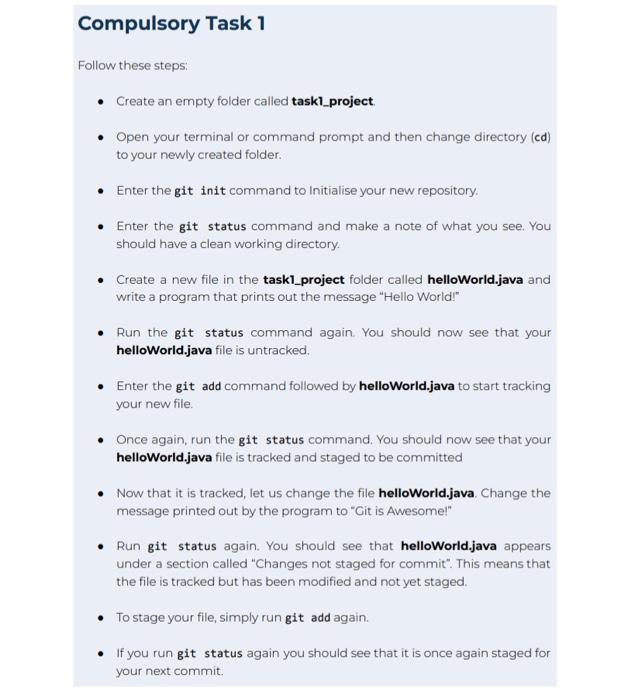
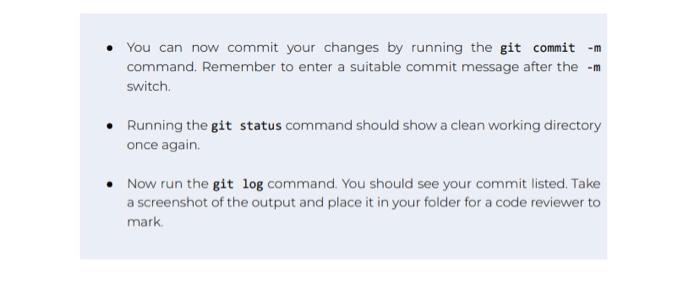
Compulsory Task 1 Eollow these steps: - Create an empty folder called task1_project. - Open your terminal or command prompt and then change directory (cd) to your newly created folder. - Enter the git init command to Initialise your new repository. - Enter the git status command and make a note of what you see. You should have a clean working directory. - Create a new file in the task1_project folder called helloWorld.java and write a program that prints out the message "Hello World!" - Run the git status command again. You should now see that your helloWorld.java file is untracked. - Enter the git add command followed by helloWorld.java to start tracking your new file. - Once again, run the git status command. You should now see that your helloWorid.java file is tracked and staged to be committed - Now that it is tracked, let us change the file helloworid.java. Change the message printed out by the program to "Git is Awesome!" - Run git status again. You should see that helloWorld.java appears under a section called "Changes not staged for commit". This means that the file is tracked but has been modified and not yet staged. - To stage your file, simply run git add again. - If you run git status again you should see that it is once again staged for your next commit. - You can now commit your changes by running the git commit m command. Remember to enter a suitable commit message after the m switch. - Running the git status command should show a clean working directory once again. - Now run the git log command. You should see your commit listed. Take a screenshot of the output and place it in your folder for a code reviewer to mark
Step by Step Solution
There are 3 Steps involved in it

Get step-by-step solutions from verified subject matter experts
 Study Help