







Question: Compulsory Task 1 Follow these steps: Modify the existing Animal.java file for this task. Using the Lion class template, as shown in this pdf file,
Compulsory Task 1
Follow these steps:
Modify the existing Animal.java file for this task.
Using the Lion class template, as shown in this pdf file, expand the class to
have features specific to a lion:
Add a field for lion type (cub, male, female).
Add a method in this class which sets the lion type based on its
weight (note that the weight is a derived field from the superclass).
If the weight is less than 80kg, its type should be a cub. If less than
120kg, it should be female. If greater than 120kg, it is a male.
Include a method that will print out a description of a lion object.
Compile, save and run your file
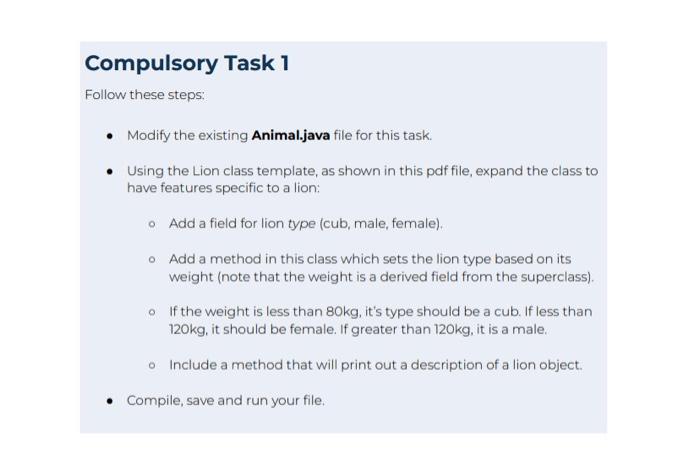
Compulsory Task 1 Follow these steps: - Modify the existing Animal.java file for this task. - Using the Lion class template, as shown in this pdf file, expand the class to have features specific to a lion: Add a field for lion type (cub, male, female). Add a method in this class which sets the lion type based on its weight (note that the weight is a derived field from the superclass). If the weight is less than 80kg, it's type should be a cub. If less than 120kg, it should be female. If greater than 120kg, it is a male. Include a method that will print out a description of a lion object. - Compile, save and run your file
Step by Step Solution
There are 3 Steps involved in it
1 Expert Approved Answer
Step: 1 Unlock

Question Has Been Solved by an Expert!
Get step-by-step solutions from verified subject matter experts
Step: 2 Unlock
Step: 3 Unlock
 Study Help