



Question: computer accounting with QuickBooks 2021 and connect question e7.3.2 receive inventory the question asked received inventory using the receive inventory icon in the vendor section
computer accounting with QuickBooks 2021 and connect question e7.3.2 receive inventory
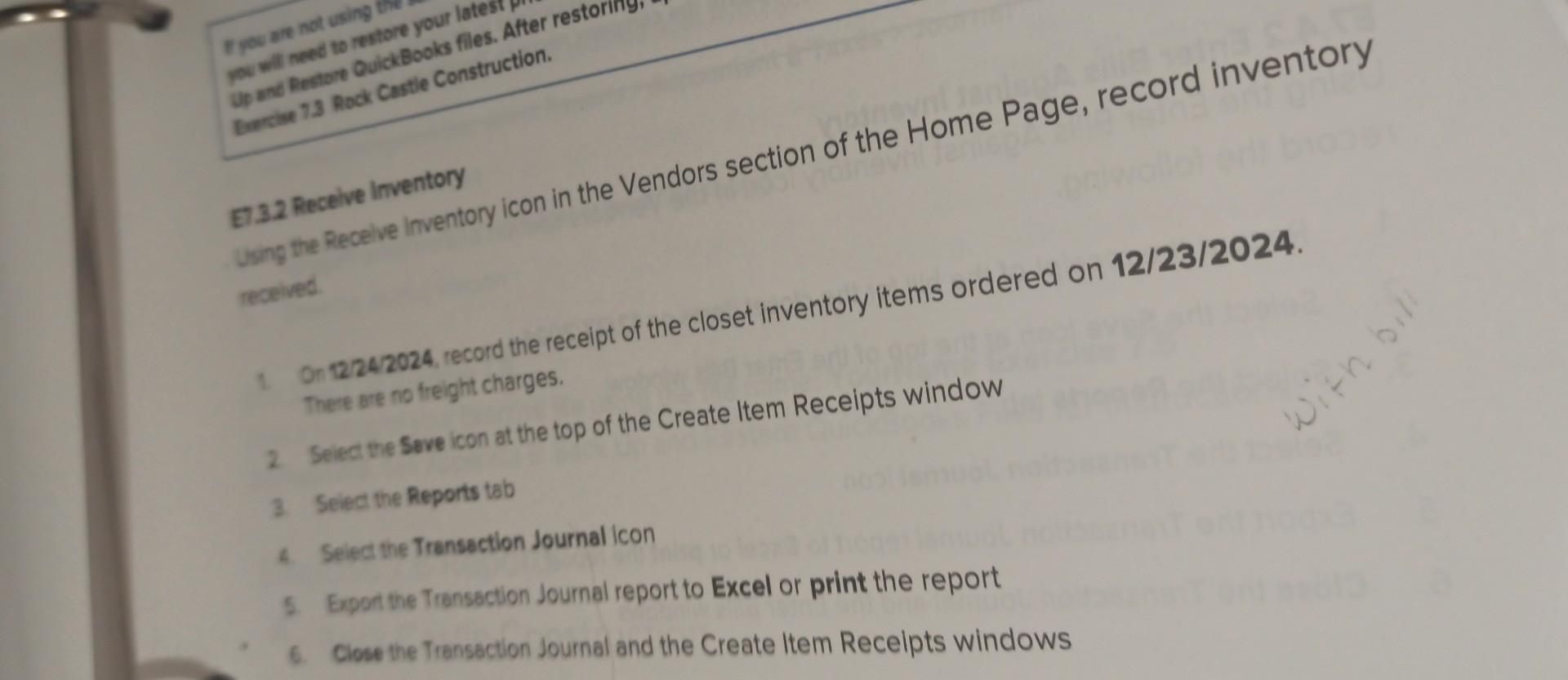
the question asked received inventory using the receive inventory icon in the vendor section of the homepage record inventory received . - I'm confused on do I receive inventory with or without bill. & -I also still have not figured out how to do the dates because there's a date and a bill date so which one is which for 12/24 and 12/23
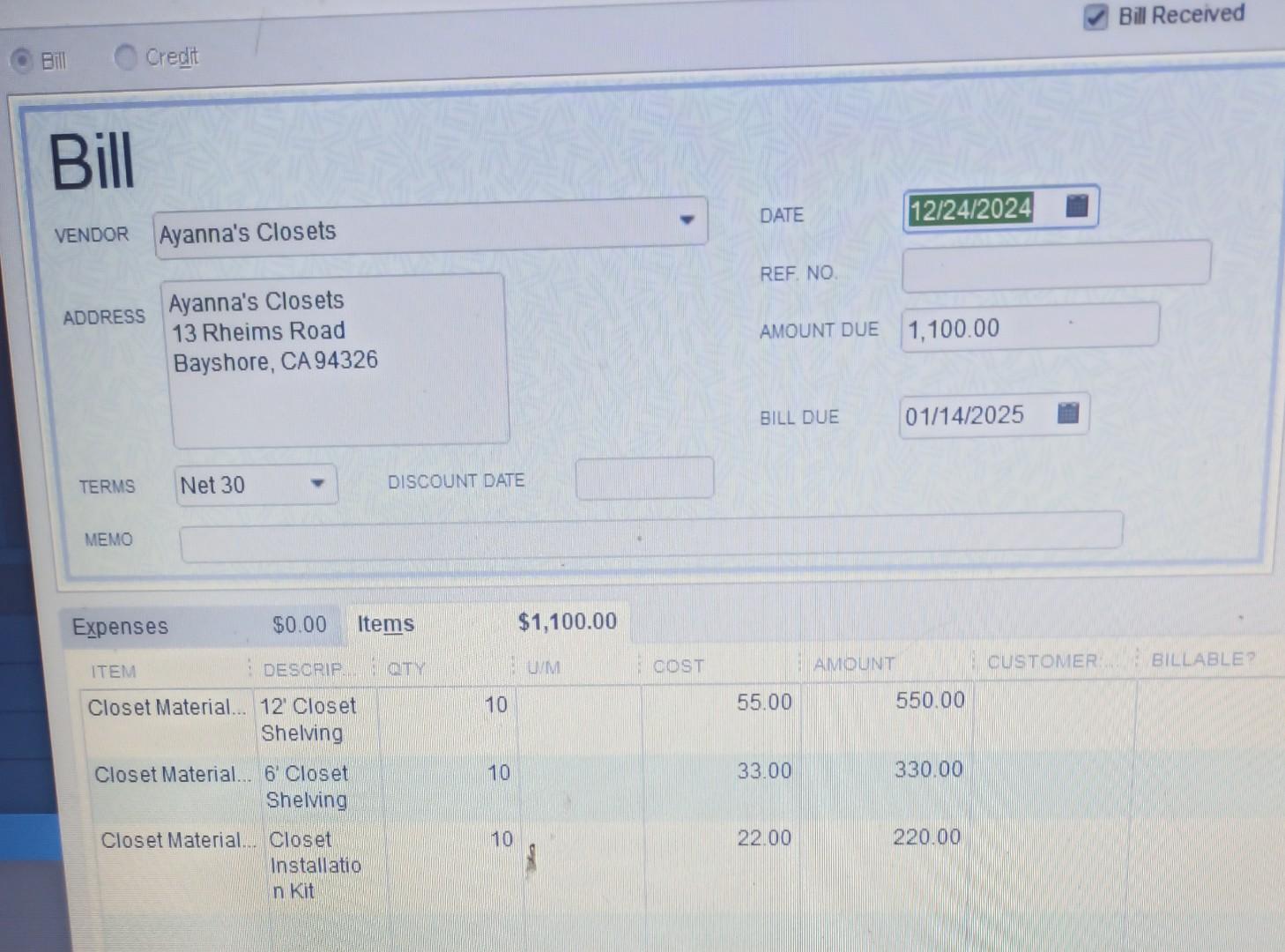
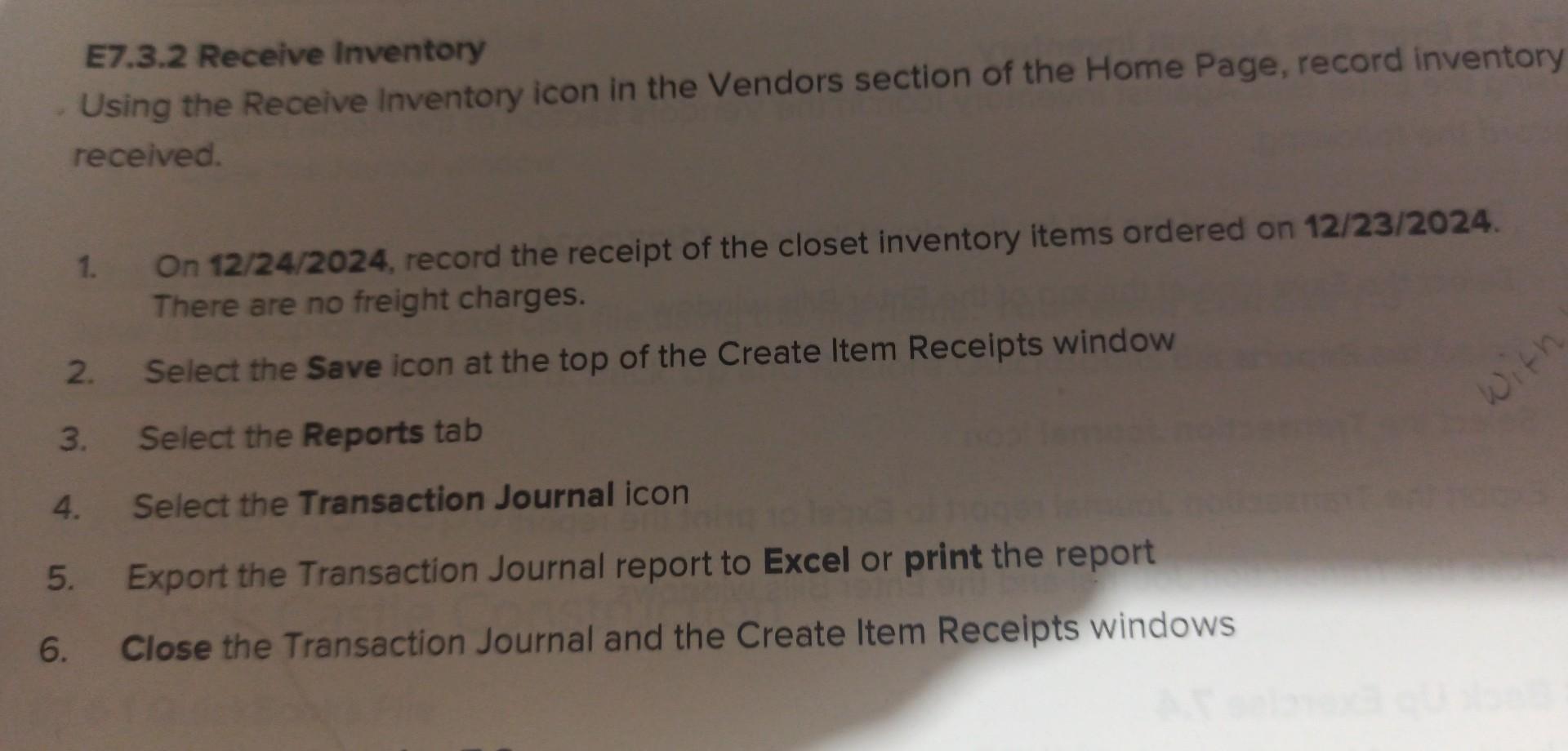
you are not using you will need to restore your late Up and Restore QuickBooks files. After resto Berche 7.3 Rock Castle Construction. E7.3.2 Receive Inventory Using the Receive Inventory icon in the Vendors section of the Home Page, record inventory received 1 On 12/24/2024, record the receipt of the closet inventory items ordered on 12/23/2024. There are no freight charges. with bill 2. Select the Seve icon at the top of the Create Item Receipts window 3 Select the Reports tab 4. Select the Transaction Journal icon 5. Export the Transaction Journal report to Excel or print the report 6. Close the Transaction Journal and the Create Item Receipts windows Bill Received Bill Credit Bill DATE 12/24/2024 VENDOR Ayanna's Closets REF. NO ADDRESS Ayanna's Closets 13 Rheims Road Bayshore, CA 94326 AMOUNT DUE 1,100.00 BILL DUE 01/14/2025 TERMS Net 30 DISCOUNT DATE MEMO Expenses $0.00 Items $1,100.00 DESCRIP OTY UM ITEM OOST AMOUNT CUSTOMER BILLABLE 10 55.00 550.00 Closet Material... 12 Closet Shelving 10 33.00 330.00 Closet Material... 6 Closet Shelving 10 22.00 220.00 Closet Material... Closet Installatio n kit E7.3.2 Receive Inventory Using the Receive Inventory icon in the Vendors section of the Home Page, record inventory received 1. On 12/24/2024, record the receipt of the closet inventory items ordered on 12/23/2024. There are no freight charges. Select the Save icon at the top of the Create Item Receipts window 2. with Select the Reports tab 4. Select the Transaction Journal icon 5. Export the Transaction Journal report to Excel or print the report 6. Close the Transaction Journal and the Create Item Receipts windows
Step by Step Solution
There are 3 Steps involved in it

Get step-by-step solutions from verified subject matter experts