







Question: Computer Networking Problem 7. Hands-on practice: Wire Shark (20 pt., 10 pt. each) Install Wireshark on your own computer and obtain a screen shot similar
Computer Networking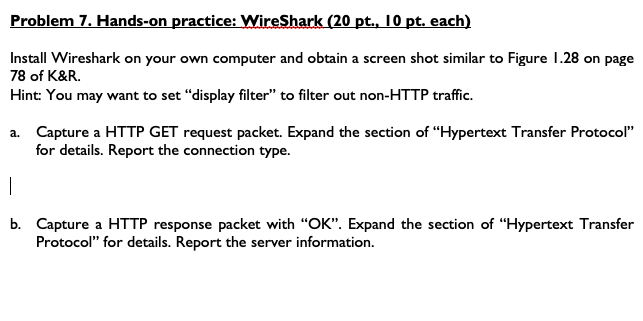
Problem 7. Hands-on practice: Wire Shark (20 pt., 10 pt. each) Install Wireshark on your own computer and obtain a screen shot similar to Figure 1.28 on page 78 of K&R. Hint: You may want to set "display filter" to filter out non-HTTP traffic. a. Capture a HTTP GET request packet. Expand the section of "Hypertext Transfer Protocol" for details. Report the connection type. b. Capture a HTTP response packet with "OK". Expand the section of "Hypertext Transfer Protocol" for details. Report the server information
Step by Step Solution
There are 3 Steps involved in it
1 Expert Approved Answer
Step: 1 Unlock

Question Has Been Solved by an Expert!
Get step-by-step solutions from verified subject matter experts
Step: 2 Unlock
Step: 3 Unlock
 Study Help