







Question: Consider the following that is excerpted from the Android Framework API Documentation: public static interface CompoundButton.OnCheckedChangeListener { void onCheckedChanged(CompoundButton buttonView, boolean ischecked) } Compound Button
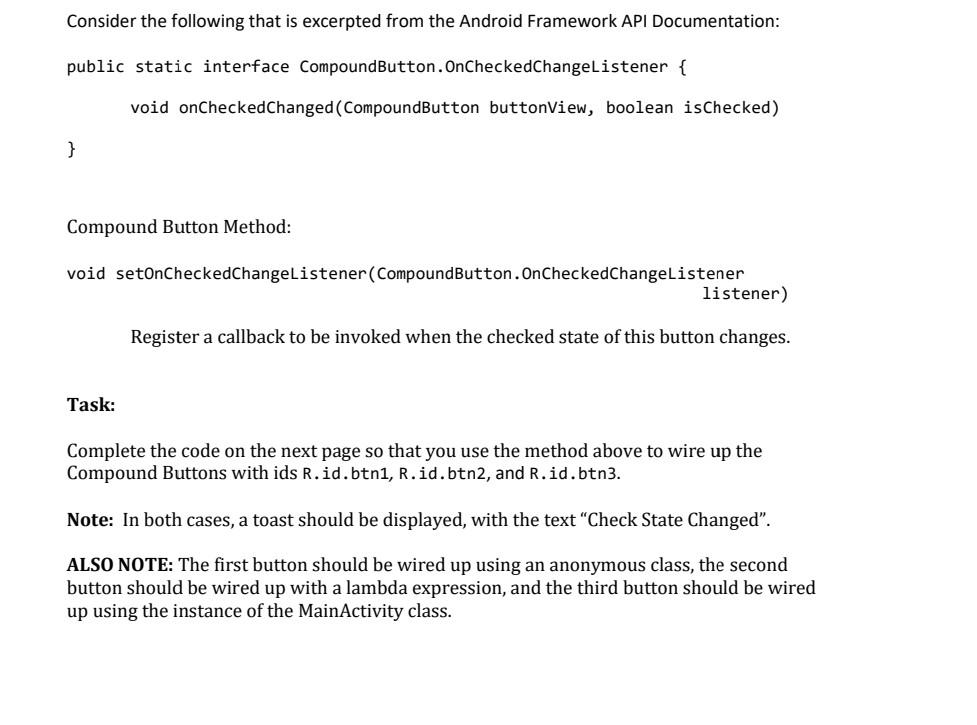
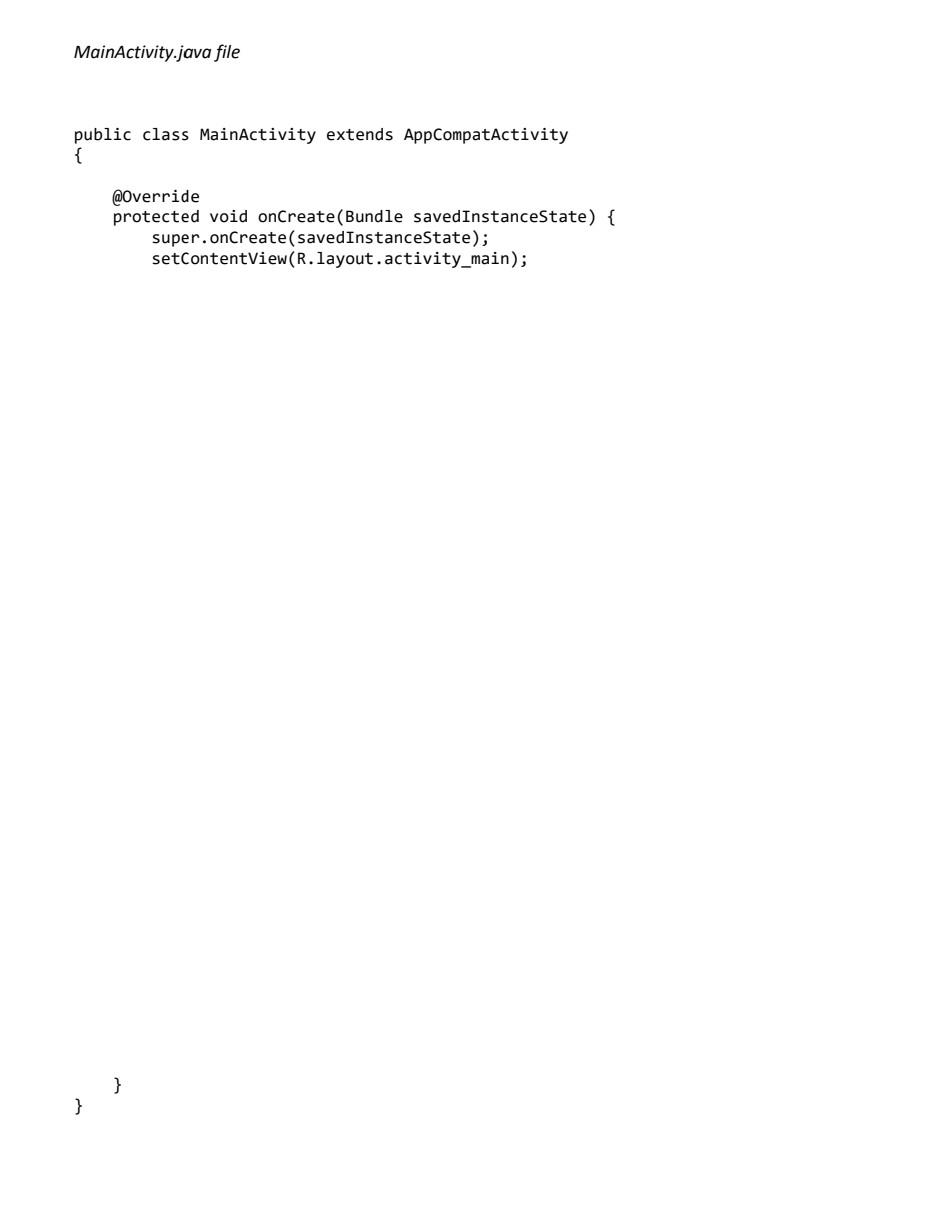
Consider the following that is excerpted from the Android Framework API Documentation: public static interface CompoundButton.OnCheckedChangeListener \{ void onCheckedChanged(CompoundButton buttonView, boolean ischecked) \} Compound Button Method: void setOnCheckedChangeListener(CompoundButton. OnCheckedChangeListener listener) Register a callback to be invoked when the checked state of this button changes. Task: Complete the code on the next page so that you use the method above to wire up the Compound Buttons with ids R.id.btn1, R.id.btn2, and R.id.btn3. Note: In both cases, a toast should be displayed, with the text "Check State Changed". ALSO NOTE: The first button should be wired up using an anonymous class, the second button should be wired up with a lambda expression, and the third button should be wired up using the instance of the MainActivity class. MainActivity.java file
Step by Step Solution
There are 3 Steps involved in it

Get step-by-step solutions from verified subject matter experts
 Study Help