Question: + Consumer Financial Counseling Unit 4 LG 12 Project Learning Goals: e LG 12: Help clients understand their options of increasing income and reducing expenses
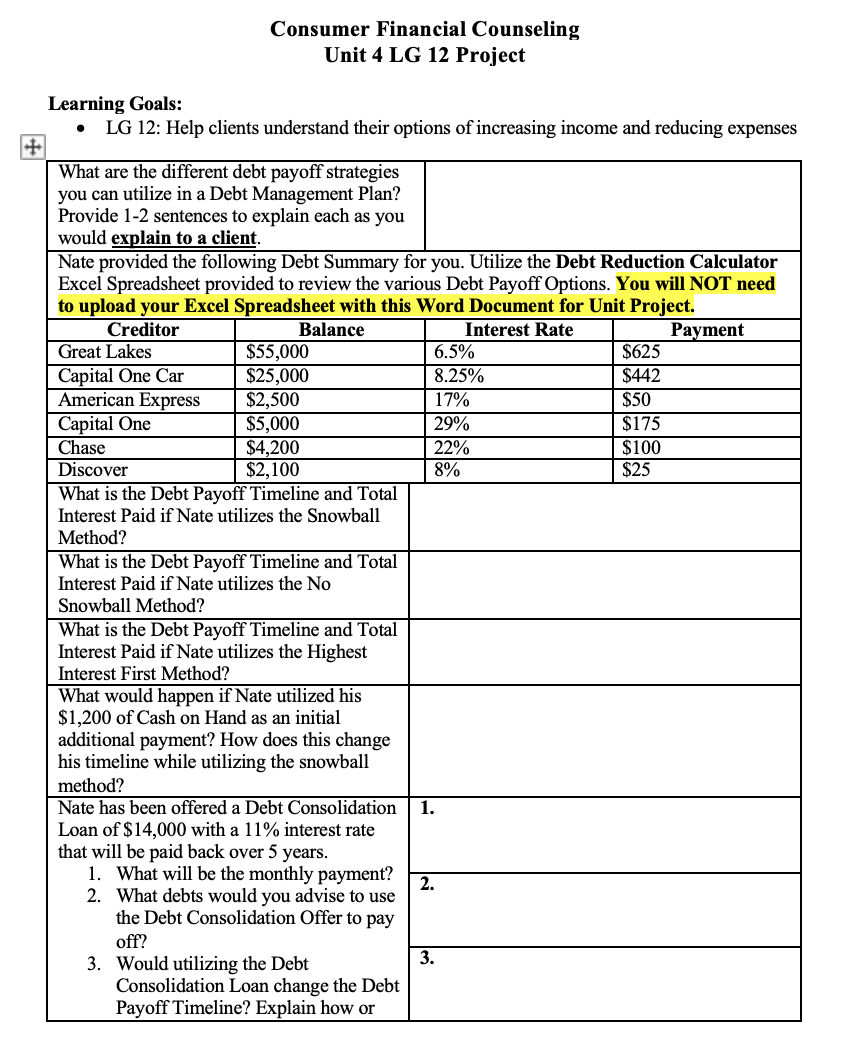
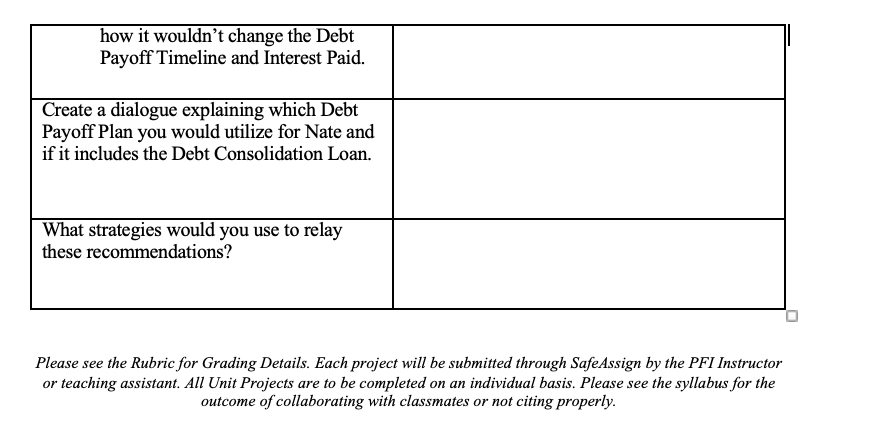
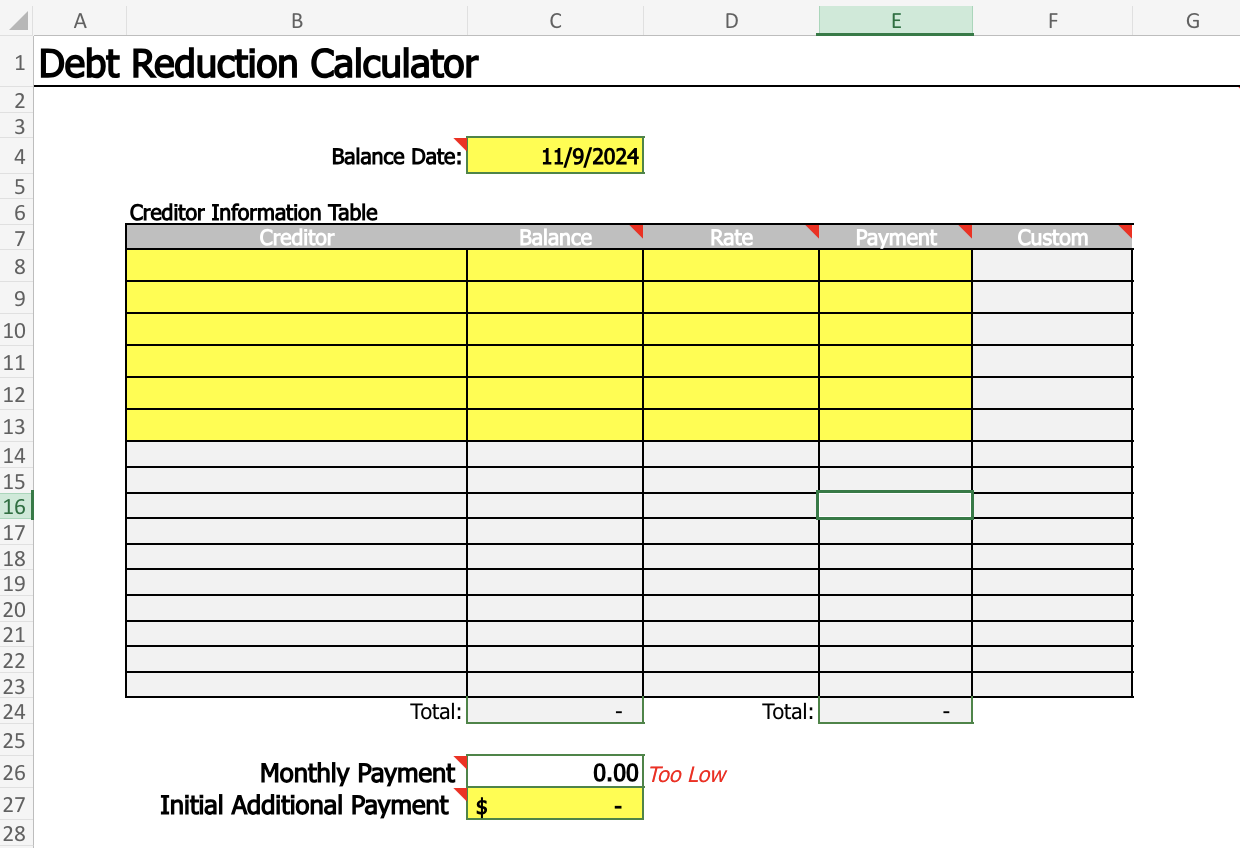
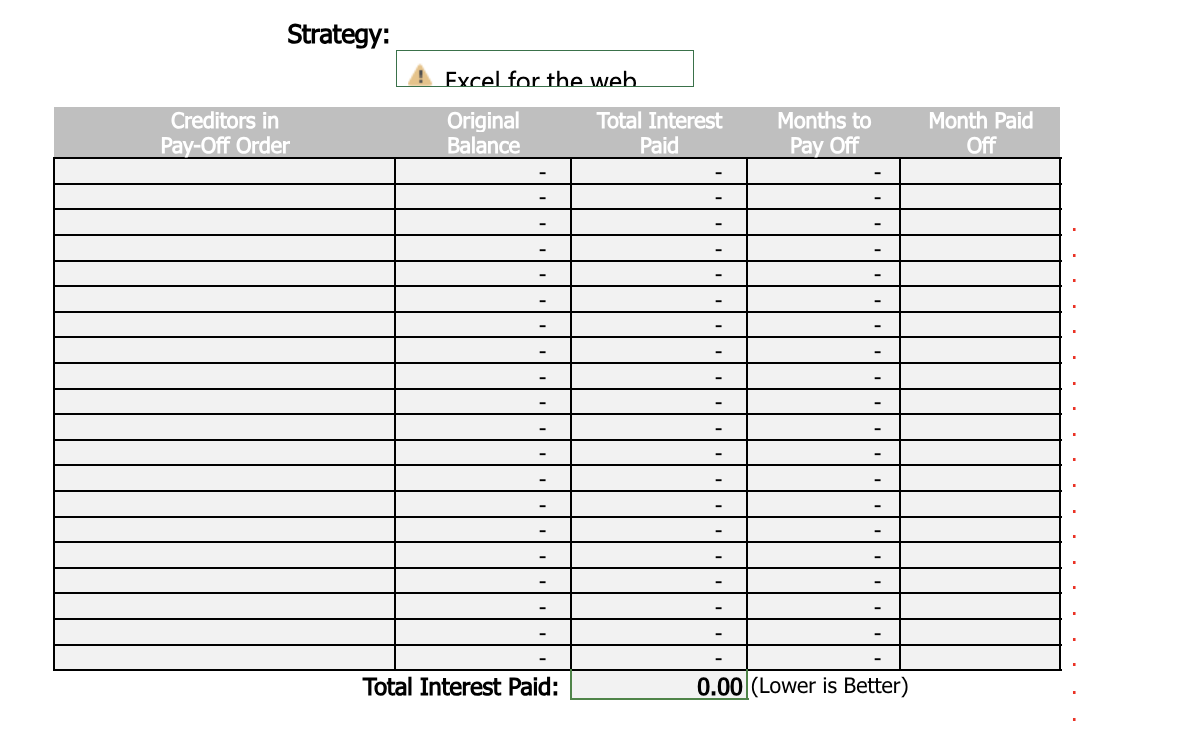
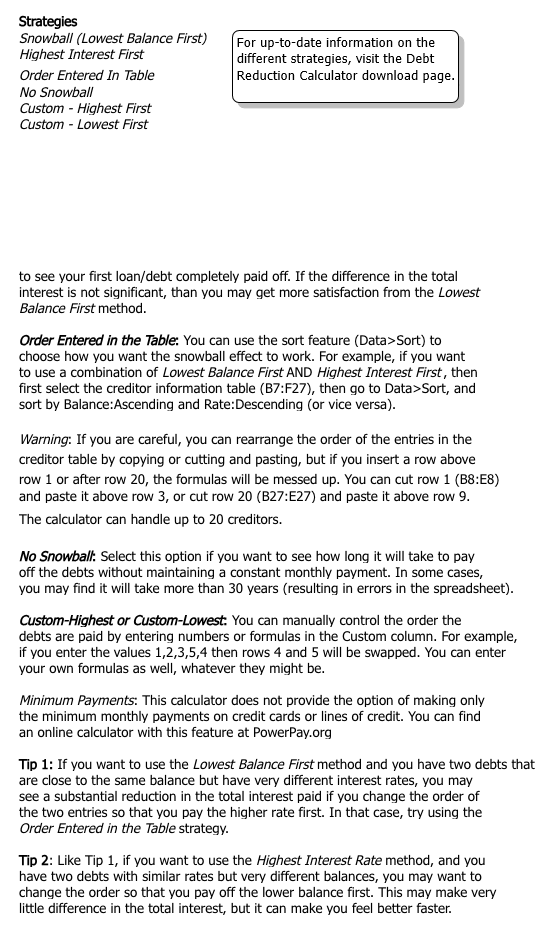
+ Consumer Financial Counseling Unit 4 LG 12 Project Learning Goals: e LG 12: Help clients understand their options of increasing income and reducing expenses What are the different debt payoff strategies you can utilize in a Debt Management Plan? Provide 1-2 sentences to explain each as you would explain to a client. Nate provided the following Debt Summary for you. Utilize the Debt Reduction Calculator Excel Spreadsheet provided to review the various Debt Payoff Options. You will NOT need to upload your Excel Spreadsheet with this Word Document for Unit Project. A What 1s the Debt Payoff Timeline and Total Interest Paid if Nate utilizes the Snowball Method? What is the Debt Payoff Timeline and Total Interest Paid if Nate utilizes the No Snowball Method? What is the Debt Payoff Timeline and Total Interest Paid if Nate utilizes the Highest Interest First Method? What would happen if Nate utilized his $1,200 of Cash on Hand as an initial additional payment? How does this change his timeline while utilizing the snowball method? Nate has been offered a Debt Consolidation Loan of $14,000 with a 11% interest rate that will be paid back over 5 years. 1. 'What will be the monthly payment? 2. What debts would you advise to use the Debt Consolidation Offer to pay oft? . Would utilizing the Debt Consolidation Loan change the Debt Payoff Timeline? Explain how or how it wouldn't change the Debt Payoff Timeline and Interest Paid. Create a dialogue explaining which Debt Payoff Plan you would utilize for Nate and if it includes the Debt Consolidation Loan. What strategies would you use to relay these recommendations? Please see the Rubric for Grading Details. Each project will be submitted through SafeAssign by the PFI Instructor or teaching assistant. All Unit Projects are to be completed on an individual basis. Please see the syllabus for the outcome of collaborating with classmates or not citing properly. A B C D F F G Debt Reduction Calculator W N Balance Date: 11/9/2024 Creditor Information Table Creditor Balance Rate Payment Custom 13 14 16 17 18 19 Total: Total: Monthly Payment 0.00 Too Low 27 Initial Additional Payment $ 28Strategy: Excel for the web Creditors in Original Total Interest Months to Month Paid Pay-Off Order Balance Paid Pay Off Off Total Interest Paid: 0.00 (Lower is Better)Strategies Snowball (Lowest Balance First) (For up-to-date information on the Highest Interest First different strategies, visit the Debt Order Entered In Table Reduction Calculator download page. No Snowball Custom - Highest First Custorn - Lowest First to see your first loan/debt completely paid off. If the difference in the total interest is not significant, than you may get more satisfaction from the Lowest Balance First method. Order Entered in the Table: You can use the sort feature (Data>Sort) to choose how you want the snowball effect to work. For example, if you want to use a combination of Lowest Balance First AND Highest Interest First, then first select the creditor information table (B7:F27), then go to Data>Sort, and sort by Balance:Ascending and Rate:Descending (or vice versa). Warning: If you are careful, you can rearrange the order of the entries in the creditor table by copying or cutting and pasting, but if you insert a row above row 1 or after row 20, the formulas will be messed up. You can cut row 1 (B8:E8) and paste it above row 3, or cut row 20 (B27:E27) and paste it above row 9. The calculator can handle up to 20 creditors. No Snowball: Select this option if you want to see how long it will take to pay off the debts without maintaining a constant monthly payment. In some cases, you may find it will take more than 30 years (resulting in errors in the spreadsheet). Custom-Highest or Custom-Lowest: You can manually control the order the debts are paid by entering numbers or formulas in the Custom column. For example, if you enter the values 1,2,3,5,4 then rows 4 and 5 will be swapped. You can enter your own formulas as well, whatever they might be. Minimum Payments: This calculator does not provide the option of making only the minimum monthly payments on credit cards or lines of credit. You can find an online calculator with this feature at PowerPay.org Tip 1: If you want to use the Lowest Balance First method and you have two debts that are close to the same balance but have very different interest rates, you may see a substantial reduction in the total interest paid if you change the order of the two entries so that you pay the higher rate first. In that case, try using the Order Entered in the Table strategy. Tip 2: Like Tip 1, if you want to use the Highest Interest Rate method, and you have two debts with similar rates but very different balances, you may want to change the order so that you pay off the lower balance first. This may make very little difference in the total interest, but it can make you feel better faster
Step by Step Solution
There are 3 Steps involved in it
1 Expert Approved Answer
Step: 1 Unlock
Question Has Been Solved by an Expert!
Get step-by-step solutions from verified subject matter experts
Step: 2 Unlock
Step: 3 Unlock
Students Have Also Explored These Related Finance Questions!