





Question: Coroutines Project You are to create a layout as shown in the images below. The layout must match the images shown in both landscape and
Coroutines Project You are to create a layout as
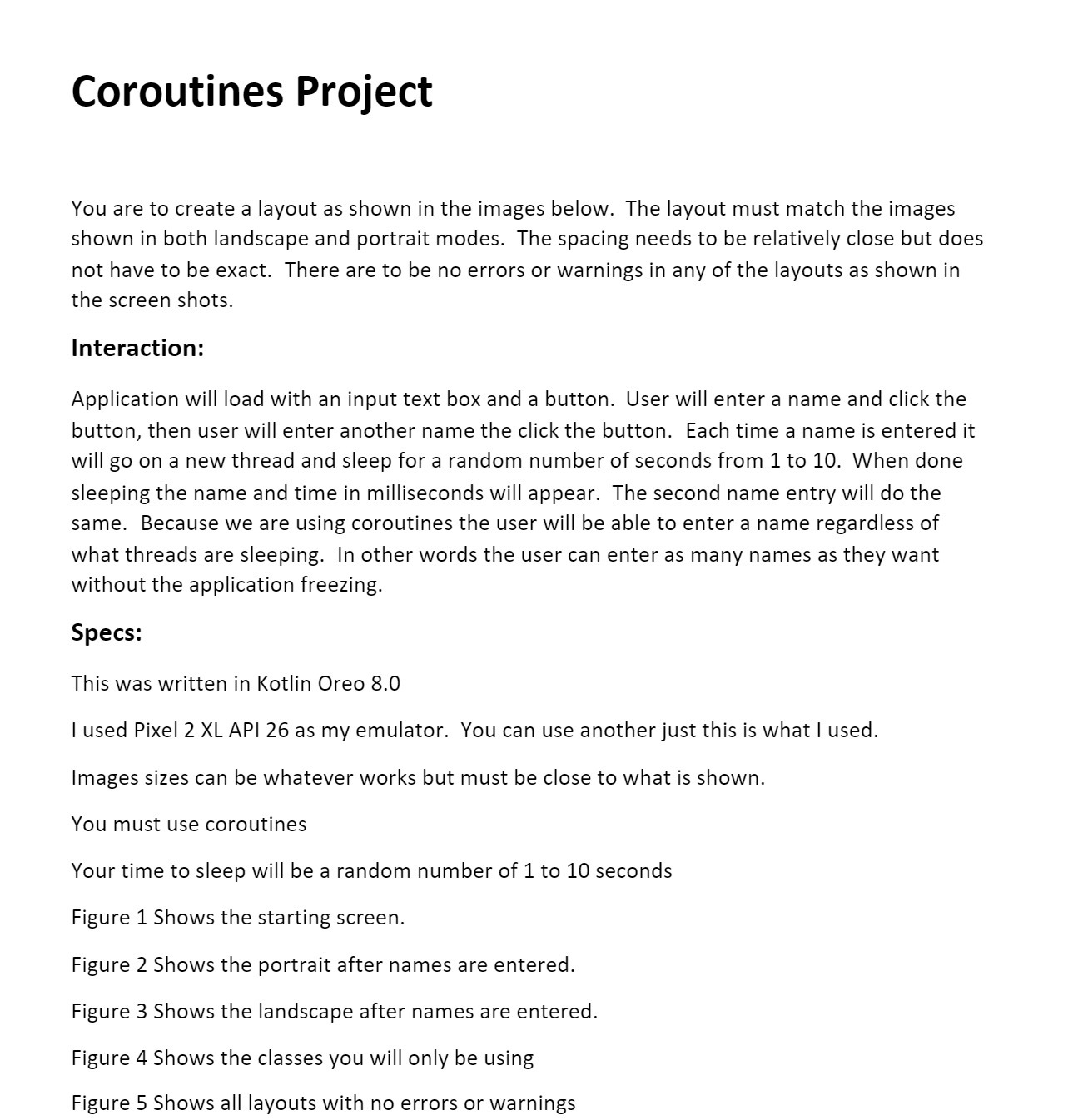
Coroutines Project You are to create a layout as shown in the images below. The layout must match the images shown in both landscape and portrait modes. The spacing needs to be relatively close but does not have to be exact. There are to be no errors or warnings in any ofthe layouts as shown in the screen shots. Interaction: Application will load with an input text box and a button. User will enter a name and click the button, then user will enter another name the click the button. Each time a name is entered it will go on a new thread and sleep for a random number of seconds from 1 to 10. When done sleeping the name and time in milliseconds will appear. The second name entry will do the same. Because we are using coroutines the user will be able to enter a name regardless of what threads are sleeping. In other words the user can enter as many names as they want without the application freezing. Specs: This was written in Kotlin Oreo 8.0 | used Pixel 2 XL API 26 as my emulator. You can use anotherjust this is what I used. Images sizes can be whatever works but must be close to what is shown. You must use coroutines Your time to sleep will be a random number of 1 to 10 seconds Figure 1 Shows the starting screen. Figure 2 Shows the portrait after names are entered. Figure 3 Shows the landscape after names are entered. Figure 4 Shows the classes you will only be using Figure 5 Shows all layouts with no errors or warnings

Step by Step Solution

There are 3 Steps involved in it

1 Expert Approved Answer
Step: 1 Unlock blur-text-image

Question Has Been Solved by an Expert!

Get step-by-step solutions from verified subject matter experts

Step: 2 Unlock
Step: 3 Unlock

Students Have Also Explored These Related Mathematics Questions!