



Question: coul you please answer to my previous question? This question is answered by a expert but it wsa not complete. please forward this question to
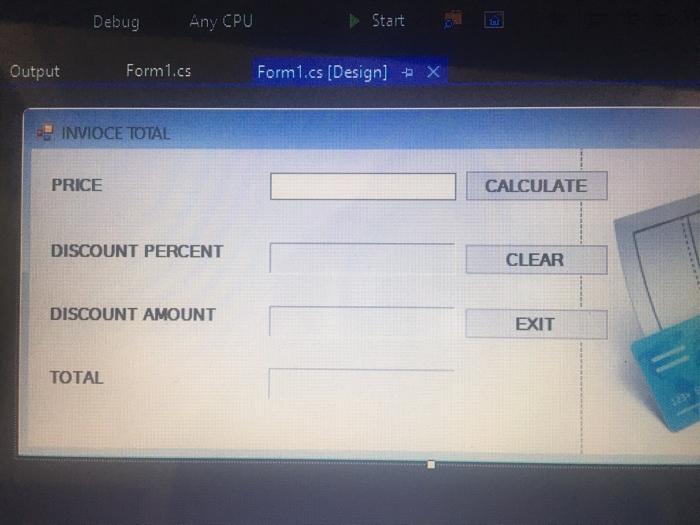
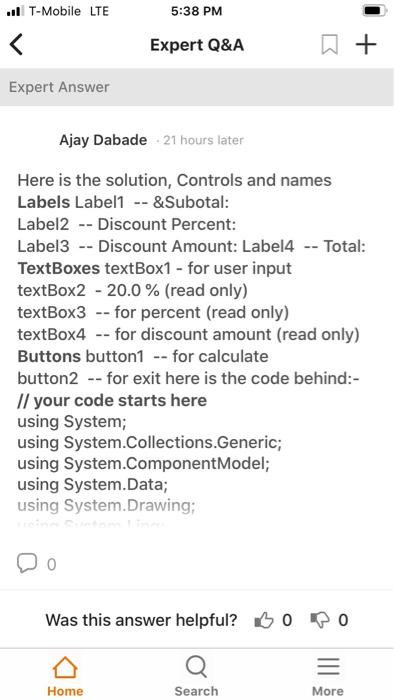
Debug Any CPU Start Output Form1.cs Form1.cs (Design) + x INVIOCE TOTAL PRICE CALCULATE DISCOUNT PERCENT CLEAR DISCOUNT AMOUNT EXIT TOTAL .. T-Mobile LTE 5:38 PM Expert Q&A + Expert Answer Ajay Dabade 21 hours later Here is the solution, Controls and names Labels Label1 -- &Subotal: Label2 -- Discount Percent: Label3 -- Discount Amount: Label4 -- Total: TextBoxes textBox1 - for user input textBox2 - 20.0% (read only) textBox3 -- for percent (read only) textBox4 -- for discount amount (read only) Buttons button1 -- for calculate button2 -- for exit here is the code behind:- // your code starts here using System; using System.Collections.Generic; using System.ComponentModel; using System.Data; using System.Drawing; Was this answer helpful? Bo po = Home Search More
Step by Step Solution
There are 3 Steps involved in it

Get step-by-step solutions from verified subject matter experts