







Question: Create a 10x10 times table. Use one single formula with mixed references for both operands first, and then fill up the rest of the table
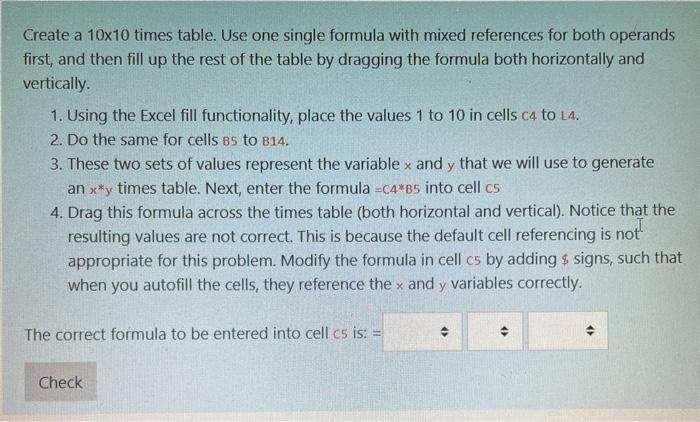
Create a 10x10 times table. Use one single formula with mixed references for both operands first, and then fill up the rest of the table by dragging the formula both horizontally and vertically 1. Using the Excel fill functionality, place the values 1 to 10 in cells c4 to L4. 2. Do the same for cells bs to B14. 3. These two sets of values represent the variable x and y that we will use to generate an x*y times table. Next, enter the formula =C4*85 into cell c5 4. Drag this formula across the times table (both horizontal and vertical). Notice that the resulting values are not correct. This is because the default cell referencing is appropriate for this problem. Modify the formula in cell cs by adding & signs, such that when you autofill the cells, they reference the x and y variables correctly. not The correct formula to be entered into cell cs is: = ( Check
Step by Step Solution
There are 3 Steps involved in it

Get step-by-step solutions from verified subject matter experts
 Study Help