







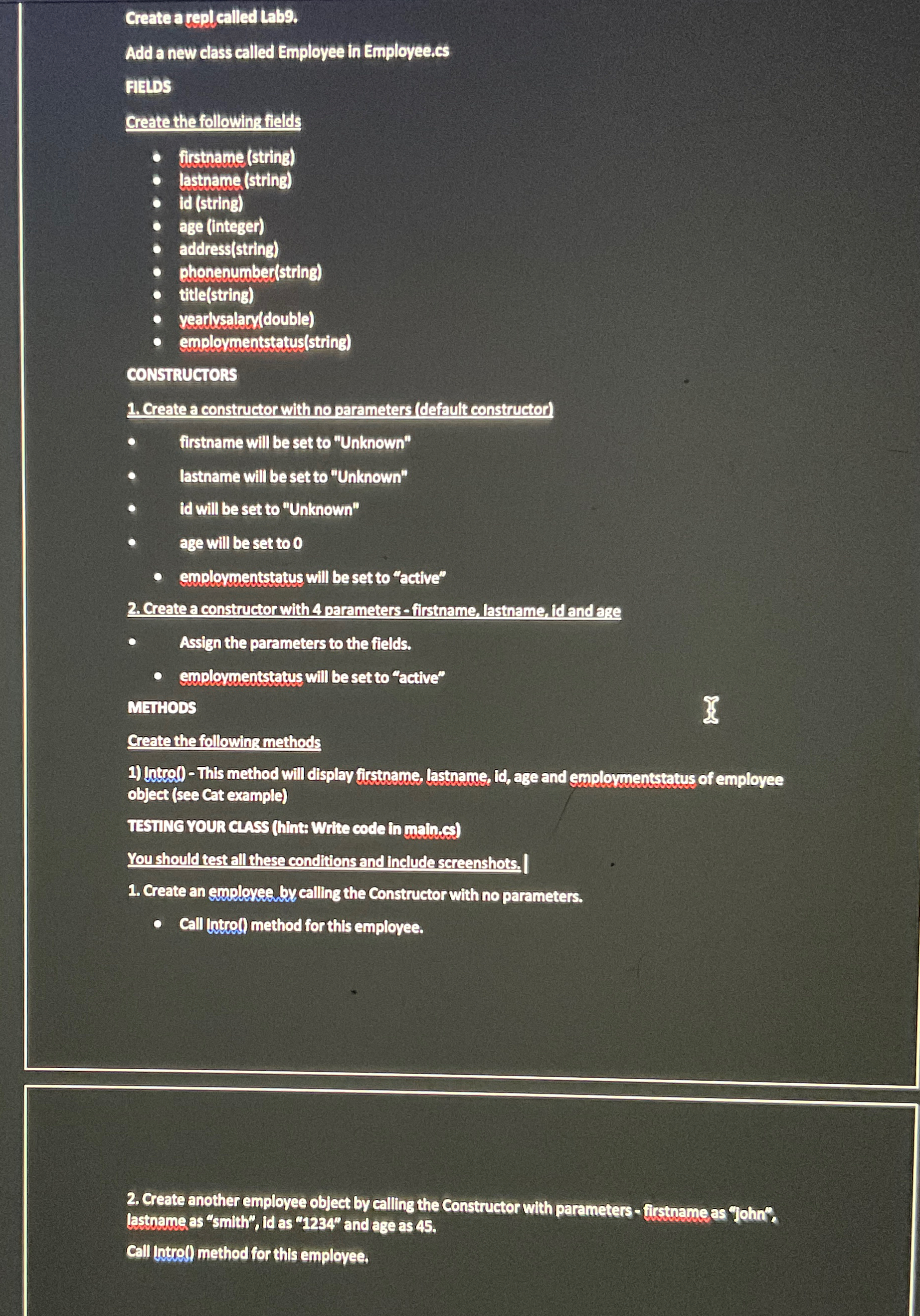
Question: Create a C# program Add a new class called Employee in Emplovee.cs FIELDS Create the following fields firstname ( string ) lastname ( string )
Create a C# program
Add a new class called Employee in Emplovee.cs
FIELDS
Create the following fields
firstnamestring
lastname string
id string
age integer
addressstring
Phonenumberstring
titlestring
yearlysalarydouble
employmentstatusstring
CONSTRUCTORS
Create a constructor with no parameters default constructor
firstname will be set to "Unknown"
lastname will be set to "Unknown"
Id will be set to "Unknown"
age will be set to
employmentstatus will be set to "active"
Create a constructor with parametersfirstname, lastname, id and ase
Assign the parameters to the fields.
employmentstatus will be set to "active"
MEIHODS
Create the following methods
Intro This method will display firsthame, lasthame, id age and expdovuentstatus of employee object see cat example
TESTING YOUR Class hint Write code in main.cs
Youshould test all these conditions and include screenshots.
Create an employee by calling the Constructor with no parameters.
call intro method for this employee.
Create another employ Resistee object by calling the Constructor with parameters firstname as "john" lastname as "smith", id as and age as
Call intro method for thls emplovee.
Step by Step Solution
There are 3 Steps involved in it
1 Expert Approved Answer
Step: 1 Unlock

Question Has Been Solved by an Expert!
Get step-by-step solutions from verified subject matter experts
Step: 2 Unlock
Step: 3 Unlock
 Study Help