







Question: Create a C program ( name it filecopy.c ) that copies the contents of one file to a destination file. This program will read
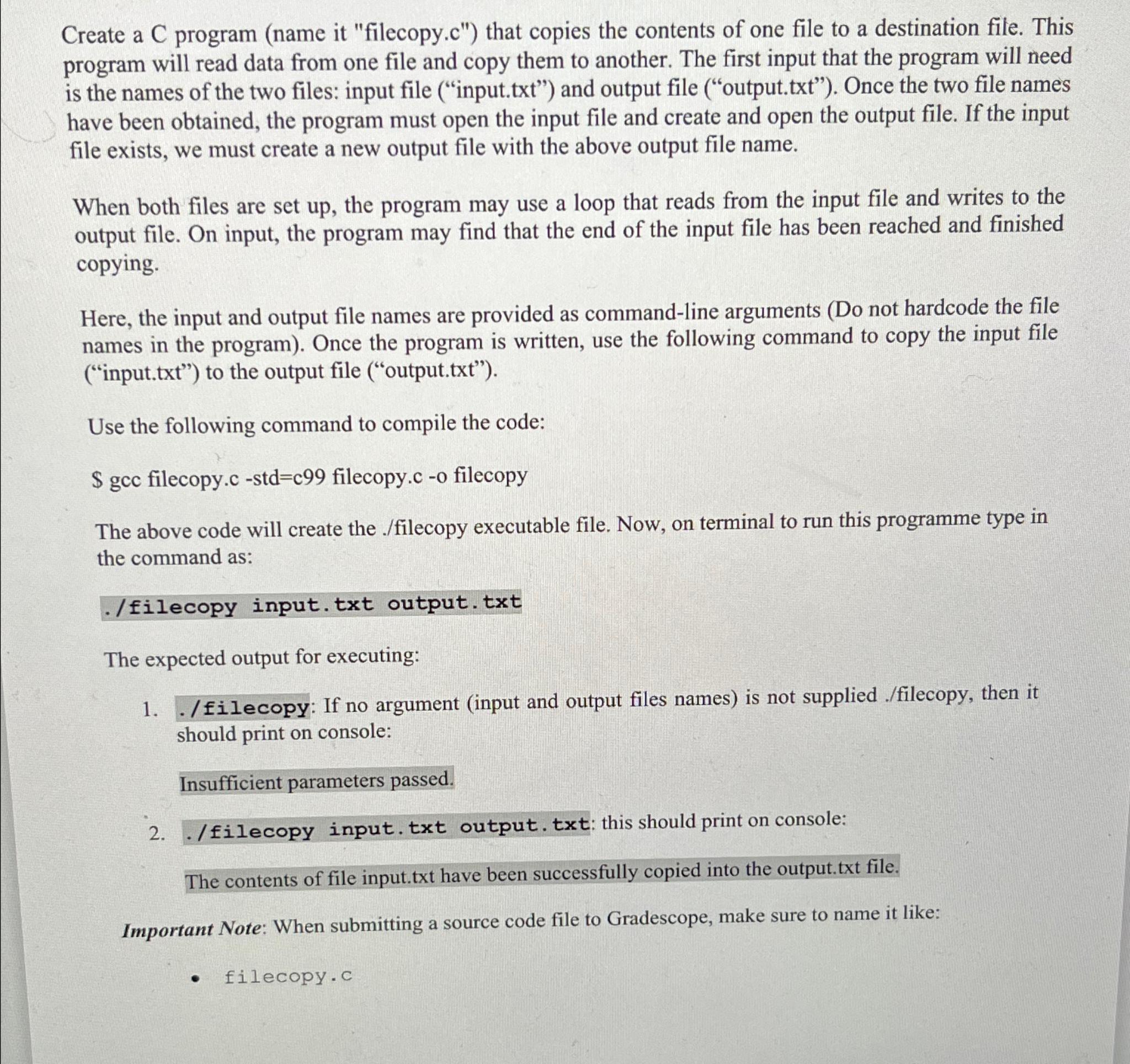
Create a C program name it "filecopy.c that copies the contents of one file to a destination file. This program will read data from one file and copy them to another. The first input that the program will need is the names of the two files: input file inputtxt and output file outputtxt Once the two file names have been obtained, the program must open the input file and create and open the output file. If the input file exists, we must create a new output file with the above output file name.
When both files are set up the program may use a loop that reads from the input file and writes to the output file. On input, the program may find that the end of the input file has been reached and finished copying.
Here, the input and output file names are provided as commandline arguments Do not hardcode the file names in the program Once the program is written, use the following command to copy the input file inputtxt to the output file outputtxt
Use the following command to compile the code:
$ gcc filecopy.c stdc filecopy.c o filecopy
The above code will create the filecopy executable file. Now, on terminal to run this programme type in the command as:
filecopy input.txt output.txt
The expected output for executing:
filecopy: If no argument input and output files names is not supplied filecopy then it should print on console:
Insufficient parameters passed.
filecopy input. txt output. txt: this should print on console:
The contents of file input.txt have been successfully copied into the output.txt file.
Important Note: When submitting a source code file to Gradescope, make sure to name it like:
filecopy.c
Step by Step Solution
There are 3 Steps involved in it
1 Expert Approved Answer
Step: 1 Unlock

Question Has Been Solved by an Expert!
Get step-by-step solutions from verified subject matter experts
Step: 2 Unlock
Step: 3 Unlock
 Study Help