







Question: Create a C# visual studio project. Modify a list class to use an indexer, a delegate, an event, and operators In this exercise, you'll modify
Create a C# visual studio project. Modify a list class to use an indexer, a delegate, an event, and operators
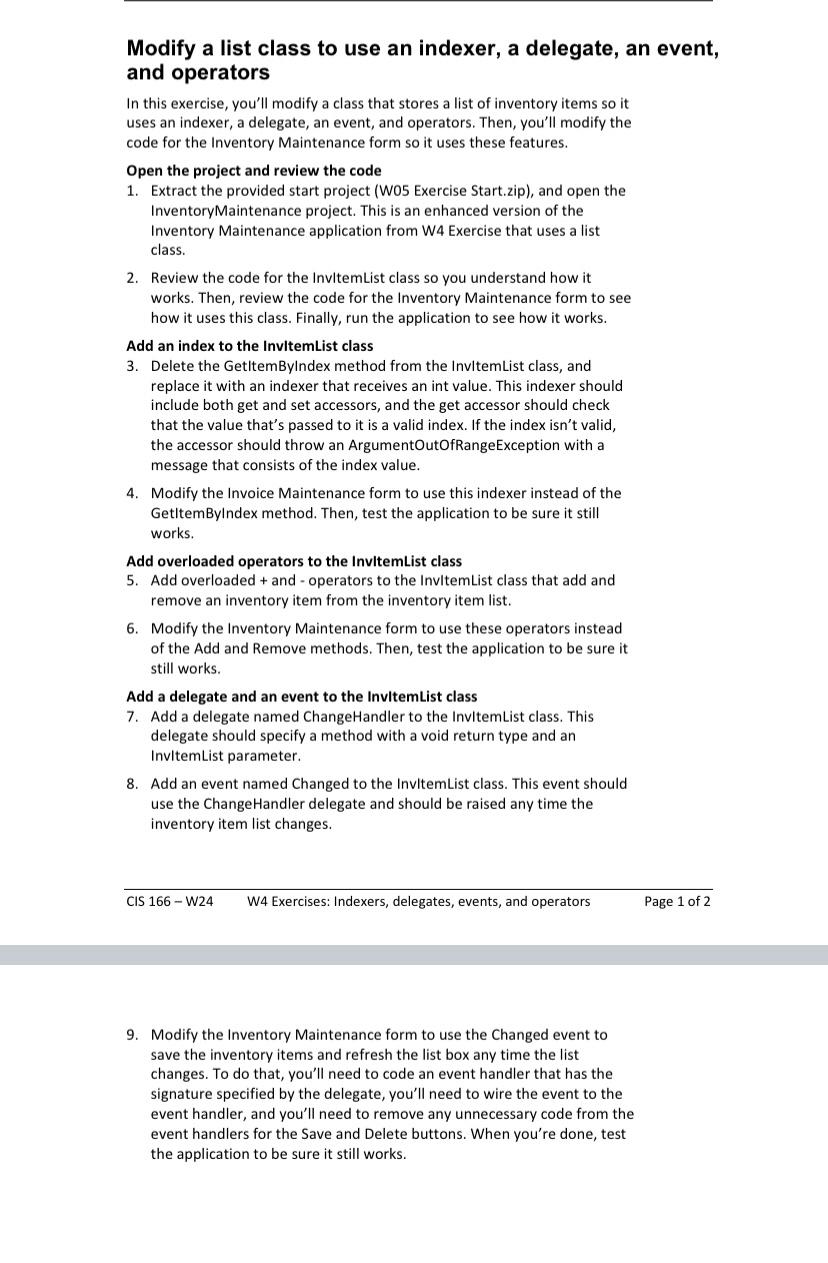
In this exercise, you'll modify a class that stores a list of inventory items so it uses an indexer, a delegate, an event, and operators. Then, you'll modify the code for the Inventory Maintenance form so it uses these features.
Open the project and review the code
Extract the provided start project W Exercise Start.zip and open the InventoryMaintenance project. This is an enhanced version of the Inventory Maintenance application from W Exercise that uses a list class.
Review the code for the InvitemList class so you understand how it works. Then, review the code for the Inventory Maintenance form to see how it uses this class. Finally, run the application to see how it works.
Add an index to the InvitemList class
Delete the GetltemByIndex method from the InvitemList class, and replace it with an indexer that receives an int value. This indexer should include both get and set accessors, and the get accessor should check that the value that's passed to it is a valid index. If the index isn't valid, the accessor should throw an ArgumentOutOfRangeException with a message that consists of the index value.
Modify the Invoice Maintenance form to use this indexer instead of the GetltemByIndex method. Then, test the application to be sure it still works.
Add overloaded operators to the InvitemList class
Add overloaded and operators to the Invitem List class that add and remove an inventory item from the inventory item list.
Modify the Inventory Maintenance form to use these operators instead of the Add and Remove methods. Then, test the application to be sure it still works.
Add a delegate and an event to the InvitemList class
Add a delegate named ChangeHandler to the InvitemList class. This delegate should specify a method with a void return type and an InvitemList parameter.
Add an event named Changed to the InvitemList class. This event should use the ChangeHandler delegate and should be raised any time the inventory item list changes.
CIS W
W Exercises: Indexers, delegates, events, and operators
Page of
Modify the Inventory Maintenance form to use the Changed event to save the inventory items and refresh the list box any time the list changes. To do that, you'll need to code an event handler that has the signature specified by the delegate, you'll need to wire the event to the event handler, and you'll need to remove any unnecessary code from the event handlers for the Save and Delete buttons. When you're done, test the application to be sure it still works.
Step by Step Solution
There are 3 Steps involved in it
1 Expert Approved Answer
Step: 1 Unlock

Question Has Been Solved by an Expert!
Get step-by-step solutions from verified subject matter experts
Step: 2 Unlock
Step: 3 Unlock
 Study Help