







Question: Create a class called WordList based on the linked list with head node as shown in lecture. The data in the nodes should be a
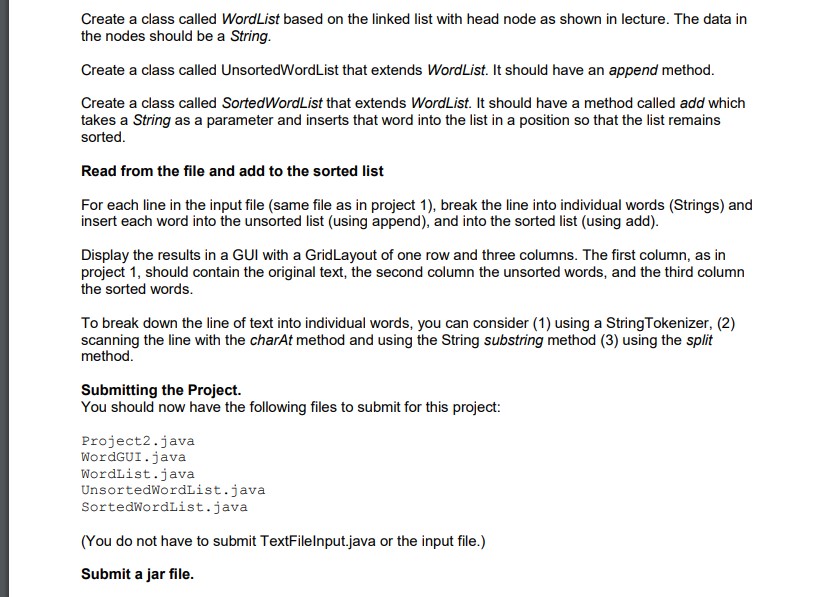
Create a class called WordList based on the linked list with head node as shown in lecture. The data in the nodes should be a String. Create a class called UnsortedWordList that extends WordList. It should have an append method. Create a class called SortedWordList that extends WordList. It should have a method called add which takes a String as a parameter and inserts that word into the list in a position so that the list remains sorted. Read from the file and add to the sorted list For each line in the input file (same file as in project 1), break the line into individual words (Strings) and insert each word into the unsorted list (using append), and into the sorted list (using add). Display the results in a GUI with a GridLayout of one row and three columns. The first column, as in project 1, should contain the original text, the second column the unsorted words, and the third column the sorted words. To break down the line of text into individual words, you can consider (1) using a String Tokenizer, (2) scanning the line with the charAt method and using the String substring method (3) using the split method. Submitting the Project. You should now have the following files to submit for this project: Project2. java WordGUI . java WordList . java UnsortedWordList. java SortedWordList. java (You do not have to submit TextFileInput.java or the input file.) Submit a jar file
Step by Step Solution
There are 3 Steps involved in it

Get step-by-step solutions from verified subject matter experts
 Study Help