







Question: Create a class MyRectangle. MyRectangle class has 3 attributes: The first two are length and width, each of which defaults to 1 and private, and
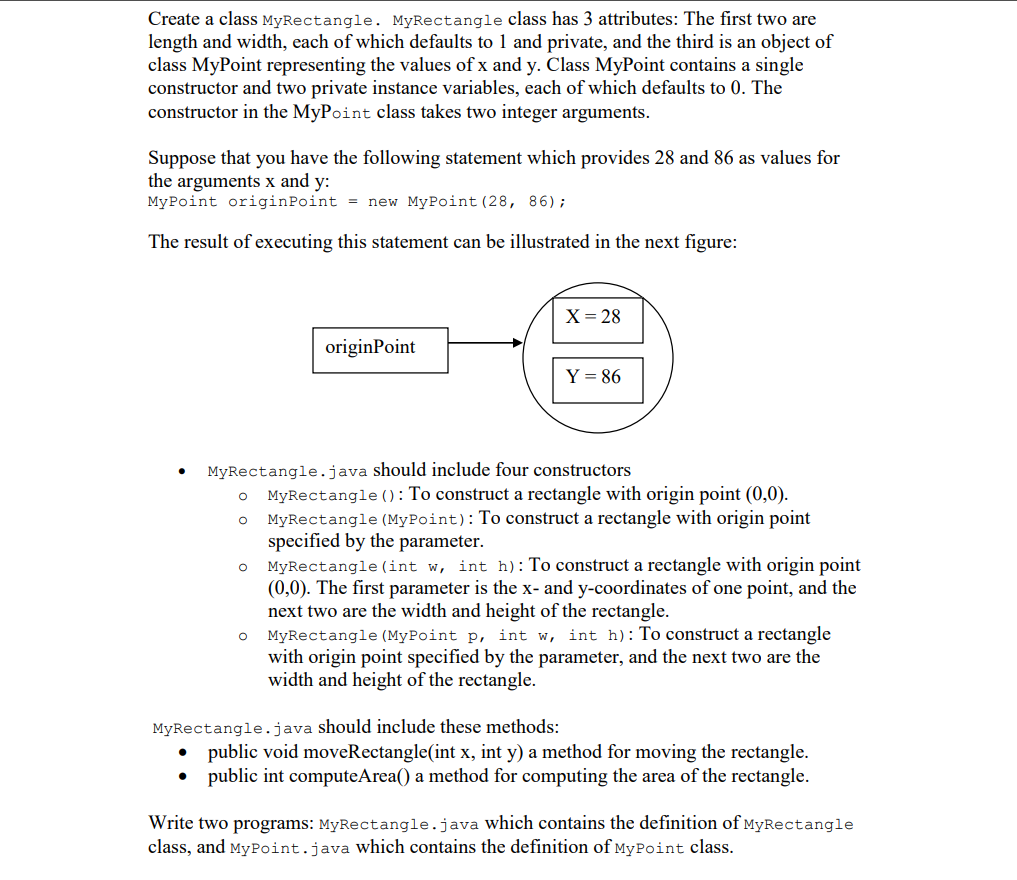
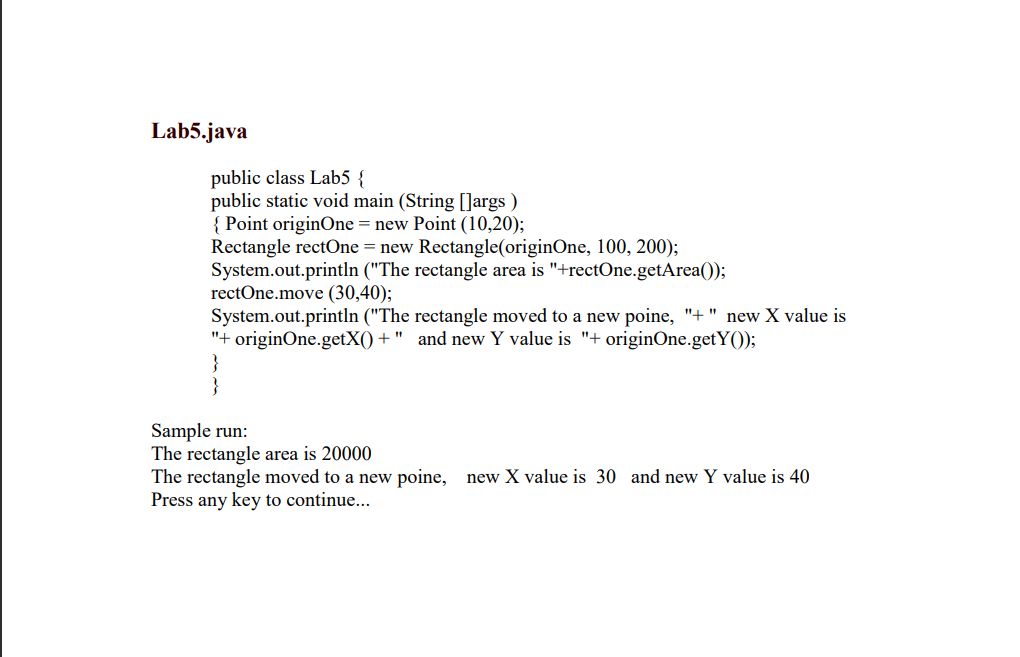
Create a class MyRectangle. MyRectangle class has 3 attributes: The first two are length and width, each of which defaults to 1 and private, and the third is an object of class MyPoint representing the values of x and y. Class MyPoint contains a single constructor and two private instance variables, each of which defaults to 0 . The constructor in the MyPoint class takes two integer arguments. Suppose that you have the following statement which provides 28 and 86 as values for the arguments x and y : MyPoint originPoint = new MyPoint (28,86); The result of executing this statement can be illustrated in the next figure: - MyRectangle.java should include four constructors - MyRectangle () : To construct a rectangle with origin point (0,0). - MyRectangle (MyPoint): To construct a rectangle with origin point specified by the parameter. - MyRectangle (int w, int h ): To construct a rectangle with origin point (0,0). The first parameter is the x - and y-coordinates of one point, and the next two are the width and height of the rectangle. - MyRectangle (MyPoint p, int w, int h ): To construct a rectangle with origin point specified by the parameter, and the next two are the width and height of the rectangle. MyRectangle.java should include these methods: - public void moveRectangle(int x, int y ) a method for moving the rectangle. - public int computeArea() a method for computing the area of the rectangle. Write two programs: MyRectangle. java which contains the definition of MyRectangle class, and MyPoint.java which contains the definition of MyPoint class. Lab5.java public class Lab5 \{ public static void main (String []args ) { Point originOne = new Point (10,20); Rectangle rectOne = new Rectangle(originOne, 100, 200); System.out.println ("The rectangle area is "+rectOne.getArea()); rectOne.move (30,40); System.out.println ("The rectangle moved to a new poine, "+ " new X value is "+ originOne.get X()+ " and new Y value is "+ originOne.get Y()); \} Sample run: The rectangle area is 20000 The rectangle moved to a new poine, new X value is 30 and new Y value is 40 Press any key to continue
Step by Step Solution
There are 3 Steps involved in it

Get step-by-step solutions from verified subject matter experts
 Study Help