







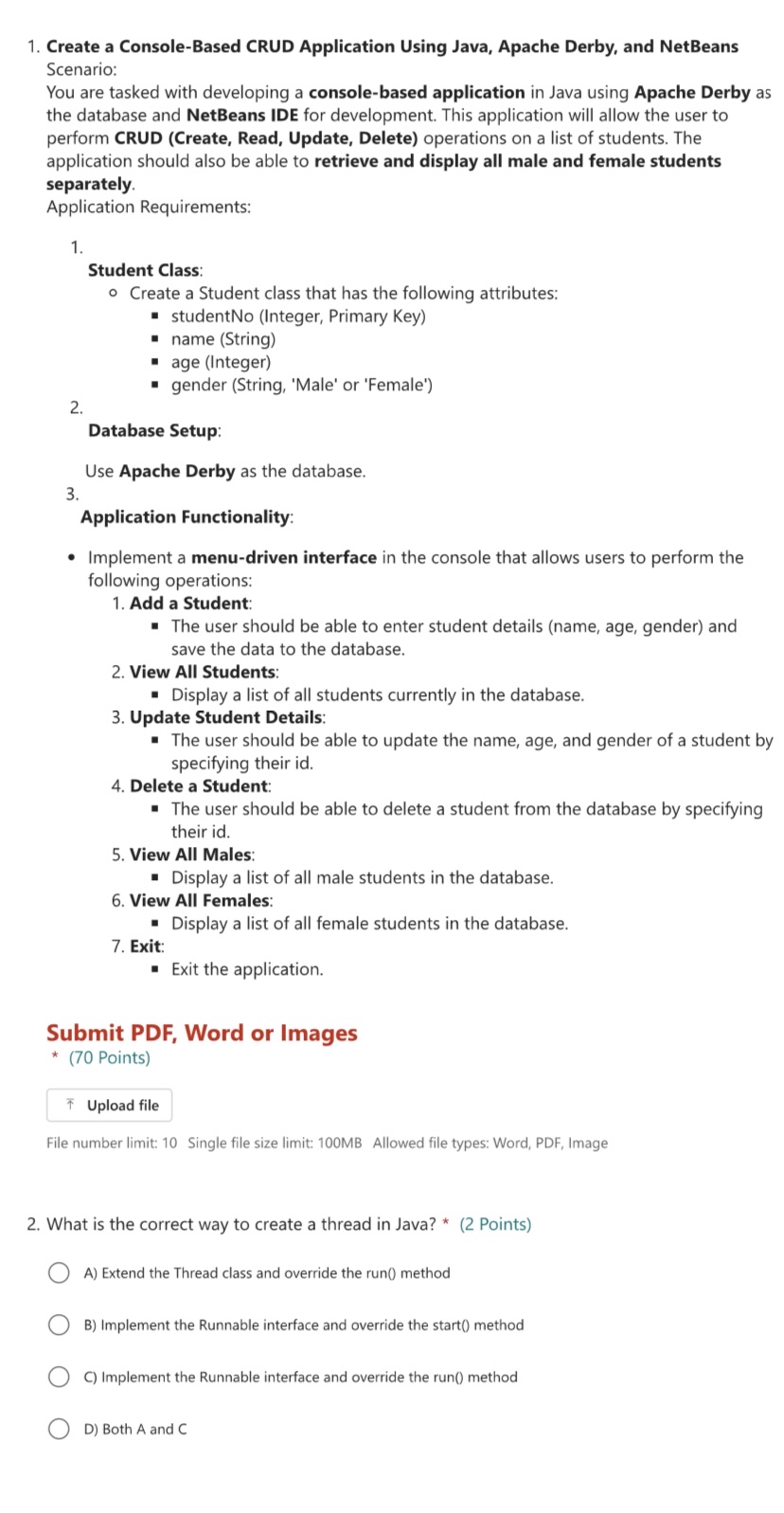
Question: Create a Console - Based CRUD Application Using Java, Apache Derby, and NetBeans Scenario: You are tasked with developing a console - based application in
Create a ConsoleBased CRUD Application Using Java, Apache Derby, and NetBeans
Scenario:
You are tasked with developing a consolebased application in Java using Apache Derby as
the database and NetBeans IDE for development. This application will allow the user to
perform CRUD Create Read, Update, Delete operations on a list of students. The
application should also be able to retrieve and display all male and female students
separately.
Application Requirements:
Student Class:
Create a Student class that has the following attributes:
studentNo Integer Primary Key
name String
age Integer
gender String 'Male' or 'Female'
Database Setup:
Use Apache Derby as the database.
Application Functionality:
Implement a menudriven interface in the console that allows users to perform the
following operations:
Add a Student:
The user should be able to enter student details name age, gender and
save the data to the database.
View All Students:
Display a list of all students currently in the database.
Update Student Details:
The user should be able to update the name, age, and gender of a student by
specifying their id
Delete a Student:
The user should be able to delete a student from the database by specifying
their id
View All Males:
Display a list of all male students in the database.
View All Females:
Display a list of all female students in the database.
Exit:
Exit the application.
Submit PDF Word or Images
Points
File number limit: Single file size limit: MB Allowed file types: Word, PDF Image
What is the correct way to create a thread in Java? Points
A Extend the Thread class and override the run method
B Implement the Runnable interface and override the start method
C Implement the Runnable interface and override the run method
D Both A and C
Step by Step Solution
There are 3 Steps involved in it
1 Expert Approved Answer
Step: 1 Unlock

Question Has Been Solved by an Expert!
Get step-by-step solutions from verified subject matter experts
Step: 2 Unlock
Step: 3 Unlock
 Study Help