







Question: create a custom function to find the root using Bi-Section method a) Draw a flow-chart for the algorithm first. Hand drawn diagram is sufficient. b)
create a custom function to find the root using Bi-Section method
a) Draw a flow-chart for the algorithm first. Hand drawn diagram is sufficient.
b) Write a custom function called mybisection() with following inputs arguments and outputs using matlab
Inputs: function to find the root, lower bracket, upper bracket, max iterations and tolerance.
Outputs: root, number of iterations for convergence, relative error.
c) Test your function by finding root of a function and show the outputs.
Please help with the script/command window!
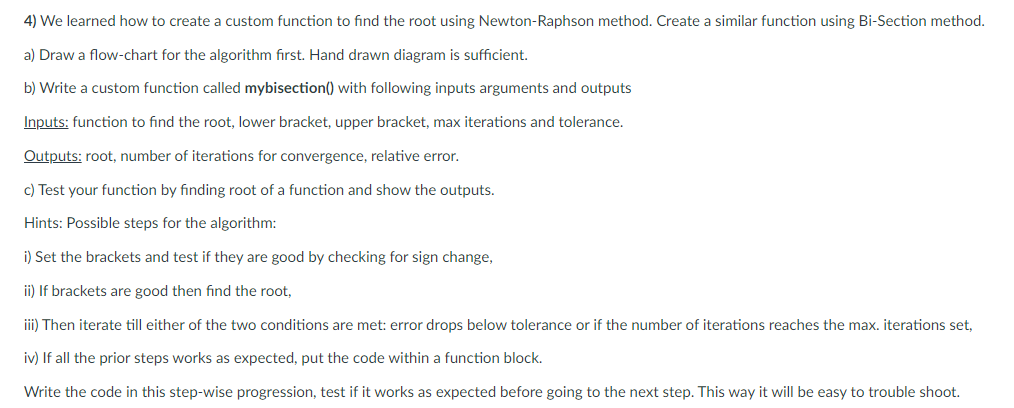
4) We learned how to create a custom function to find the root using Newton-Raphson method. Create a similar function using Bi-Section method. a) Draw a flow-chart for the algorithm first. Hand drawn diagram is sufficient. b) Write a custom function called mybisection() with following inputs arguments and outputs Inputs: function to find the root, lower bracket, upper bracket, max iterations and tolerance. Outputs: root, number of iterations for convergence, relative error. c) Test your function by finding root of a function and show the outputs. Hints: Possible steps for the algorithm: i) Set the brackets and test if they are good by checking for sign change, ii) If brackets are good then find the root, iii) Then iterate till either of the two conditions are met: error drops below tolerance or if the number of iterations reaches the max. iterations set, iv) If all the prior steps works as expected, put the code within a function block. Write the code in this step-wise progression, test if it works as expected before going to the next step. This way it will be easy to trouble shoot
Step by Step Solution
There are 3 Steps involved in it

Get step-by-step solutions from verified subject matter experts
 Study Help