







Question: Create a dice game on Android studio. The game contains two dice, one belongs to the player and one belonging to the computer. Dice has
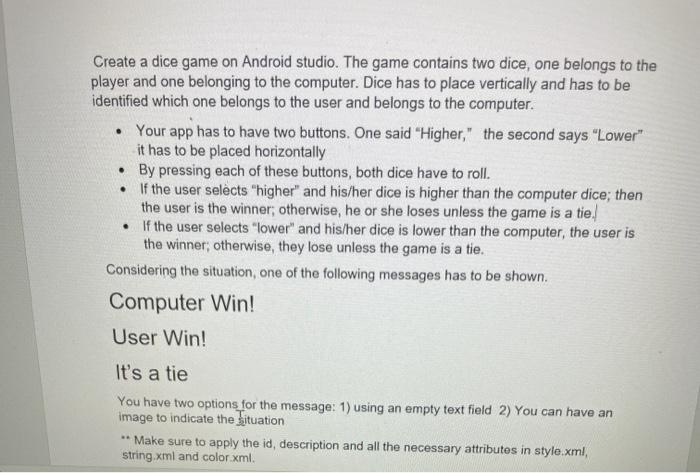
Create a dice game on Android studio. The game contains two dice, one belongs to the player and one belonging to the computer. Dice has to place vertically and has to be identified which one belongs to the user and belongs to the computer. Your app has to have two buttons. One said "Higher," the second says "Lower" it has to be placed horizontally . By pressing each of these buttons, both dice have to roll. If the user selects "higher" and his/her dice is higher than the computer dice; then the user is the winner, otherwise, he or she loses unless the game is a tie. If the user selects "lower and his/her dice is lower than the computer, the user is the winner, otherwise, they lose unless the game is a tie. Considering the situation, one of the following messages has to be shown. Computer Win! User Win! It's a tie You have two options for the message: 1) using an empty text field 2) You can have an image to indicate the situation ** Make sure to apply the id, description and all the necessary attributes in style.xml, string.xml and color.xml
Step by Step Solution
There are 3 Steps involved in it

Get step-by-step solutions from verified subject matter experts
 Study Help