





Question: Create a Final 'Wow Me! Web Site For this Assignment you will first read the appropriate chapters in the textbook and then create a new
 Create a Final '"Wow Me!" Web Site For this Assignment you

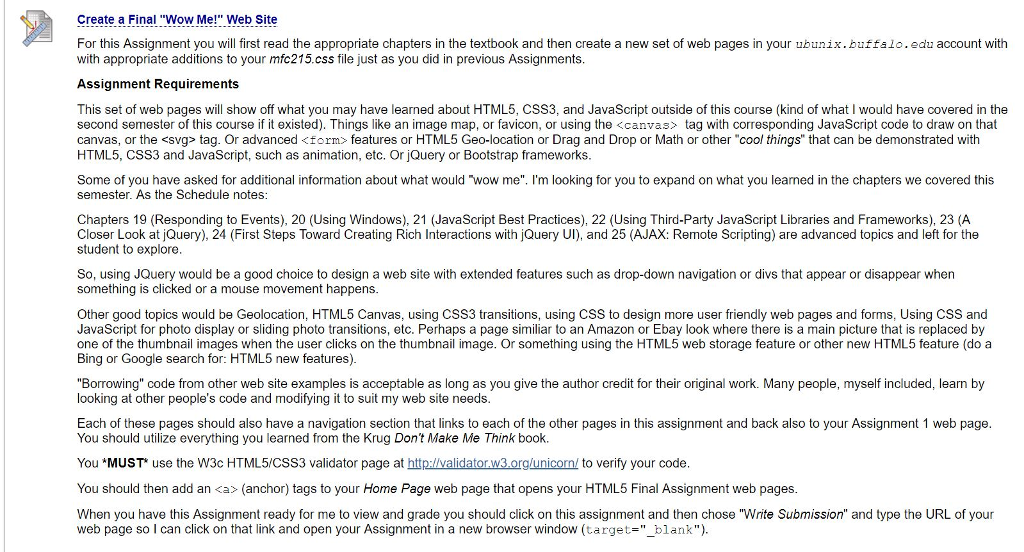
Create a Final '"Wow Me!" Web Site For this Assignment you will first read the appropriate chapters in the textbook and then create a new set of web pages in your ubunix.buffalo.edu account with with appropriate additions to your mfc215.css file just as you did in previous Assignments. Assignment Requirements This set of web pages will show off what you may have learned about HTML5, CSS3, and JavaScript outside of this course (kind of what I would have covered in the second semester of this course if it existed). Things like an image map, or favicon, or using the tag with corresponding JavaScript code to draw on that canvas, or the tag. Or advanced
features or HTML5 Geo-location or Drag and Drop or Math or other "cool things" that can be demonstrated with HTML5, CSS3 and JavaScript, such as animation, etc. Or jQuery or Bootstrap frameworks Some of you have asked for additional information about what would "wow me". I'm looking for you to expand on what you learned in the chapters we covered this semester. As the Schedule notes Chapters 19 (Responding to Events), 20 (Using Windows), 21 (JavaScript Best Practices), 22 (Using Third-Party JavaScript Libraries and Frameworks), 23 (A Closer Look at jQuery), 24 (First Steps Toward Creating Rich Interactions with jQuery UI), and 25 (AJAX: Remote Scripting) are advanced topics and left for the student to explore So, using JQuery would be a good choice to design a web site with extended features such as drop-down navigation or divs that appear or disappear when something is clicked or a mouse movement happens Other good topics would be Geolocation, HTML5 Canvas, using CSS3 transitions, using CSS to design more user friendly web pages and forms, Using CSS and JavaScript for photo display or sliding photo transitions, etc. Perhaps a page similiar to an Amazon or Ebay look where there is a main picture that is replaced by one of the thumbnail images when the user clicks on the thumbnail image. Or something using the HTML5 web storage feature or other new HTML5 feature (do a Bing or Google search for: HTML5 new features) "Borrowing" code from other web site examples is acceptable as long as you give the author credit for their original work. Many people, myself included, learn by looking at other people's code and modifying it to suit my web site needs Each of these pages should also have a navigation section that links to each of the other pages in this assignment and back also to your Assignment 1 web page You should utilize everything you learned from the Krug Dont Make Me Think book You *MUST use the W3c HTML5/CSS3 validator page at http://validator ?.org/unicorn/ to verify your code You should then add an tag with corresponding JavaScript code to draw on that canvas, or the tag. Or advanced
features or HTML5 Geo-location or Drag and Drop or Math or other "cool things" that can be demonstrated with HTML5, CSS3 and JavaScript, such as animation, etc. Or jQuery or Bootstrap frameworks Some of you have asked for additional information about what would "wow me". I'm looking for you to expand on what you learned in the chapters we covered this semester. As the Schedule notes Chapters 19 (Responding to Events), 20 (Using Windows), 21 (JavaScript Best Practices), 22 (Using Third-Party JavaScript Libraries and Frameworks), 23 (A Closer Look at jQuery), 24 (First Steps Toward Creating Rich Interactions with jQuery UI), and 25 (AJAX: Remote Scripting) are advanced topics and left for the student to explore So, using JQuery would be a good choice to design a web site with extended features such as drop-down navigation or divs that appear or disappear when something is clicked or a mouse movement happens Other good topics would be Geolocation, HTML5 Canvas, using CSS3 transitions, using CSS to design more user friendly web pages and forms, Using CSS and JavaScript for photo display or sliding photo transitions, etc. Perhaps a page similiar to an Amazon or Ebay look where there is a main picture that is replaced by one of the thumbnail images when the user clicks on the thumbnail image. Or something using the HTML5 web storage feature or other new HTML5 feature (do a Bing or Google search for: HTML5 new features) "Borrowing" code from other web site examples is acceptable as long as you give the author credit for their original work. Many people, myself included, learn by looking at other people's code and modifying it to suit my web site needs Each of these pages should also have a navigation section that links to each of the other pages in this assignment and back also to your Assignment 1 web page You should utilize everything you learned from the Krug Dont Make Me Think book You *MUST use the W3c HTML5/CSS3 validator page at http://validator ?.org/unicorn/ to verify your code You should then add an

Step by Step Solution

There are 3 Steps involved in it

1 Expert Approved Answer
Step: 1 Unlock blur-text-image

Question Has Been Solved by an Expert!

Get step-by-step solutions from verified subject matter experts

Step: 2 Unlock
Step: 3 Unlock

Students Have Also Explored These Related Databases Questions!