







Question: Create a find duplicates query based on the Drivers table where there is a repeated LastName and Street value. Add the DriverID and FirstName fields
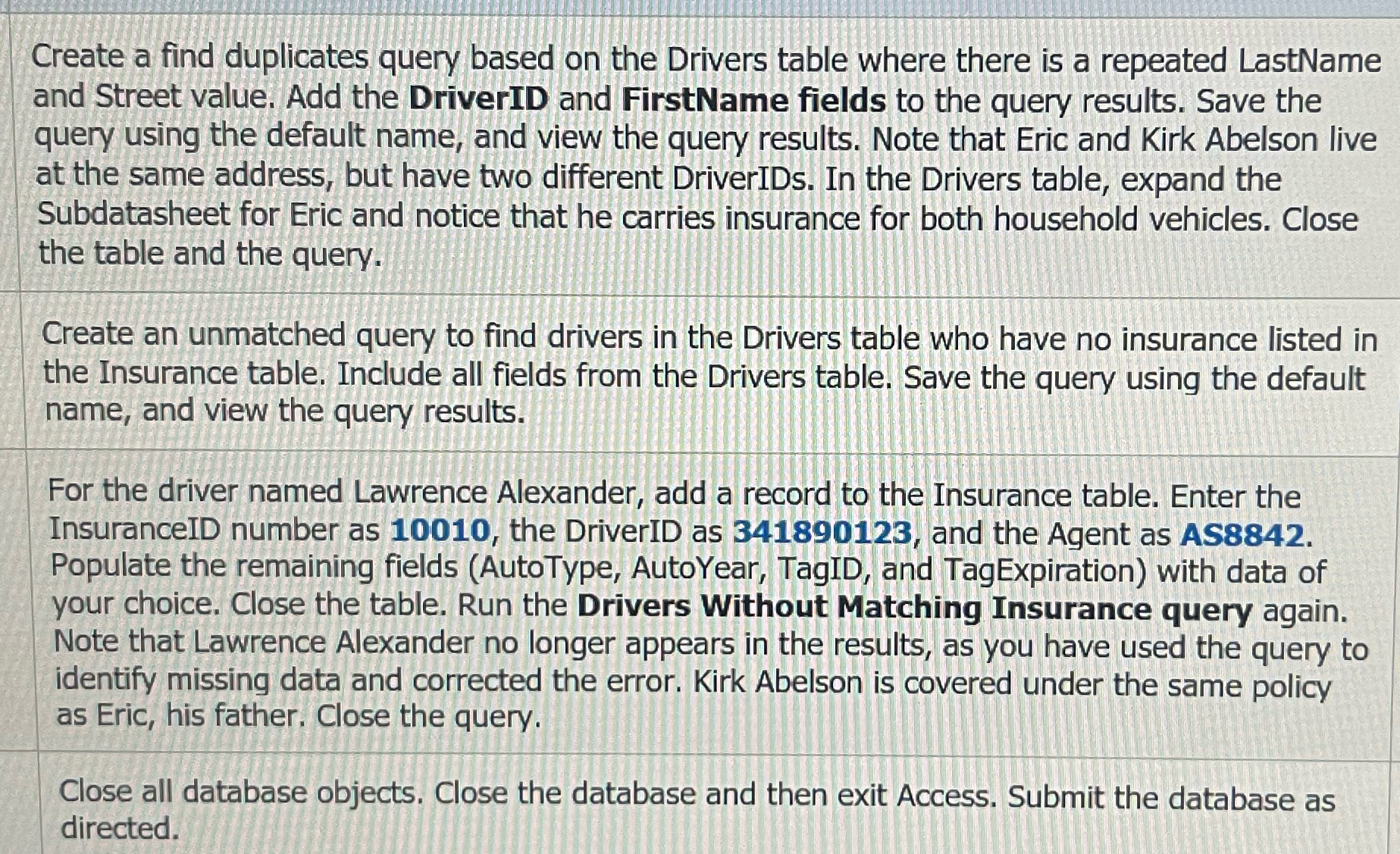
Create a find duplicates query based on the Drivers table where there is a repeated LastName and Street value. Add the DriverID and FirstName fields to the query results. Save the query using the default name, and view the query results. Note that Eric and Kirk Abelson live at the same address, but have two different DriverIDs. In the Drivers table, expand the Subdatasheet for Eric and notice that he carries insurance for both household vehicles. Close the table and the query.
Create an unmatched query to find drivers in the Drivers table who have no insurance listed in the Insurance table. Include all fields from the Drivers table. Save the query using the default name, and view the query results.
For the driver named Lawrence Alexander, add a record to the Insurance table. Enter the InsuranceID number as the DriverID as and the Agent as AS Populate the remaining fields AutoType AutoYear, TagID, and TagExpiration with data of your choice. Close the table. Run the Drivers Without Matching Insurance query again. Note that Lawrence Alexander no longer appears in the results, as you have used the query to identify missing data and corrected the error. Kirk Abelson is covered under the same policy as Eric, his father. Close the query.
Close all database objects. Close the database and then exit Access. Submit the database as directed.
Please provide detailed steps
Step by Step Solution
There are 3 Steps involved in it
1 Expert Approved Answer
Step: 1 Unlock

Question Has Been Solved by an Expert!
Get step-by-step solutions from verified subject matter experts
Step: 2 Unlock
Step: 3 Unlock
 Study Help