



Question: Create a folder named lastnameCh6Sum where the last name is your last name. Example: summersChosum Inside your new folder place a copy of the attached
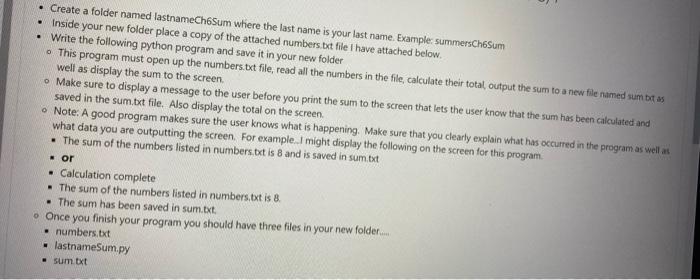
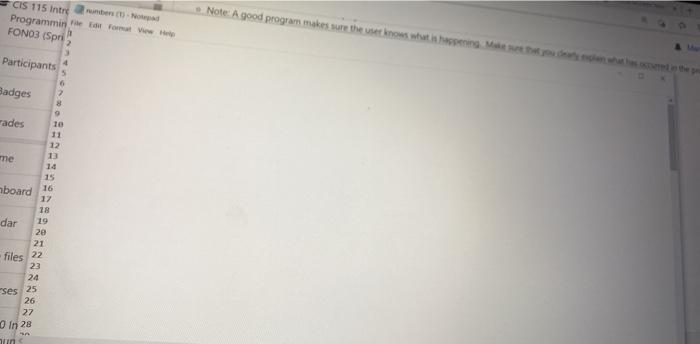
Create a folder named lastnameCh6Sum where the last name is your last name. Example: summersChosum Inside your new folder place a copy of the attached numbers.bd file I have attached below. Write the following python program and save it in your new folder . This program must open up the numbers.txt file, read all the numbers in the file, calculate their total, output the sum to a new file named sum bt as well as display the sum to the screen . Make sure to display a message to the user before you print the sum to the screen that lets the user know that the sum has been calculated and saved in the sum.txt file. Also display the total on the screen. Note: A good program makes sure the user knows what is happening. Make sure that you clearly explain what has occurred in the program as well as what data you are outputting the screen. For example. I might display the following on the screen for this program. . The sum of the numbers listed in numbers.txt is 8 and is saved in sum.txt or Calculation complete - The sum of the numbers listed in numbers.txt is 8. The sum has been saved in sumbat . Once you finish your program you should have three files in your new folder . numbers.txt . lastname Sumpy sum txt CIS 115 Intrer Programmin for Format View all Note: A good program makes sure the use now what is needed the FONO3 (Spri Participants Badges 2 8 rades 12 1 me 15 board 16 17 18 dar 19 2e 21 files 22 23 24 Ses 25 26 27 In 28 win
Step by Step Solution
There are 3 Steps involved in it

Get step-by-step solutions from verified subject matter experts