







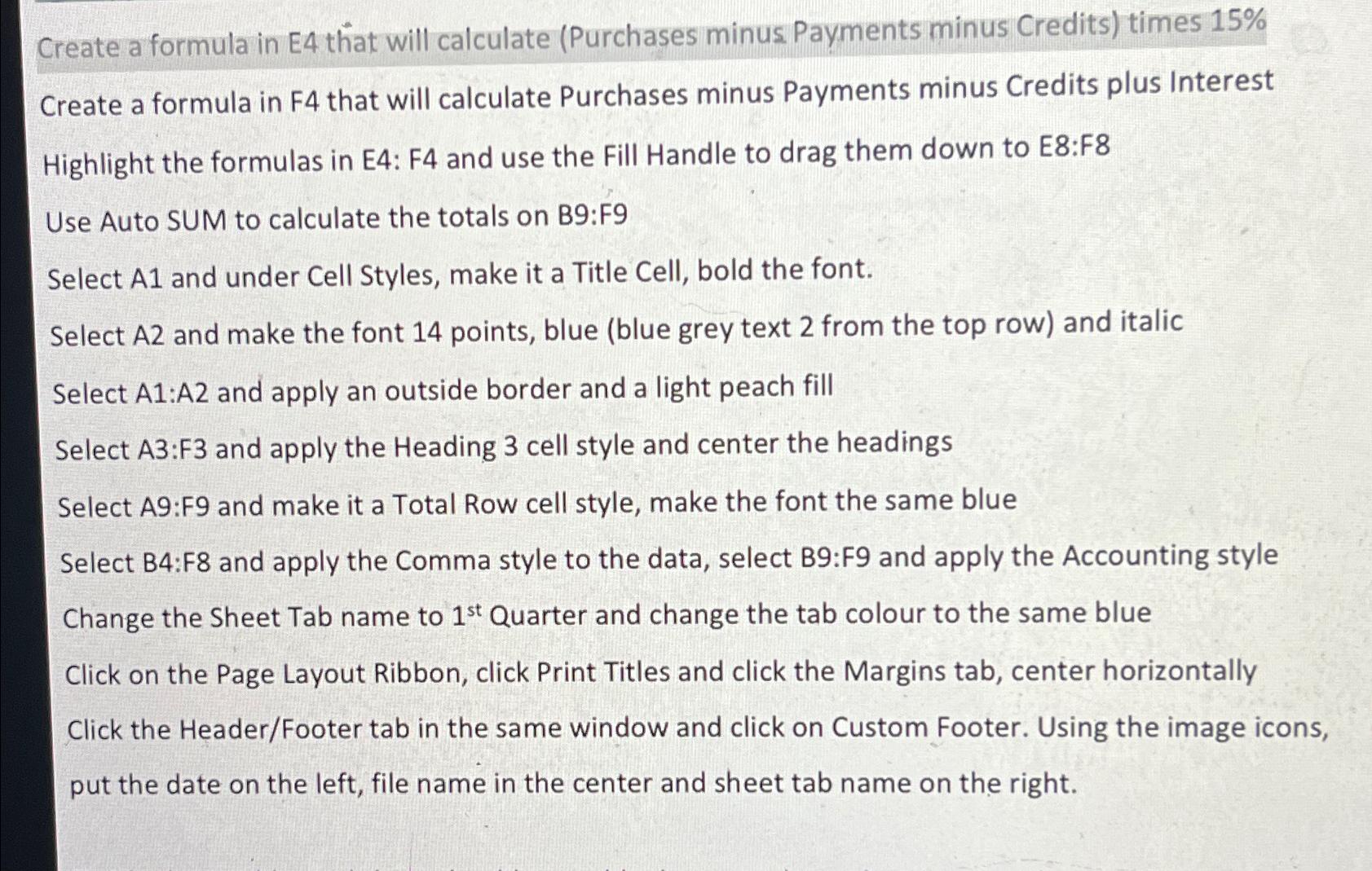
Question: Create a formula in E 4 that will calculate ( Purchases minus Payments minus Credits ) times 1 5 % Create a formula in F
Create a formula in E that will calculate Purchases minus Payments minus Credits times
Create a formula in that will calculate Purchases minus Payments minus Credits plus Interest
Highlight the formulas in E: F and use the Fill Handle to drag them down to E:F
Use Auto SUM to calculate the totals on B:F
Select A and under Cell Styles, make it a Title Cell, bold the font.
Select A and make the font points, blue blue grey text from the top row and italic
Select A:A and apply an outside border and a light peach fill
Select A:F and apply the Heading cell style and center the headings
Select A:F and make it a Total Row cell style, make the font the same blue
Select B:F and apply the Comma style to the data, select B:F and apply the Accounting style
Change the Sheet Tab name to Quarter and change the tab colour to the same blue
Click on the Page Layout Ribbon, click Print Titles and click the Margins tab, center horizontally
Click the HeaderFooter tab in the same window and click on Custom Footer. Using the image icons, put the date on the left, file name in the center and sheet tab name on the right.
Step by Step Solution
There are 3 Steps involved in it
1 Expert Approved Answer
Step: 1 Unlock

Question Has Been Solved by an Expert!
Get step-by-step solutions from verified subject matter experts
Step: 2 Unlock
Step: 3 Unlock
 Study Help