







Question: Create a function named readfile which opens the existing file names.txt in the Python Files directory. Read in all names, sort them, and then
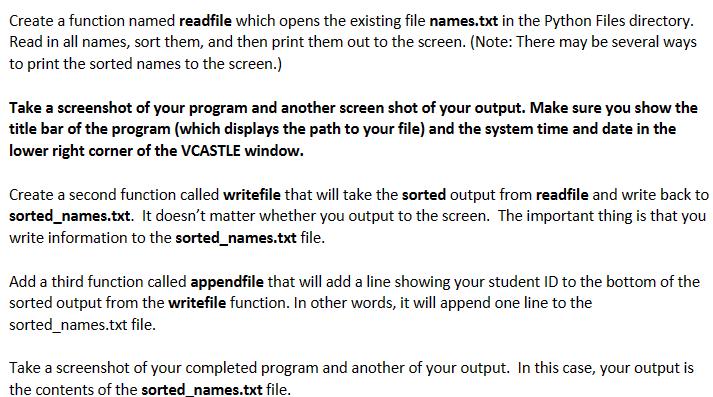
Create a function named readfile which opens the existing file names.txt in the Python Files directory. Read in all names, sort them, and then print them out to the screen. (Note: There may be several ways to print the sorted names to the screen.) Take a screenshot of your program and another screen shot of your output. Make sure you show the title bar of the program (which displays the path to your file) and the system time and date in the lower right corner of the VCASTLE window. Create a second function called writefile that will take the sorted output from readfile and write back to sorted_names.txt. It doesn't matter whether you output to the screen. The important thing is that you write information to the sorted_names.txt file. Add a third function called appendfile that will add a line showing your student ID to the bottom of the sorted output from the writefile function. In other words, it will append one line to the sorted_names.txt file. Take a screenshot of your completed program and another of your output. In this case, your output is the contents of the sorted_names.txt file.
Step by Step Solution
3.59 Rating (153 Votes )
There are 3 Steps involved in it
Program 1 def readfilemylist open text filefp opennamestxtr now read each linefor lines in fp now re... View full answer

Get step-by-step solutions from verified subject matter experts
 Study Help