



Question: Create a Jupyter notebook with a section for each of the two assignments below. Attach a PDF of your notebook for grading. Test Grades
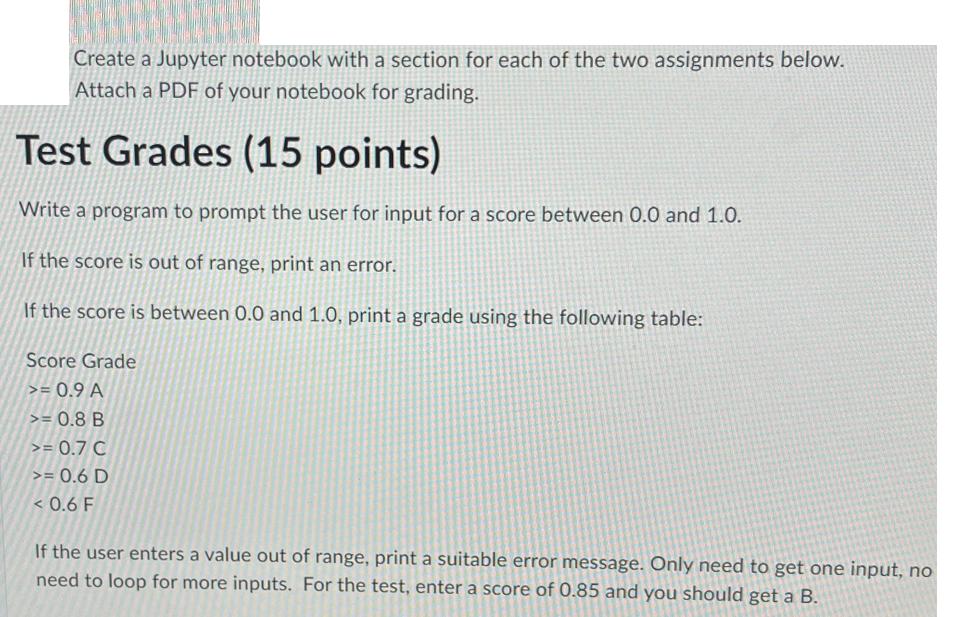
Create a Jupyter notebook with a section for each of the two assignments below. Attach a PDF of your notebook for grading. Test Grades (15 points) Write a program to prompt the user for input for a score between 0.0 and 1.0. If the score is out of range, print an error. If the score is between 0.0 and 1.0, print a grade using the following table: Score Grade >= 0.9 A >= 0.8 B >= 0.7 C >= 0.6 D < 0.6 F If the user enters a value out of range, print a suitable error message. Only need to get one input, no need to loop for more inputs. For the test, enter a score of 0.85 and you should get a B.
Step by Step Solution
3.39 Rating (152 Votes )
There are 3 Steps involved in it
Python code to prompt the user for input for a sco... View full answer

Get step-by-step solutions from verified subject matter experts