







Question: Create a macro for this workbook named Add _ Leg with the description Add a leg to the driving itinerary. Begin your macro on the
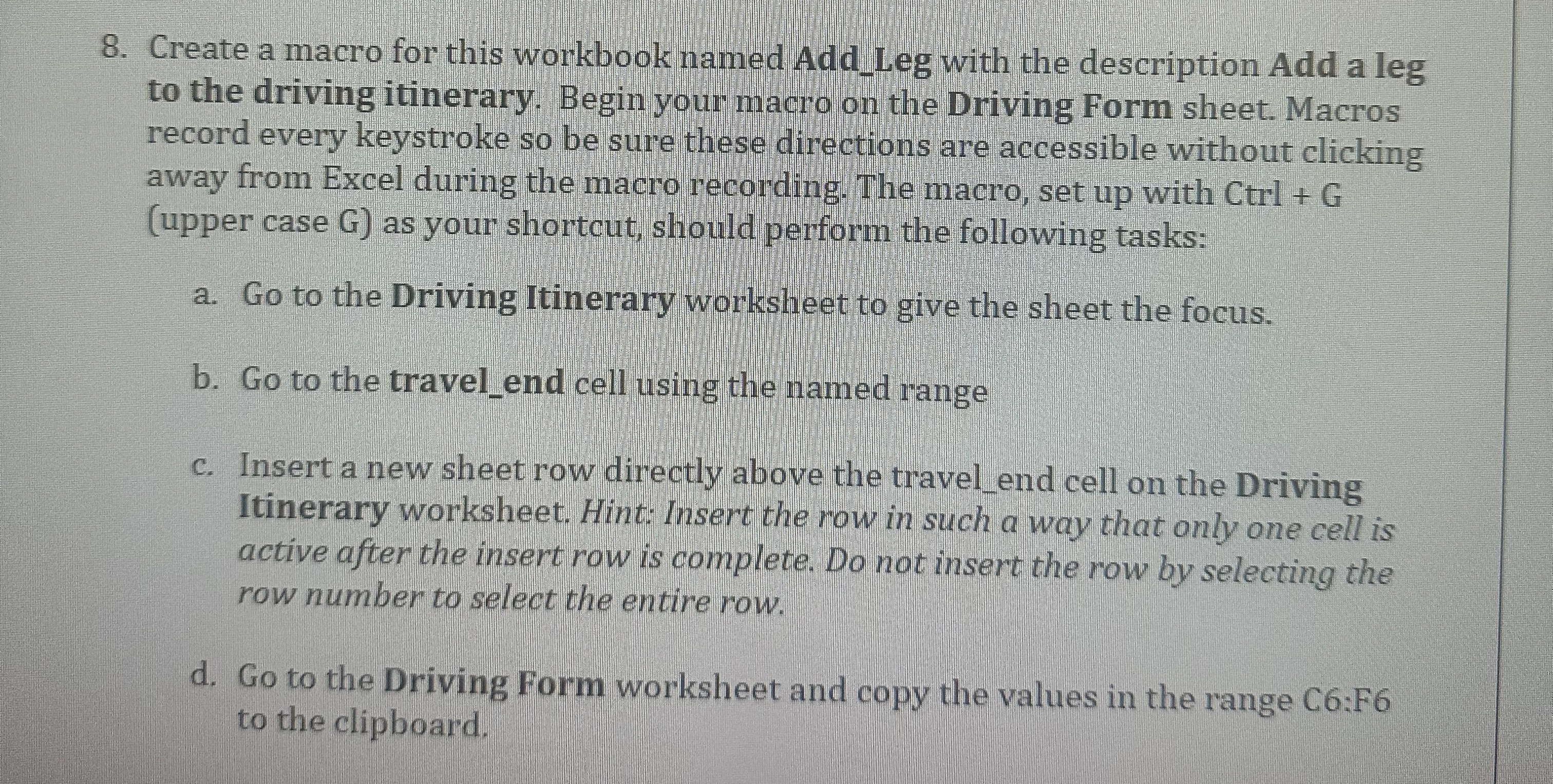
Create a macro for this workbook named AddLeg with the description Add a leg to the driving itinerary. Begin your macro on the Driving Form sheet. Macros record every keystroke so be sure these directions are accessible without clicking away from Excel during the macro recording. The macro, set up with Ctrl G upper case G as your shortcut, should perform the following tasks:
a Go to the Driving Itinerary worksheet to give the sheet the focus.
b Go to the travelend cell using the named range
c Insert a new sheet row directly above the travelend cell on the Driving Itinerary worksheet. Hint: Insert the row in such a way that only one cell is active after the insert row is complete. Do not insert the row by selecting the row number to select the entire row.
d Go to the Driving Form worksheet and copy the values in the range C:F to the clipboard.
Step by Step Solution
There are 3 Steps involved in it
1 Expert Approved Answer
Step: 1 Unlock

Question Has Been Solved by an Expert!
Get step-by-step solutions from verified subject matter experts
Step: 2 Unlock
Step: 3 Unlock
 Study Help