







Question: Create a New HIML Document: Open a text editor ( e . g . , Notepad, Sublime Text, Visual Studio Code ) . Create a
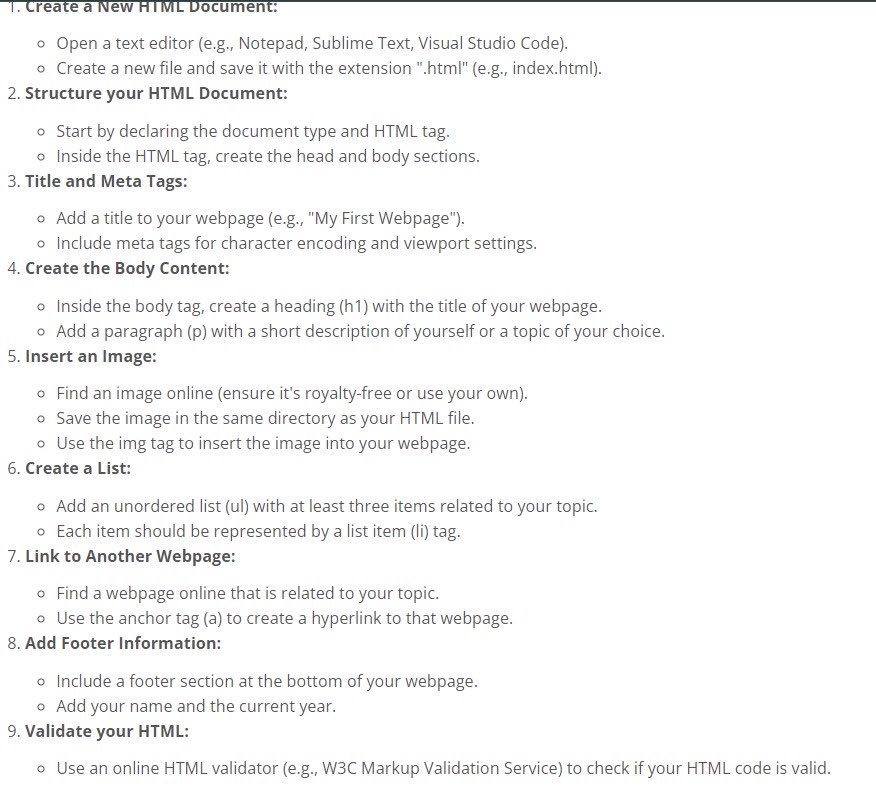
Create a New HIML Document:
Open a text editor eg Notepad, Sublime Text, Visual Studio Code
Create a new file and save it with the extension htmleg index.html
Structure your HTML Document:
Start by declaring the document type and HTML tag.
Inside the HTML tag, create the head and body sections.
Title and Meta Tags:
Add a title to your webpage egMy First Webpage"
Include meta tags for character encoding and viewport settings.
Create the Body Content:
Inside the body tag, create a heading h with the title of your webpage.
Add a paragraph p with a short description of yourself or a topic of your choice.
Insert an Image:
Find an image online ensure it's royaltyfree or use your own
Save the image in the same directory as your HTML file.
Use the img tag to insert the image into your webpage.
Create a List:
Add an unordered list ul with at least three items related to your topic.
Each item should be represented by a list item li tag.
Link to Another Webpage:
Find a webpage online that is related to your topic.
Use the anchor tag a to create a hyperlink to that webpage.
Add Footer Information:
Include a footer section at the bottom of your webpage.
Add your name and the current year.
Validate your HTML:
Use an online HTML validator eg WC Markup Validation Service to check if your HTML code is valid.
Step by Step Solution
There are 3 Steps involved in it
1 Expert Approved Answer
Step: 1 Unlock

Question Has Been Solved by an Expert!
Get step-by-step solutions from verified subject matter experts
Step: 2 Unlock
Step: 3 Unlock
 Study Help