





Question: Create a new ProjectLibre file, name it Task 1; Set the start date of the project; (1 mark) Enter an appropriate title for this project;
Create a new ProjectLibre file, name it "Task 1";
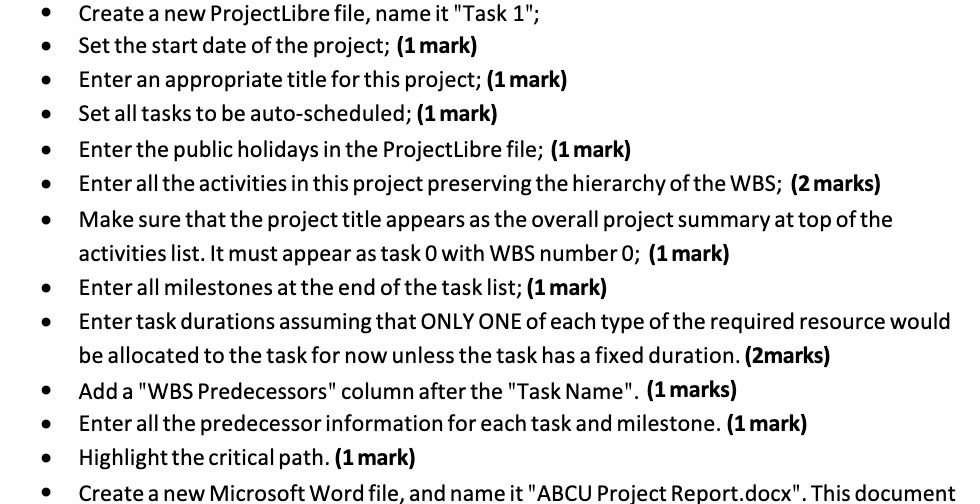
Create a new ProjectLibre file, name it "Task 1"; Set the start date of the project; (1 mark) Enter an appropriate title for this project; (1 mark) Set all tasks to be auto-scheduled; (1 mark) Enter the public holidays in the ProjectLibre file; (1 mark) Enter all the activities in this project preserving the hierarchy of the WBS; (2 marks) . Make sure that the project title appears as the overall project summary at top of the activities list. It must appear as task 0 with WBS number 0; (1 mark) Enter all milestones at the end of the task list; (1 mark) . Enter task durations assuming that ONLY ONE of each type of the required resource would be allocated to the task for now unless the task has a fixed duration. (2marks) Add a "WBS Predecessors" column after the "Task Name". (1 marks) Enter all the predecessor information for each task and milestone. (1 mark) Highlight the critical path. (1 mark) . Create a new Microsoft Word file, and name it "ABCU Project Report.docx". This document

Step by Step Solution

There are 3 Steps involved in it

1 Expert Approved Answer
Step: 1 Unlock blur-text-image

Question Has Been Solved by an Expert!

Get step-by-step solutions from verified subject matter experts

Step: 2 Unlock
Step: 3 Unlock

Students Have Also Explored These Related General Management Questions!