







Question: Create a new table and add fields into the table, a . Use the Table button to create a new table. Do not make any
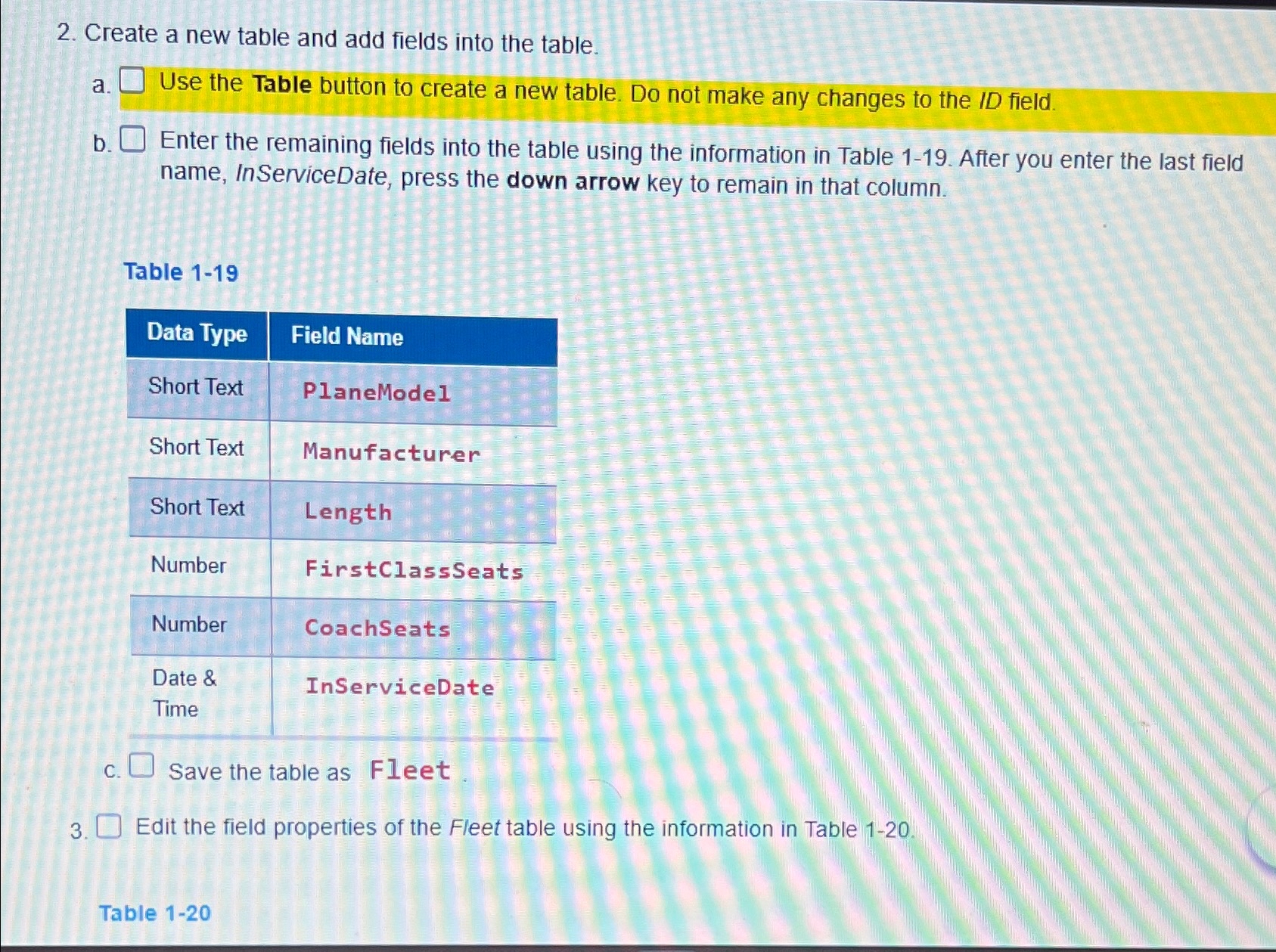
Create a new table and add fields into the table,
a Use the Table button to create a new table. Do not make any changes to the ID field.
b Enter the remaining fields into the table using the information in Table After you enter the last field name, InServiceDate, press the down arrow key to remain in that column.
Table
tableData Type,Field NameShort Text,PlaneModelShort Text,ManufacturerShort Text,LengthNumberFirstClassSeatstableNumberCoachSeatstableTimeInServiceDate
c Save the table as Fleet
Edit the field properties of the Fleet table using the information in Table
Table
Step by Step Solution
There are 3 Steps involved in it
1 Expert Approved Answer
Step: 1 Unlock

Question Has Been Solved by an Expert!
Get step-by-step solutions from verified subject matter experts
Step: 2 Unlock
Step: 3 Unlock
 Study Help