







Question: Create a php page called hello.php that comprises of an input text, a slider, a color picker, and a checkbox control. These controls should set
Create a php page called hello.php that comprises of an input text, a slider, a color picker, and a checkbox control. These controls should set the values in session variables and should be used in a PHP file titled helloOut.php. hello.php will work as a styling control for hello.php. The text input should control which controls to format, color picker will decide upon the color, slider will decide upon the font size and checkbox will decide upon visibility. A sample layout of helloOut.php is depicted in the picture below. You could choose a different layout as long as all the functionalities from hello.php can be justified. Even for textbox Should be onfocusout, rest of the events are up to you.
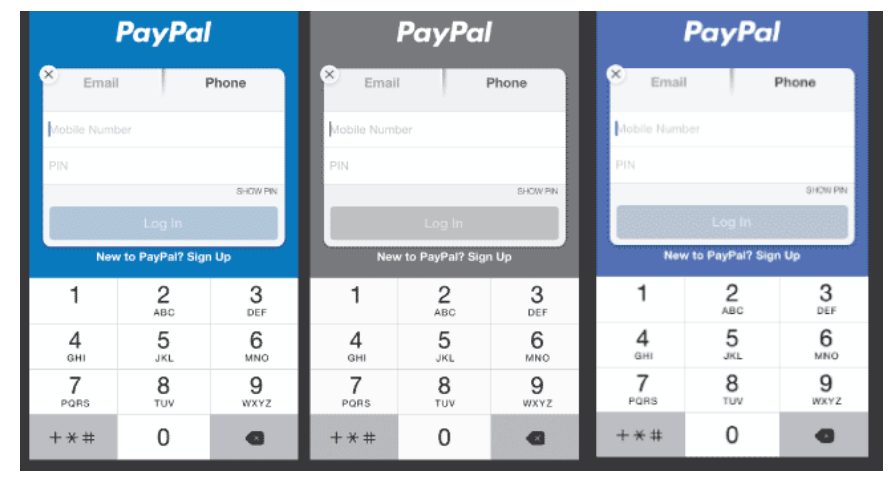
I already have this code, but I can't seem to change the background-color, what is wrong with the code?
//hello.php
//If the form is submitted with values, save them in SESSION and redirect to helloOut.php
if(isset($_POST['inputToFormat'])){
session_start();
$_SESSION['inputToFormat'] = $_POST['inputToFormat'];
$_SESSION['fontSize'] = $_POST['fontSize'];
$_SESSION['controlColor'] = $_POST['controlColor'];
$_SESSION['isVisible'] = $_POST['isVisible'] == "true";
header('Location: helloOut.php');
exit();
}else{
echo "Not set";
}
?>
//helloOut.php
session_start();
$inputToFormat = $_SESSION['inputToFormat'];
$fontSize = $_SESSION['fontSize'];
$controlColor = $_SESSION['controlColor'];
$isVisible = $_SESSION['isVisible'] == 1 ? "visible":"hidden";
// Print the stylesheet with the values from the SESSION
echo "
echo "input[type='".$inputToFormat."']{";
echo "font-size: ".$fontSize.";";
echo "background-color: ".$controlColor.";";
echo "visibility: ".$isVisible;
echo "} ";
?>
PayPal PayPal PayPal Email Phone Email Email obile Numbe Mobile Number obile Number SHOW PN Log in New to PayPal? Sign Up New to PayPal? Sign Up New to PayPal? Sign Up 3 2 3 3 DEF DEF 6 MNO 4 GHI JKL JKL MNO MNO 9 8 PORS PORS TUV 0 0
Step by Step Solution
There are 3 Steps involved in it

Get step-by-step solutions from verified subject matter experts
 Study Help